Participant
January 10, 2019
Answered

Photoshop CC 2019 pen tool is buggy

  • January 10, 2019
  • 1 reply
  • 668 views

Hey All!

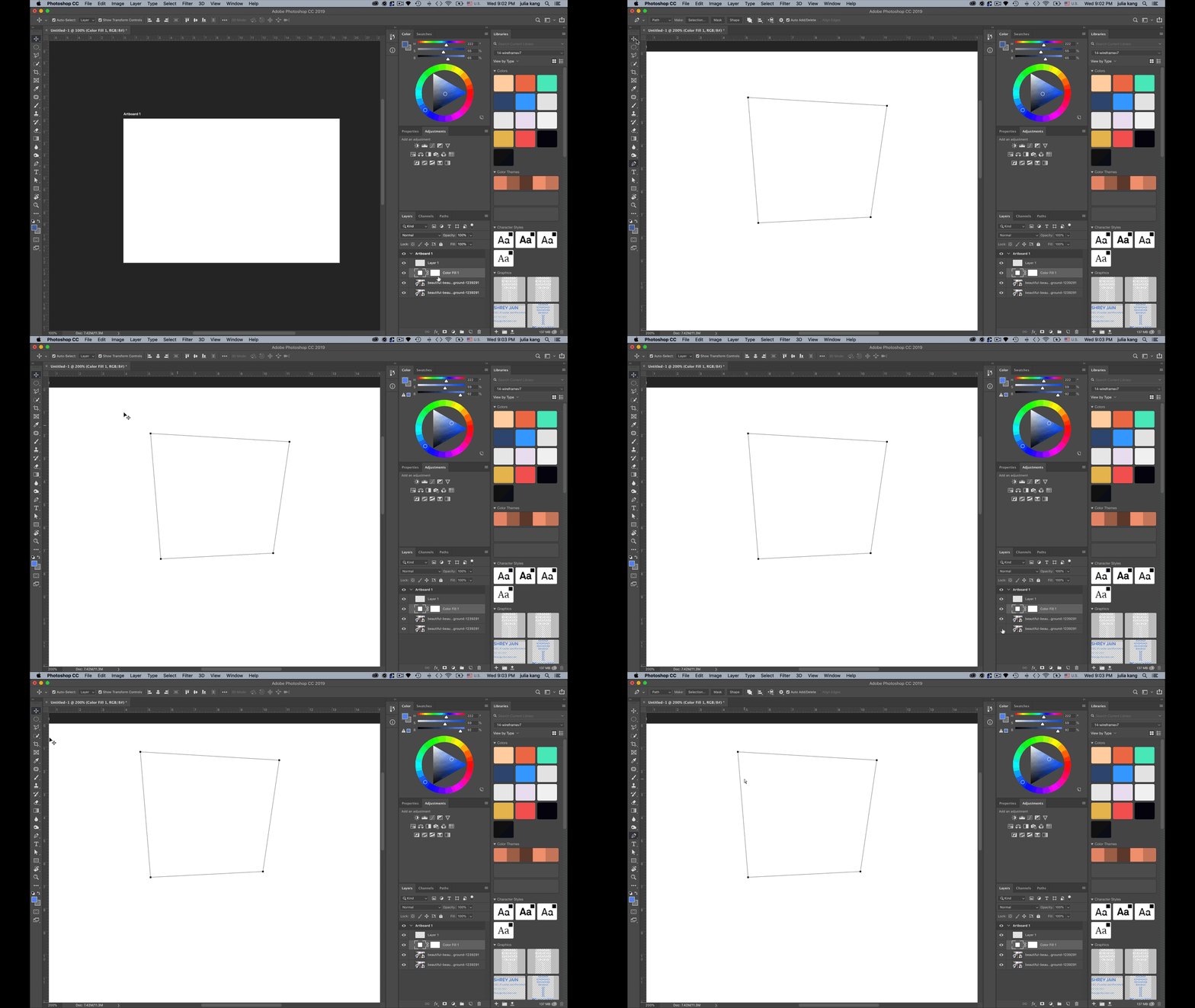
I'm having trouble with the pen tool.

I can't change the color of the fill nor border.

I can't find what layer the pen tool shape is on even when closing all the layers or deleting the selected layer I made it on

It doesn't allow me to adjust the shape as well.

Can anyone help?
This topic has been closed for replies.
Correct answer Trevor.Dennis

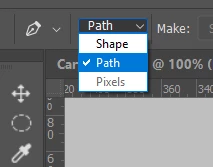
Do you know that you have the Pen tool set to Path, and not Shape, in the Options bar?

The way to change a workpath into a shape layer is to select the path, and go

Layer > New Fill layer > Solid color

then you could set fill and Stroke.

Or set the Pen to Shape in the Options bar.

1 reply

Trevor.Dennis
Community Expert
Trevor.DennisCommunity ExpertCorrect answer
Community Expert
January 10, 2019

Do you know that you have the Pen tool set to Path, and not Shape, in the Options bar?

The way to change a workpath into a shape layer is to select the path, and go

Layer > New Fill layer > Solid color

then you could set fill and Stroke.

Or set the Pen to Shape in the Options bar.

Participant
January 10, 2019

Thanks!