
Participant
August 6, 2019
Question

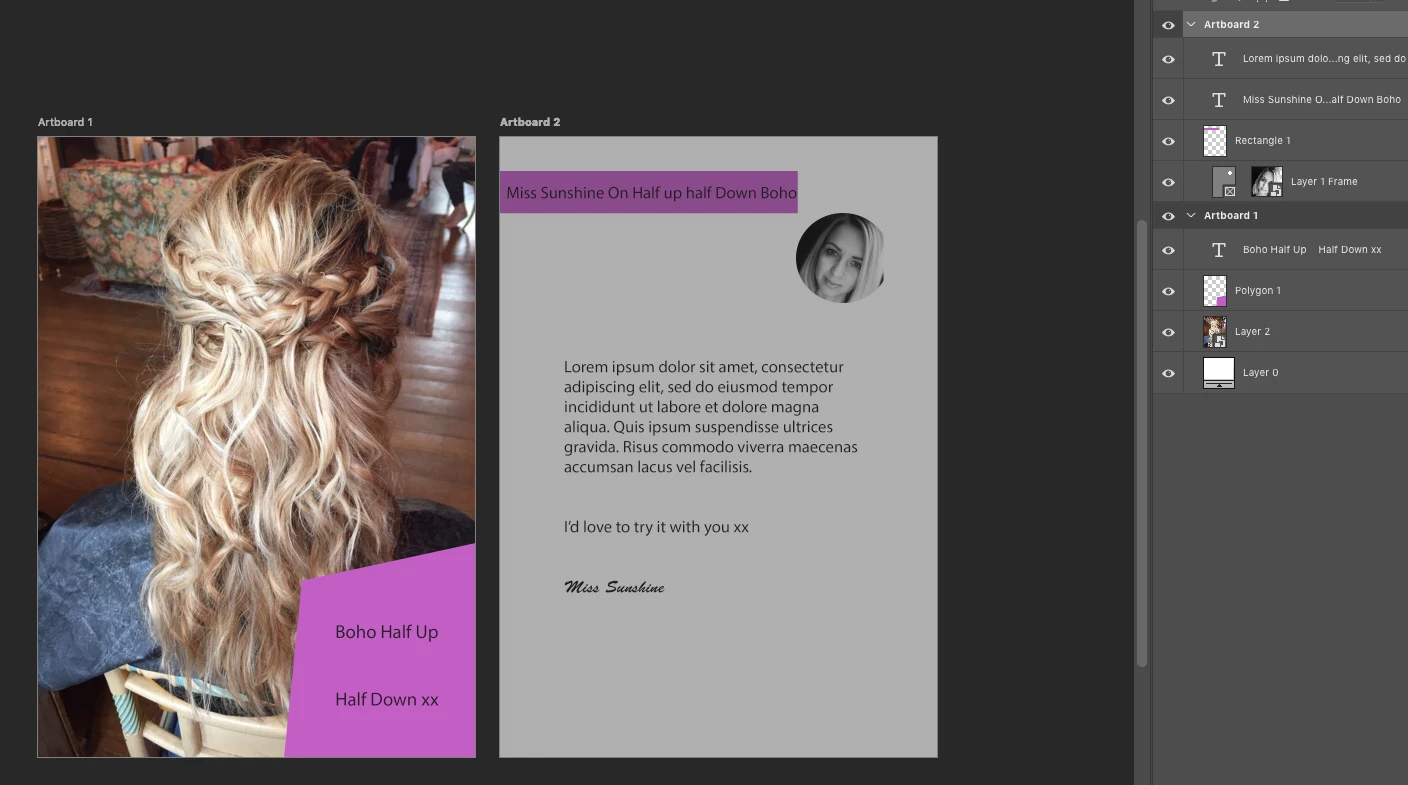
Photoshop CC 2nd Artboard is greyed out

  • August 6, 2019
  • 4 replies
  • 5563 views

Hi there, I am working on a project in Photoshop CC and I am using artboards.

I have two A5 artboards set up and "Artboard 2" seems to be greyed out, I have attached a screenshot of how it looks.

How do I remove this "greyed out" from my screen?

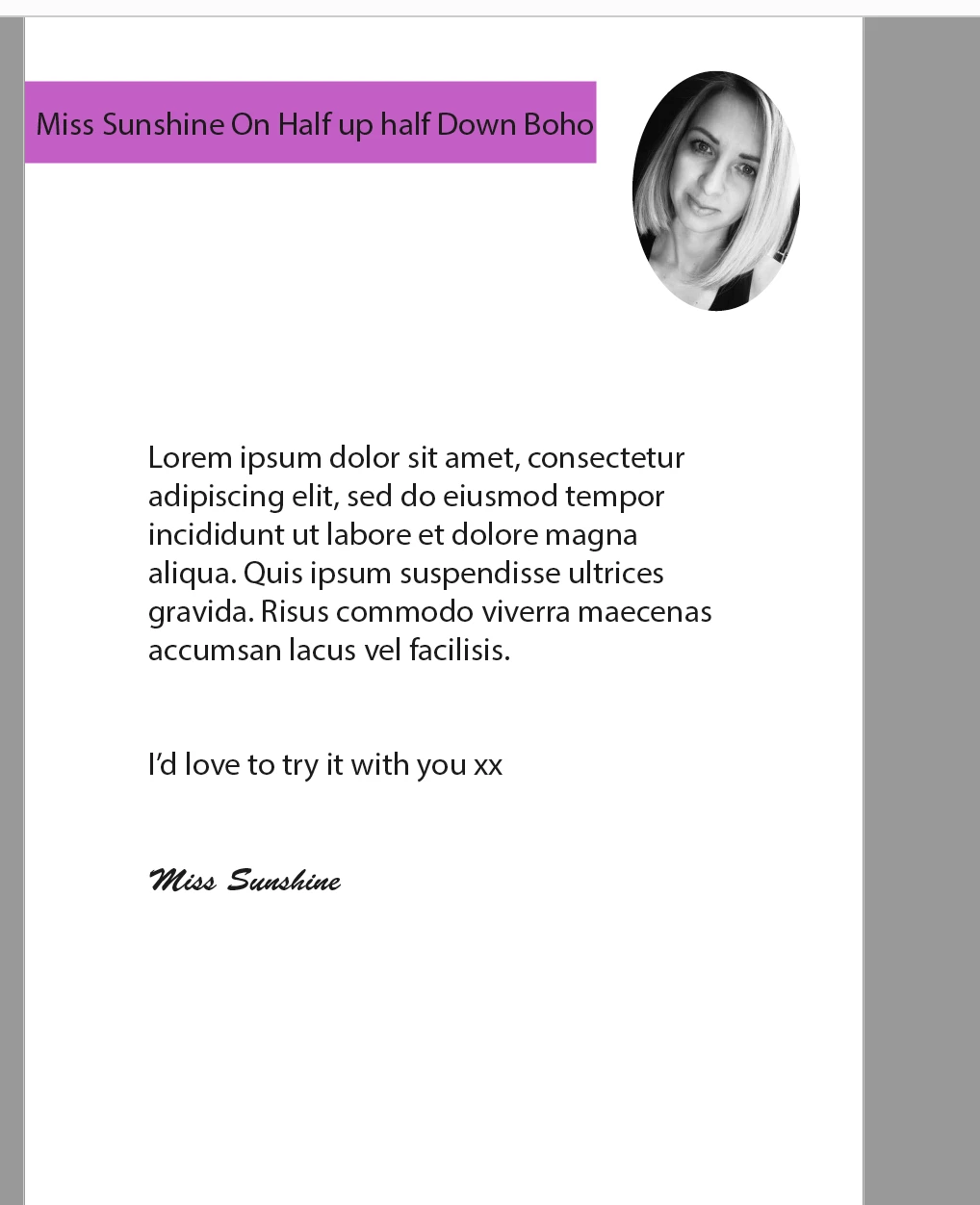
I have also attached a screenshot of how the PDF export look and how "Artboard 2" should look in the Photoshop window
4 replies

Known Participant
June 30, 2020

I was just having this issue too. Closed the file and re-opened and it seems to have fixed itself.

Participant
December 3, 2019

Hi, i just got the same issue. Also i have found out some strange "ghost" artboard which is moving and changing location by itself, mostly straightly up and down when i am moving with other grayed artboard – realy strange. Checkout the screenshot. Solution seems to be strange but atleast to try to fit your second grayed artboard into this GHOST artboard.

Participant
December 3, 2019

After this, i´ve jsut closed PS, opened my file without artboards and then created new artboard and copied it. Now seems to be okay, no grayed artboard and no GHOST.

Participating Frequently
November 8, 2019

I have the same problem. Solution?

August 6, 2019

Hi

Right click on the frame thumbnail and select remove frame from layer

Participant
August 6, 2019

Thank you but that did not change anything

August 6, 2019

Can you upload the PSD to a file sharing site like Dropbox and post a link to the download