
Photoshop - Clipping Mask Not Working
- January 25, 2023
- 3 replies
- 2434 views
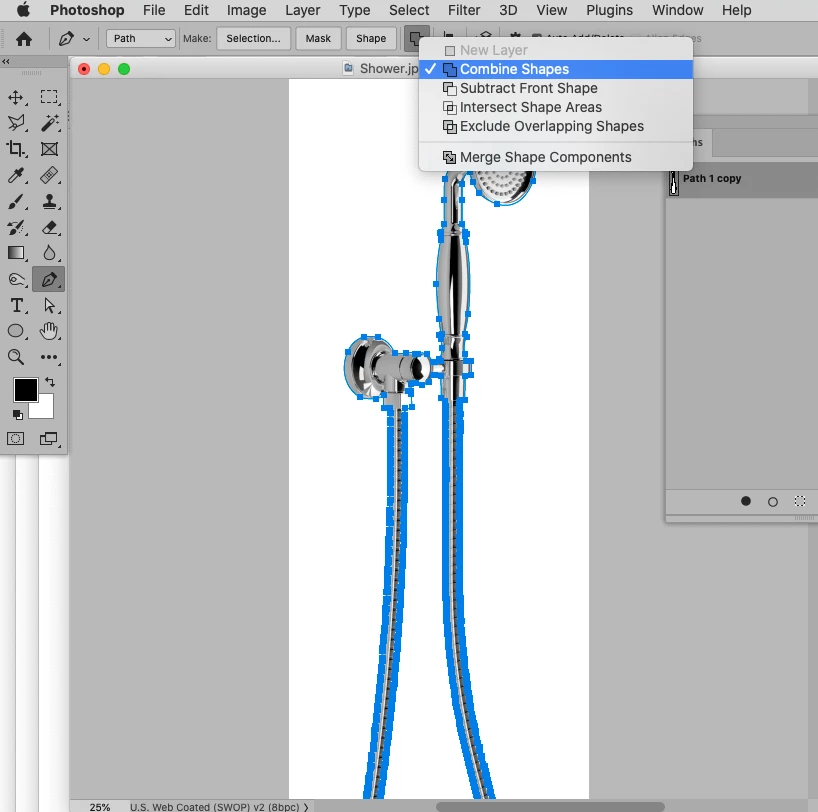
Hey guys! I was wondering if anyone knew what was going wrong. I'm in Photoshop 24.0 and have been making some clipping masks for a ton of products. All previous products have been working seamlessly until, as luck would have it, this extremely complex shower came along.
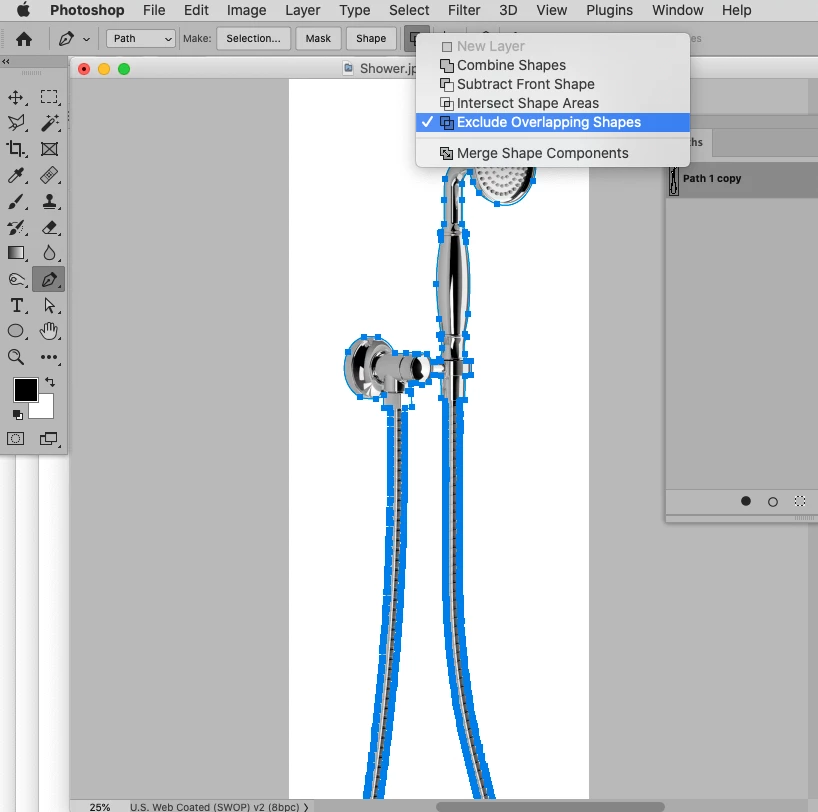
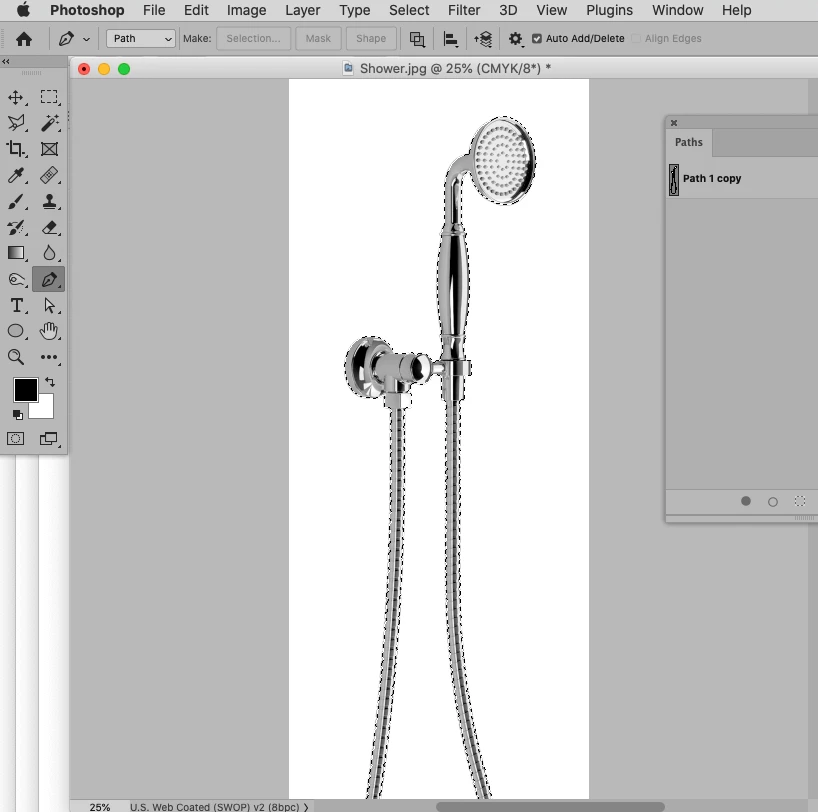
My process is that I create a path using the pen tool in the Paths Tab and then once complete, I go to the burger menu, click on 'clipping path', set the flatness to 0.2 pixels and then click 'ok'. After saving, all my other jpegs would have a working clipping path when exported into other adobe programs. Unfortunately it's not the case for this image. Whenever I click, 'load path as selection' with my one and only layer selected in the layers tab, the history tab says 'selection change' but nothing comes up as selected. I've also tried opening and closing Photoshop in case it was a bug, but nothing changes.
I'm horrified that I might have to recreate this path from scratch. Does anyone know any tricks or tips to get the clipping mask working properly?
I've attached the jpeg with the dudd clipping mask if anyone could help.
 AdChoices