
bríd-healy
Participant
September 26, 2018
Question

Photoshop Combine Paths

  • September 26, 2018
  • 4 replies
  • 12666 views

new to PS trying to learn from tutorials and im stuck

as in the pics above im trying to combine the 2 paths - tutorial shows a COMBINE button (2010 ver)
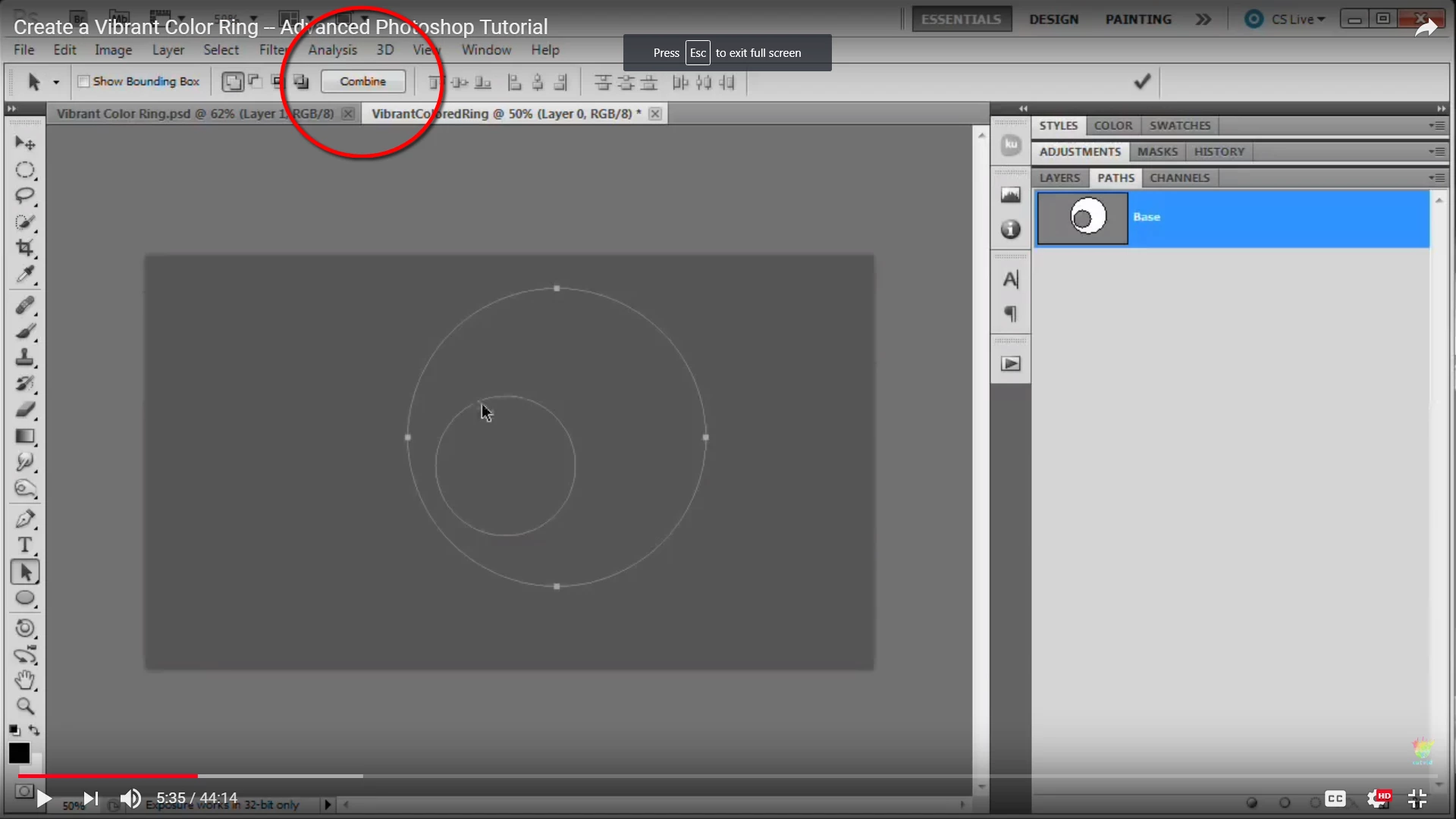
whereas version  im using shows drop down menu but its not doing what it should do -
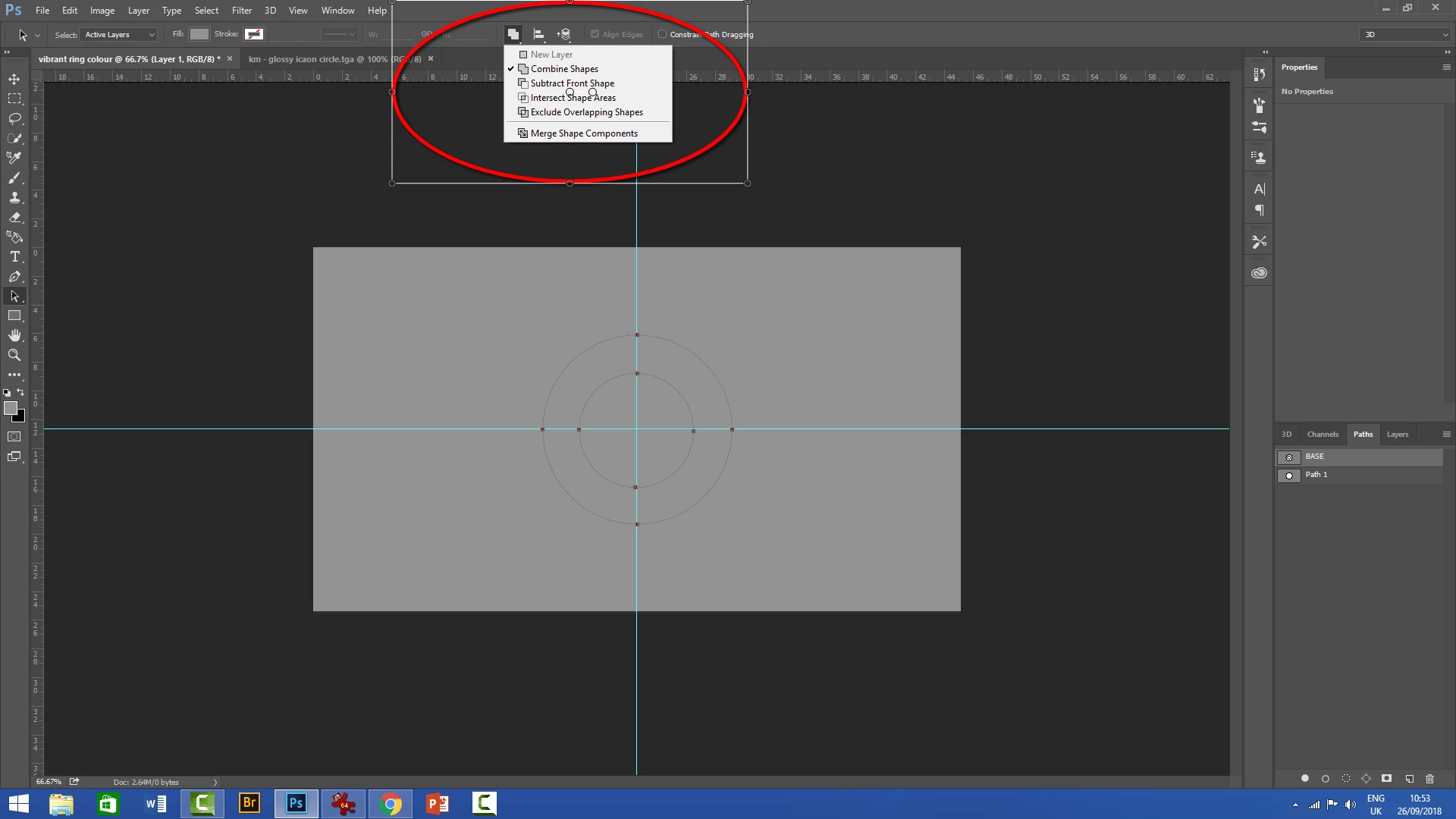
when i try to copy path - then go back and add solid colour between circle paths, the whole circle is changing
Frustrated here trying to learn ps arghhhh please helppppppp
Thank you in advance : )

    4 replies

    Jeff Arola
    Community Expert
    Community Expert
    September 26, 2018

    Merge Shape Components is the same as the Combine in previous photoshop versions.

    In your example, you want to select both paths, click Exclude Overlapping Shapes, click Merge Shape Components, then Fill Path or a Solid Color Fill Adjustment Layer should fill between your two paths.

    Theresa J
    Community Expert
    Community Expert
    September 26, 2018

    Are you trying to make each shape a different color? I‘m not clear what your goal is. Are you using these paths to create shape layers, or are you making selections from them?

    JJMack
    Community Expert
    Community Expert
    September 26, 2018

    The outer select closed Path mode is combine the inner closed path the arrow is pointing at but not selected looks like subtract by the looks of the Path palette thumbnail.   Click on the inner path with the current tool and you mag see combine change to Subtract icon may be active.  The UI has changed I do note remember the old way.

    JJMack
    Community Expert
    September 26, 2018