
Question
Photoshop could not open files
This problem doesn't happen regularly, but it happens regular enough to slow down my work.
This problem only happens to Photoshop, not other apps like Indesign or Illustrator.
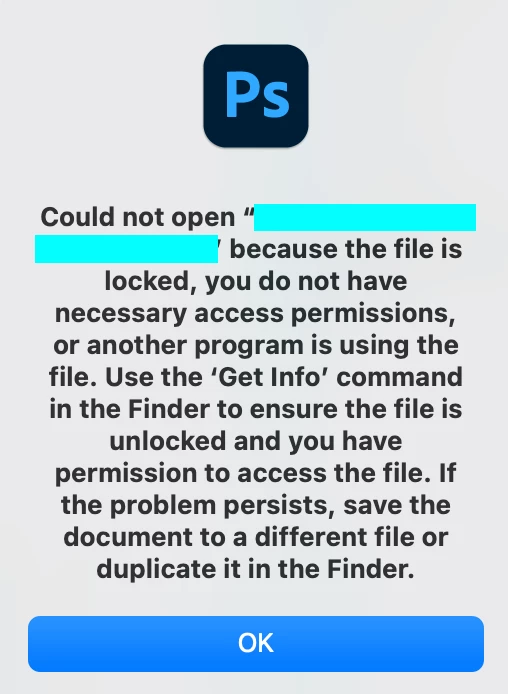
Sometimes when I open Photoshop, this notification appears (see image).
I tried to follow what it said, open the Get Info and unlock it, but the problem still appeared and didn't go away.
The only way the file will work is to copy and paste it into a different folder. When it happens too many times, it slows down my working speed.
If anyone can help me solve this, it would be a lifesaver!
 AdChoices