
samuelk63164955
Participant
March 10, 2017
Answered

Photoshop could not save "filename.psd" because write access was not granted

  • March 10, 2017
  • 3 replies
  • 2712 views

When hitting "Save" on an open file, I'll frequently get this error:

Photoshop could not save "filename.psd" because write access was not granted
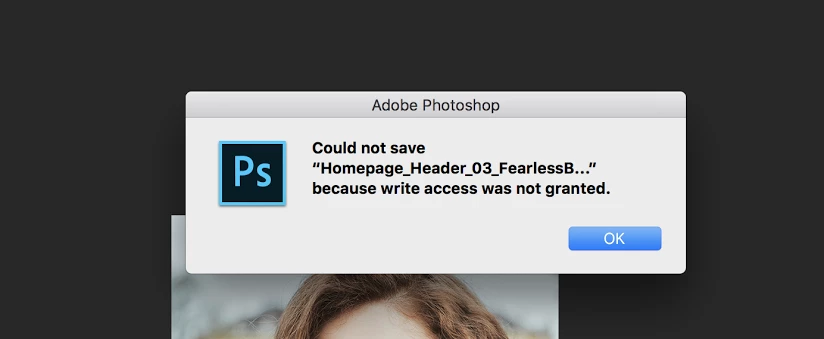
or

So I'll just do "Save as" with a new name.

Then, if I go to delete the old file, it won't let me. I get this error:
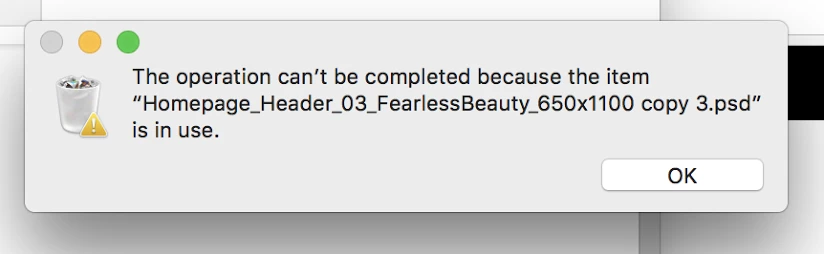
Using latest Adobe Creative Cloud for Teams and having issues saving from Photoshop, Illustrator, and Indesign. Mac OS Sierra has been updated too.

File is being saved onto a Mac OS X Server running latest sierra too.

User has both Read & Write permissions in the shared folder and is able to copy files from the desktop. issue happens about 50% of the time.

Any suggestions? Pulling my hair out on this one...

Thanks in advance for your help

    This topic has been closed for replies.
    Correct answer Trevor.Dennis

    There's a section on Mac permissions in Jeff's Troubleshooting guide:


    http://blogs.adobe.com/crawlspace/2012/07/photoshop-basic-troubleshooting-steps-to-fix-most-issues.html#Permissions

    3 replies

    Participant
    November 4, 2019

    Everytime when i try to save the photoshop file, i have to save it as Version#2 - filename followed by special character and number 

    Participant
    December 23, 2017

    I can't find anything in that link. I am having the same issue. The link just goes to a home page? I launch the image from LR into PS and this has never happened. Like out of the blue.

    Silkrooster
    Legend
    March 10, 2017

    I don't know much about macs, however it sounds to me like a locking issue. Some systems will lock a file while accessing it to prevent others from changing the file while it is open. Once closed then the file can be over written. See if your system has that option. Disabling it, should fix it, especially if you are the only one using that computer.

    Just a thought...

    Trevor.Dennis
    Community Expert
    Trevor.DennisCommunity ExpertCorrect answer
    Community Expert
    March 10, 2017