
heathb33924429
Participant
December 26, 2018
Question

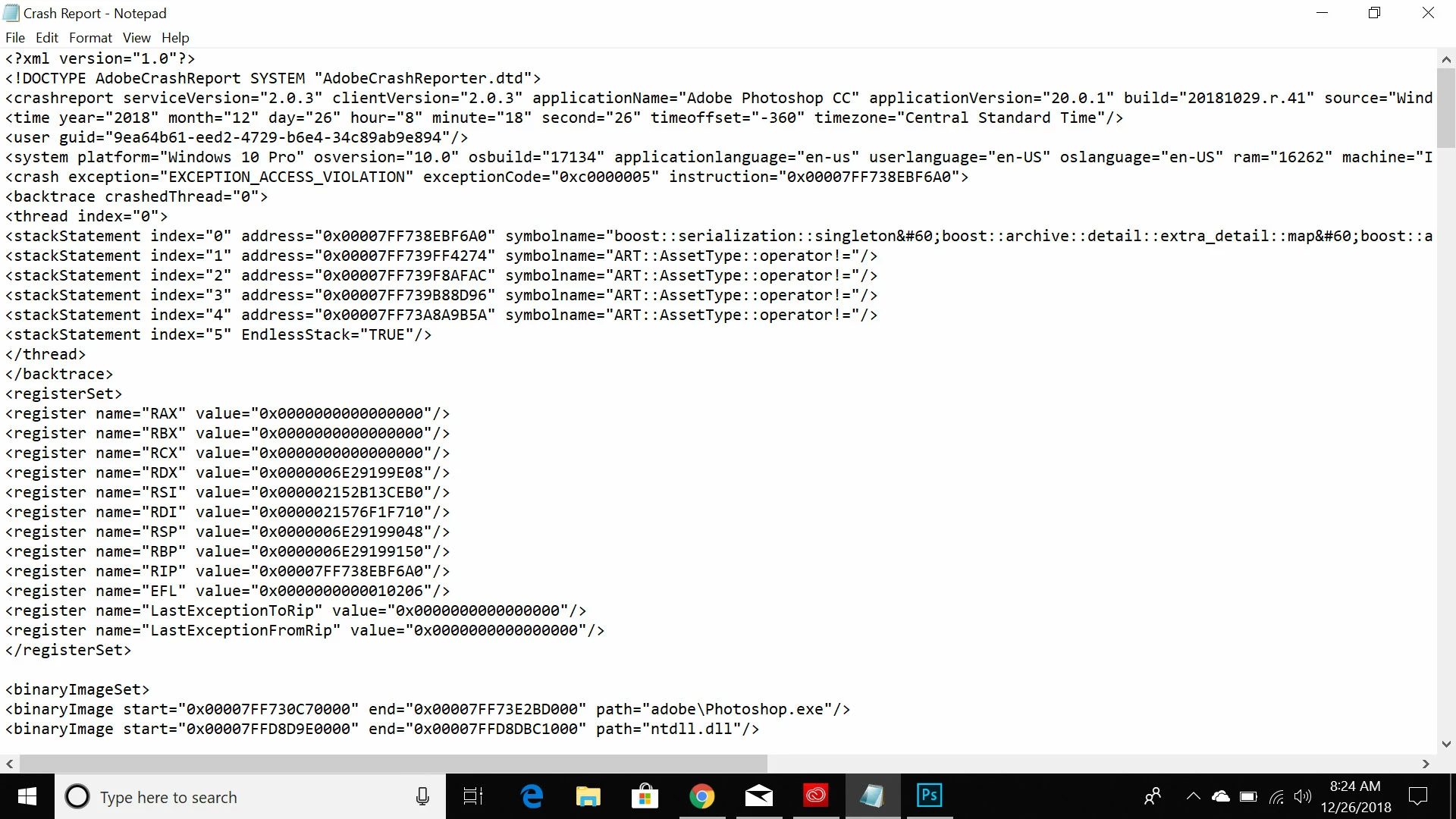
Photoshop crashes every time I use perspective warp. v20.0.1 help

  • December 26, 2018
  • 3 replies
  • 5104 views

I just bought a brand new computer with 16 gb ram so I would have no issue running Photoshop. Come to find out every time I go to use the function perspective warp Photoshop just crashes. I cant seem to be able to get any tech help from adobe just this forum. PLEASE HELP I NEED THIS FOR WORK!  
    3 replies

    Participant
    August 29, 2023

    Same problem, nothing I have tried (including everything above) has worked! Would be super nice to be able to finish my project 😞

    Participant
    September 20, 2022

    Hi there, I have the same issue - has there been a new fix for this? 


    DuvLady
    Inspiring
    September 20, 2022

    I'm not sure but deselecting "Use Graphics Processor" - helped my issue.

    Sahil.Chawla
    Adobe Employee
    Adobe Employee
    December 26, 2018

    Hi Heathb,

    Sorry to hear that Photoshop crashes when you try to use perspective warp, could you please try deselecting "Use Graphics Processor" located in Photoshop's Preferences > Performance, then relaunch Photoshop and let us know if it helps?

    GPU troubleshooting Photoshop - https://helpx.adobe.com/photoshop/kb/troubleshoot-gpu-graphics-card.html

    Regards,
    Sahil

    heathb33924429
    Participant
    December 26, 2018

    Thanks for the reply. That did not solve the issue. Now when I just cant use perspective warp. The option is grayed out when the "use graphics processor" is unselected.

    Sahil.Chawla
    Adobe Employee
    Adobe Employee
    December 26, 2018

    Could you try updating the Graphics driver from the manufacturer's website and let us know if it helps?