Participant
August 15, 2018
Answered

Photoshop Crashes when trying to enter windowed mode

  • August 15, 2018
  • 1 reply
  • 1138 views

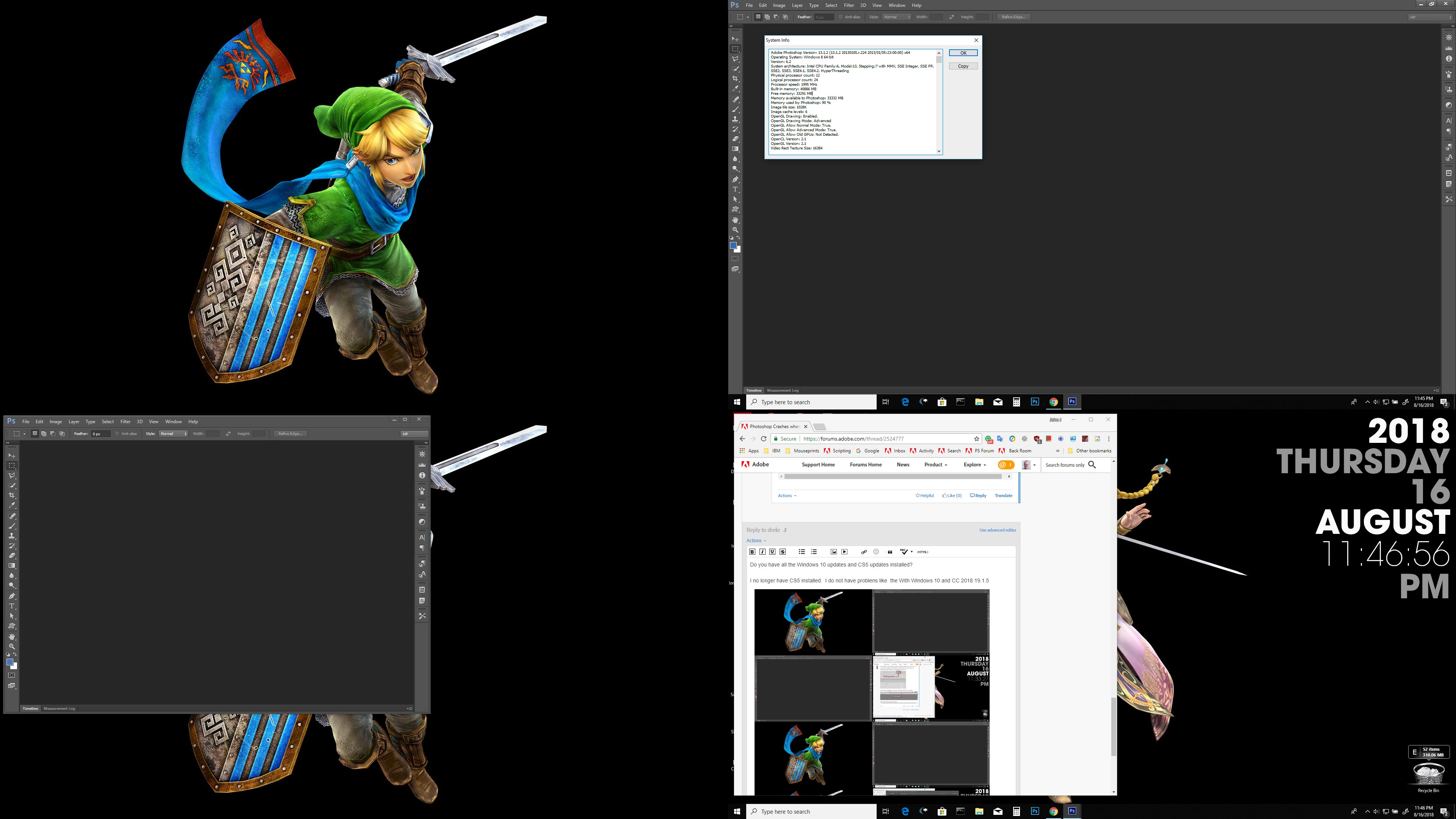
Photoshop CS 5 extended is crashing whenever I try to put the program in windowed mode (so I can switch between monitors).  This started just after the latest windows 10 update.  I thought maybe I needed to update my video card drivers so I did that but it did not help.

Windows 10 64 bit operating system.

AMD Radeon RX 560 - driver version 18.30.01.01

Faulting application name: Photoshop.exe, version: 12.0.4.0, time stamp: 0x4d9d8f8e

Faulting module name: Photoshop.exe, version: 12.0.4.0, time stamp: 0x4d9d8f8e

Exception code: 0xc000041d

Fault offset: 0x000000000099db16

Faulting process id: 0x1be8

Faulting application start time: 0x01d434d1f460f2cf

Faulting application path: C:\Program Files\Adobe\Adobe Photoshop CS5 (64 Bit)\Photoshop.exe

Faulting module path: C:\Program Files\Adobe\Adobe Photoshop CS5 (64 Bit)\Photoshop.exe

Report Id: ed891889-7d5b-4e30-94f0-0c2f4314e78e

Faulting package full name:

Faulting package-relative application ID:
    This topic has been closed for replies.
    Correct answer JJMack

    Do you have all the Windows 10 updates and CS5 updates installed?

    I no longer have CS5 installed.  I do not have problems like that With Windows 10 and CC 2018 19.1.5 or CS6. However, Some changes have been made in this area in Photoshop.  I have two 1920x1080 display. When I drag CC 2018 Photoshop's maximized window from one display to the other it stays a maximized window. On my second Windows 10 display.  I do not show Windows task bar.  Photoshop  re-maximized the Photoshop maximized window and occupies the full screen where on the display it was on it is smaller for I have windows task bar on the bottom of the display.    With CS6 when I  start to drag Photoshop maximized window  Photoshop switches Photoshop to a normal Window's window it is no longer a maximized window.

    1 reply

    JJMack
    Community Expert
    Community Expert
    August 16, 2018

    drekr  wrote

    Photoshop CS 5 extended is crashing whenever I try to put the program in windowed mode

    By that do you mean you can not switch between  Full screen mode to Standard Screen Mode

    or do you mean you cannot switch a document from being edited in Tabs to be edit in a floating window

    What do you mean by put the program in windowed mode?

    JJMack
    drekrAuthor
    Participant
    August 16, 2018

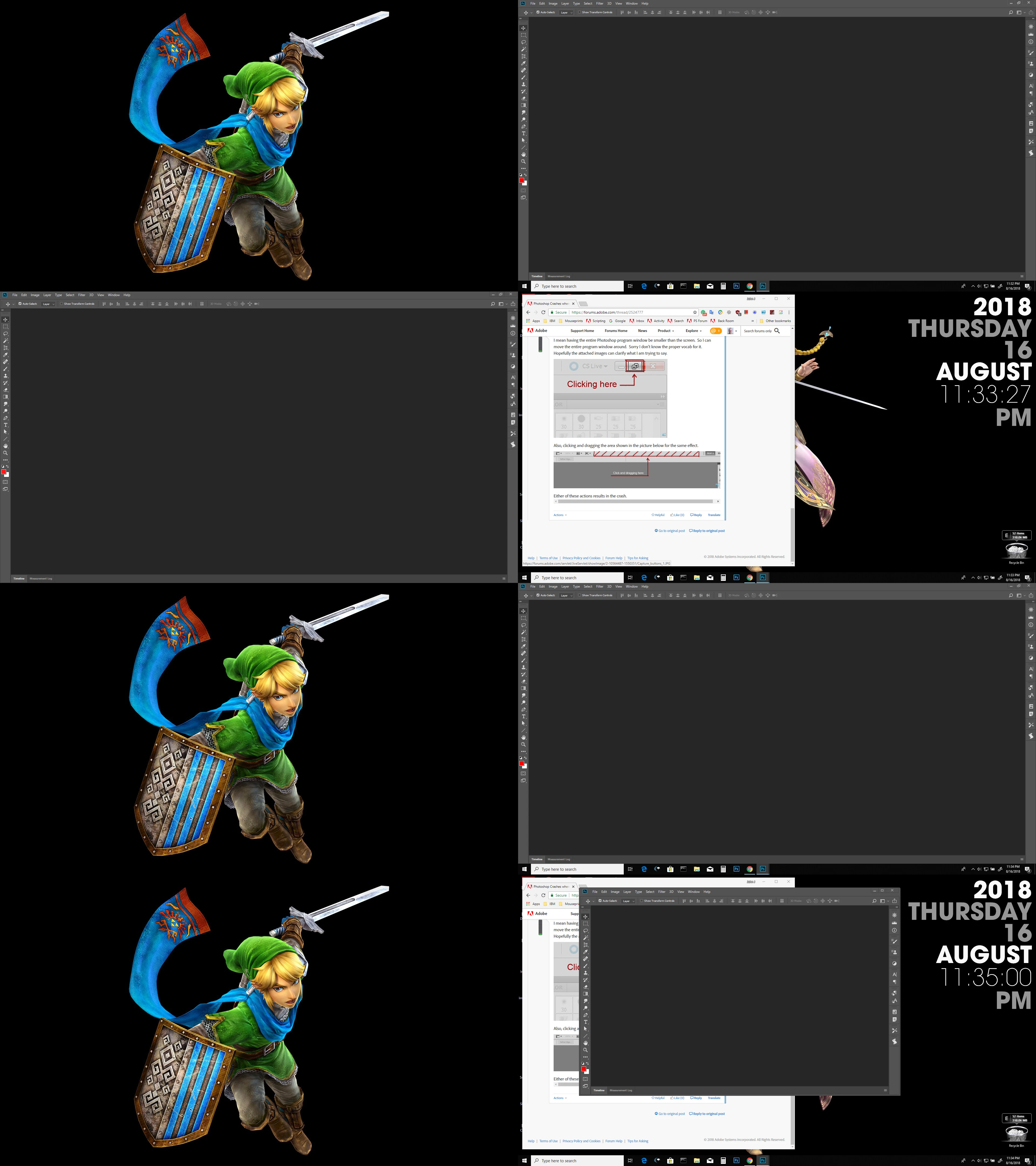
    I mean having the entire Photoshop program window be smaller than the screen.  So I can move the entire program window around.  Sorry I don't know the proper vocab for it.  Hopefully the attached images can clarify what I am trying to say.

    Also, clicking and dragging the area shown in the picture below for the same effect.

    Either of these actions results in the crash.

    JJMack
    Community Expert
    JJMackCommunity ExpertCorrect answer
    Community Expert
    August 17, 2018

    Do you have all the Windows 10 updates and CS5 updates installed?

    I no longer have CS5 installed.  I do not have problems like that With Windows 10 and CC 2018 19.1.5 or CS6. However, Some changes have been made in this area in Photoshop.  I have two 1920x1080 display. When I drag CC 2018 Photoshop's maximized window from one display to the other it stays a maximized window. On my second Windows 10 display.  I do not show Windows task bar.  Photoshop  re-maximized the Photoshop maximized window and occupies the full screen where on the display it was on it is smaller for I have windows task bar on the bottom of the display.    With CS6 when I  start to drag Photoshop maximized window  Photoshop switches Photoshop to a normal Window's window it is no longer a maximized window.

    JJMack