
photoshop crashing every time when saving work
Since January 12th, I haven't been able to work in Photoshop, because it doesn't allow me to save anything new I do, not even a single brushstroke.
As soon as I do "Ctrl+S" or "Ctrl+Alt+S", PhotoShop starts saving, but shortly after 50% it simply closes, without an error warning or anything.
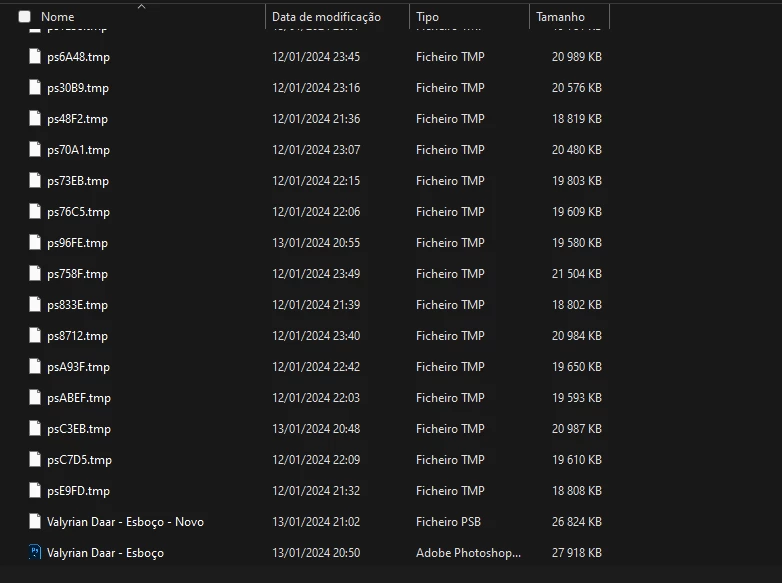
The root folder of the file I'm working on is full of temporary files, from all the attempts I've made to get back to work. (photo attached)
What I've already tried: I updated the software, I updated Windows, I restarted the computer, I tested other files, I tested new files.
My computer's memory space is fine, with more than 40% on one disk and about 30% on another disk.
My computer specifications:
- Asus 515SU
- 1TB HDD
- 240GB SSD
- i7 8th g processor
- Nvidia MX150
 AdChoices