Cheerful_Star5EE9
Participant
October 26, 2017
Question

Photoshop Cs 6 Extension Manger

  • October 26, 2017
  • 2 replies
  • 529 views

Salam Friends.

I was Using Photoshop cs 6, an extension named "cutandsliceme"

was not working yesterday I removed it and again installed it but it didn't work...
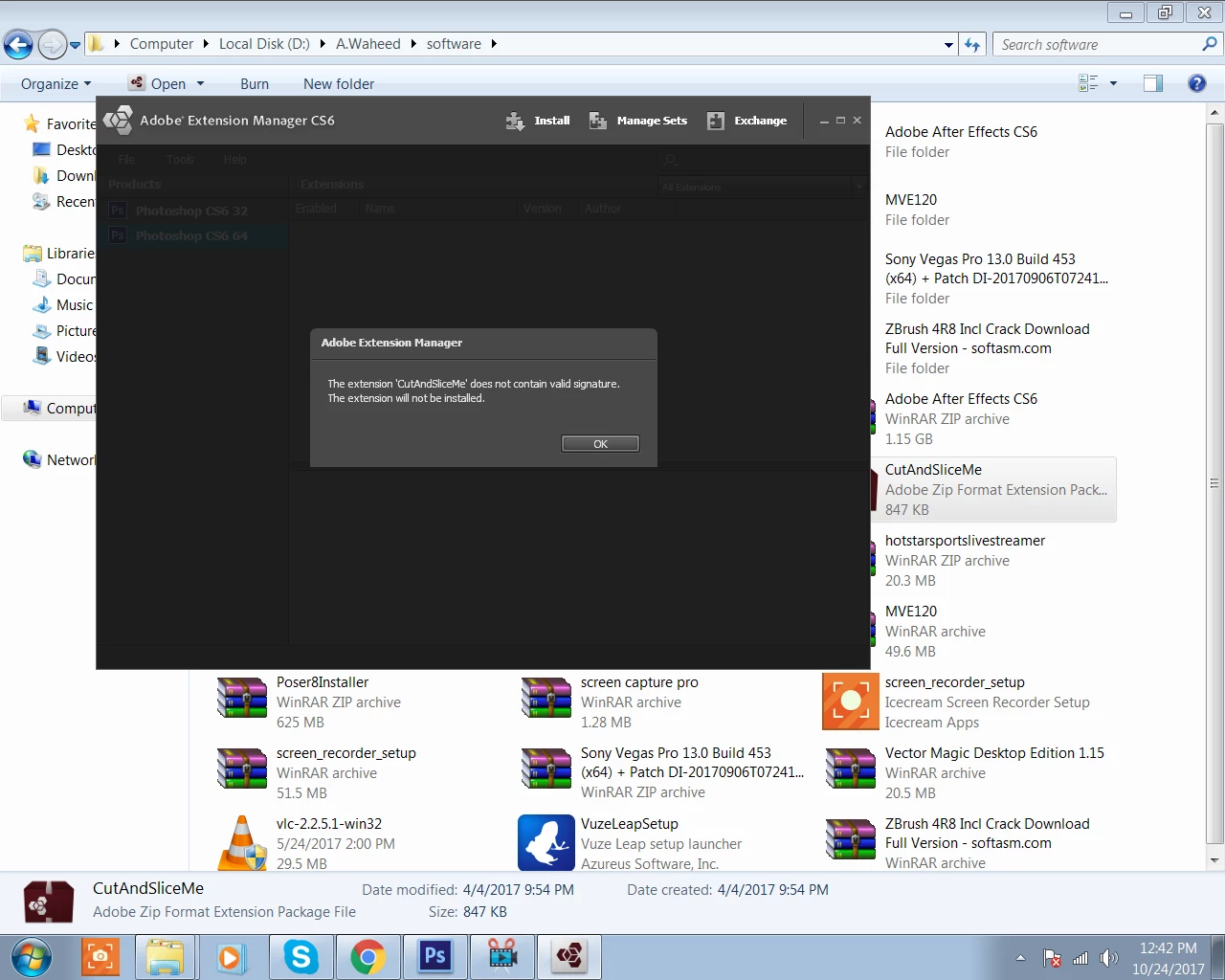
anyone have any idea how to solve it ?

This topic has been closed for replies.

2 replies

Jeff Arola
Community Expert
Community Expert
October 26, 2017

Change the CutAndSliceMe.zxp to CutAndSliceMe.zip, then double click to extract.

In other words change the .zxp extension to a .zip extension.

Copy the CutAndSliceMe folder to

C:\Program Files\Adobe\Adobe Photoshop CS6 (64 Bit)\Plug-ins\Panels

and/or for the 32 bit version of photoshop cs6

C:\Program Files (x86)\Adobe\Adobe Photoshop CS6\Plug-ins\Panels

Cheerful_Star5EE9
Participant
October 27, 2017

this type error again.. please help me

extension folder in not unzip

Jeff Arola
Community Expert
Community Expert
October 27, 2017

No, unzip the CutAndSliceMe WinZip file to somewhere like your desktop first, then copy the CutAndSliceMe folder

to that location.

Steve Werner
Community Expert
Community Expert
October 26, 2017

Moving to Photoshop forum