
Participant
May 30, 2017
Beantwortet

Photoshop CS4: scaling the UI?

  • May 30, 2017
  • 3 Antworten
  • 5692 Ansichten

Hi,

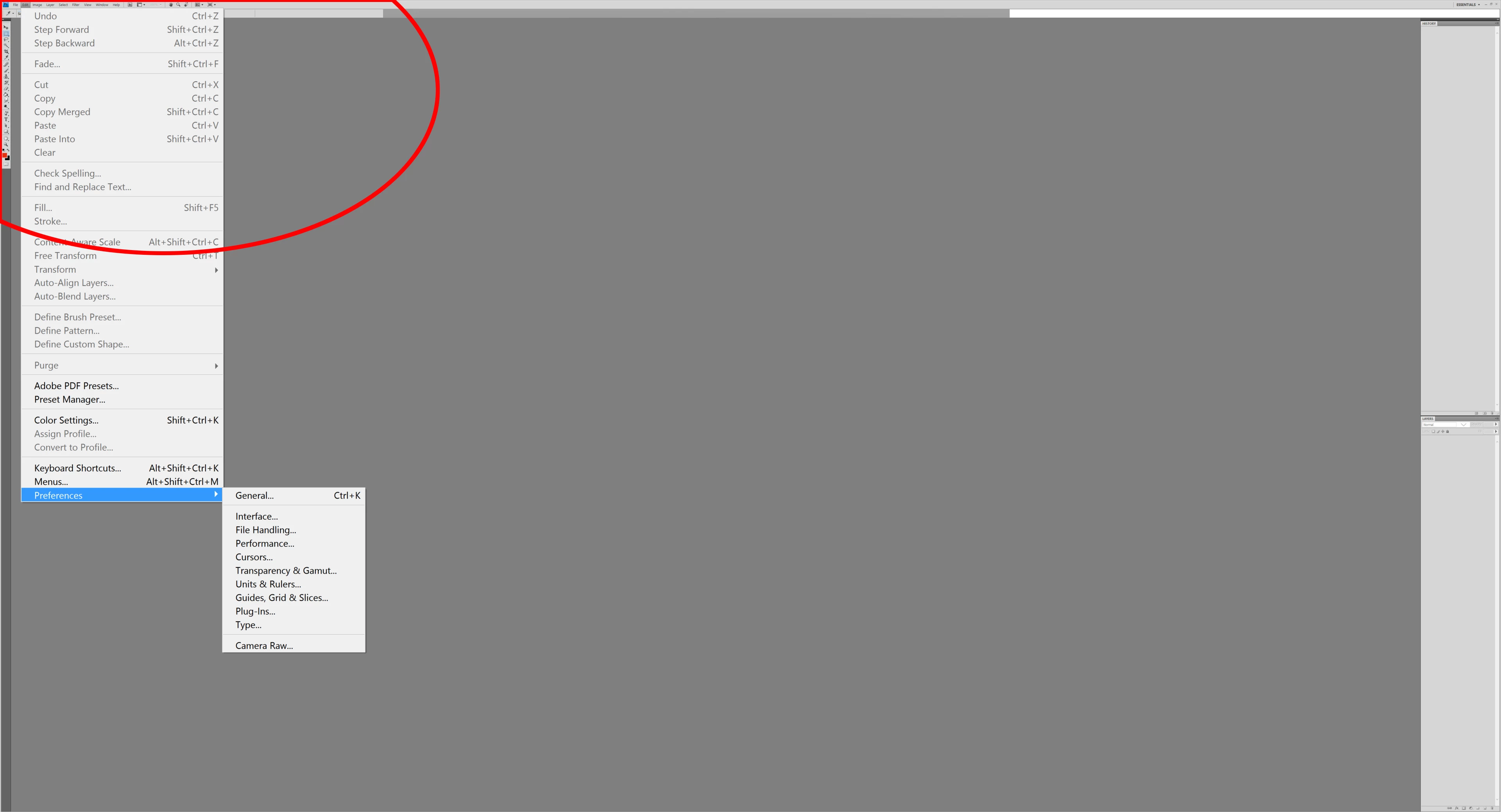
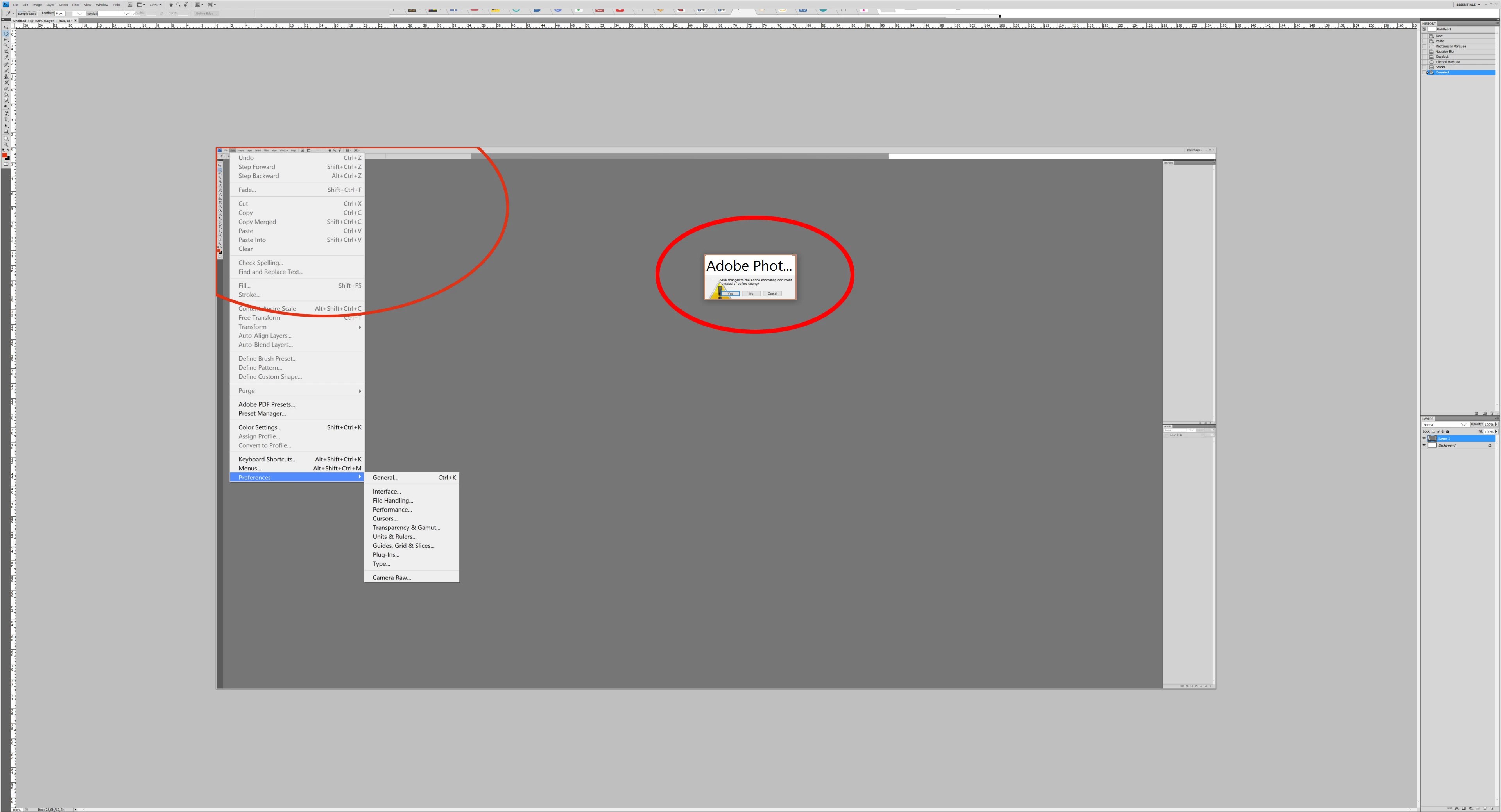
ive got a new 40" 4K Monitor and want to use PS CS4, but its nearly impossible to look at the micro-menus now.

Is there any way to scale the UI in CS4?

As it seems, one cannot upgrade to Photoshop CS6 (which has a scaling-option integrated as i was told) anymore (since 2012? ...never needed an upgrade, never thought about this becoming a problem ) nor even buy this software stand-alone? I dont want to CLOUD, so no chance to use PS at all anymore (except buying another smaller monitor)?
    Dieses Thema wurde für Antworten geschlossen.
    Beste Antwort von gener7

    The best answer I have is to try a lower display resolution and give up the full 4k, or as you brought up, buy an external one for Photoshop with the standard resolution.

    CS4 was released when these 4k monitors did not exist. When Adobe released CS5 and subsequent versions, all fixes on CS4 were stopped at 12.0.4 There are no hacks to fix this.

    Buy Photoshop Elements if you want to own.

    3 Antworten

    Participant
    November 20, 2019

    And an Even Better Solution FOR 4K Monitor + Windows 10 (I TESTED PERSONALLY)
    NOTE: MAKE SURE PROGRAM IS CLOSED FIRST

    1. Simply go into the "Properties" of "Adobe Photoshop CS4" Shortcut
          (RIGHT CLICK ON ICON/SHORTCUT > PROPERTIES)
    2. Select one of the Upper Tabs named "Compatibility"
    3. Second to LAST Button should say "Change high DPI Settings" Click on it.
    4. Make sure to CHECKMARK the following options:
    4.1 Checkmark the first box "Use this setting to fix scaling......."

    4.2 From the FIRST DROP DOWN MENU Select "I open this program."
    4.3 Checkmark "Override HIGH DPI Scaling"
    4.4 From the SECOND DROP DOWN MENU Select "System"
    5. Click "OK" and that extra window will close.
    6. On the remaining window, just to be absolutely certain that the settings stick. I always Click "Apply" and "OK" one more time.

    And it is Done.
    It has Worked for me, Hopefully it will work for you too!
    Best of Luck

    Archie

    Participant
    February 29, 2020

    This worked for me!  Thanks.

    D Fosse
    Community Expert
    Community Expert
    February 29, 2020

    Actually it doesn't work, it scales everything up including the image. In other words, it turns your expensive high resolution monitor into a standard low resolution one. You could have saved the money.

    davescm
    Community Expert
    Community Expert
    May 30, 2017

    gener7 has answered the question on the monitor scaling.

    However you also said that "I dont want to CLOUD". If you mean you don't want a subscription - fair enough. If you mean you don't want to use the "cloud" based services, such as the library, storage etc.  - you don't have to even with CC.

    Dave

    gener7
    Community Expert
    gener7Community ExpertAntwort
    Community Expert
    May 30, 2017

    The best answer I have is to try a lower display resolution and give up the full 4k, or as you brought up, buy an external one for Photoshop with the standard resolution.

    CS4 was released when these 4k monitors did not exist. When Adobe released CS5 and subsequent versions, all fixes on CS4 were stopped at 12.0.4 There are no hacks to fix this.

    Buy Photoshop Elements if you want to own.

    Paske71Autor
    Participant
    May 30, 2017

    v12.0.4, hmm....how come ive got 11.0.2 and couldnt update for years?

    anyhow, thx. for your fast responses, so im using Affinity Photo now.

    gener7
    Community Expert
    Community Expert
    May 31, 2017

    My mistake. CS4 did go to 11.0.2  I deal with CS5 questions so much, I used its version number, 12.0.4.