keziat55301101
Participant
September 13, 2018
Answered

Photoshop CS6 image pixelation

  • September 13, 2018
  • 2 replies
  • 1012 views

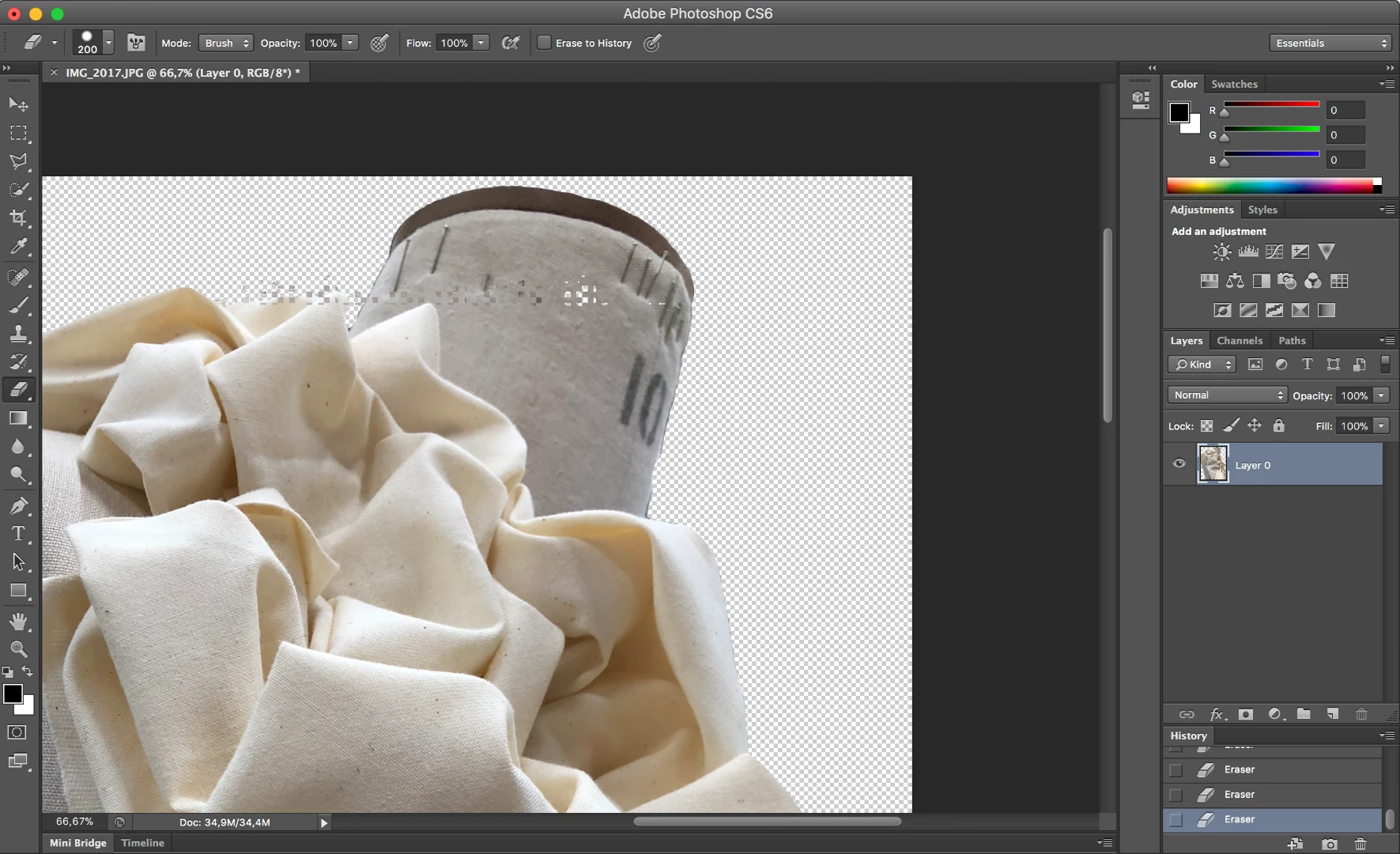
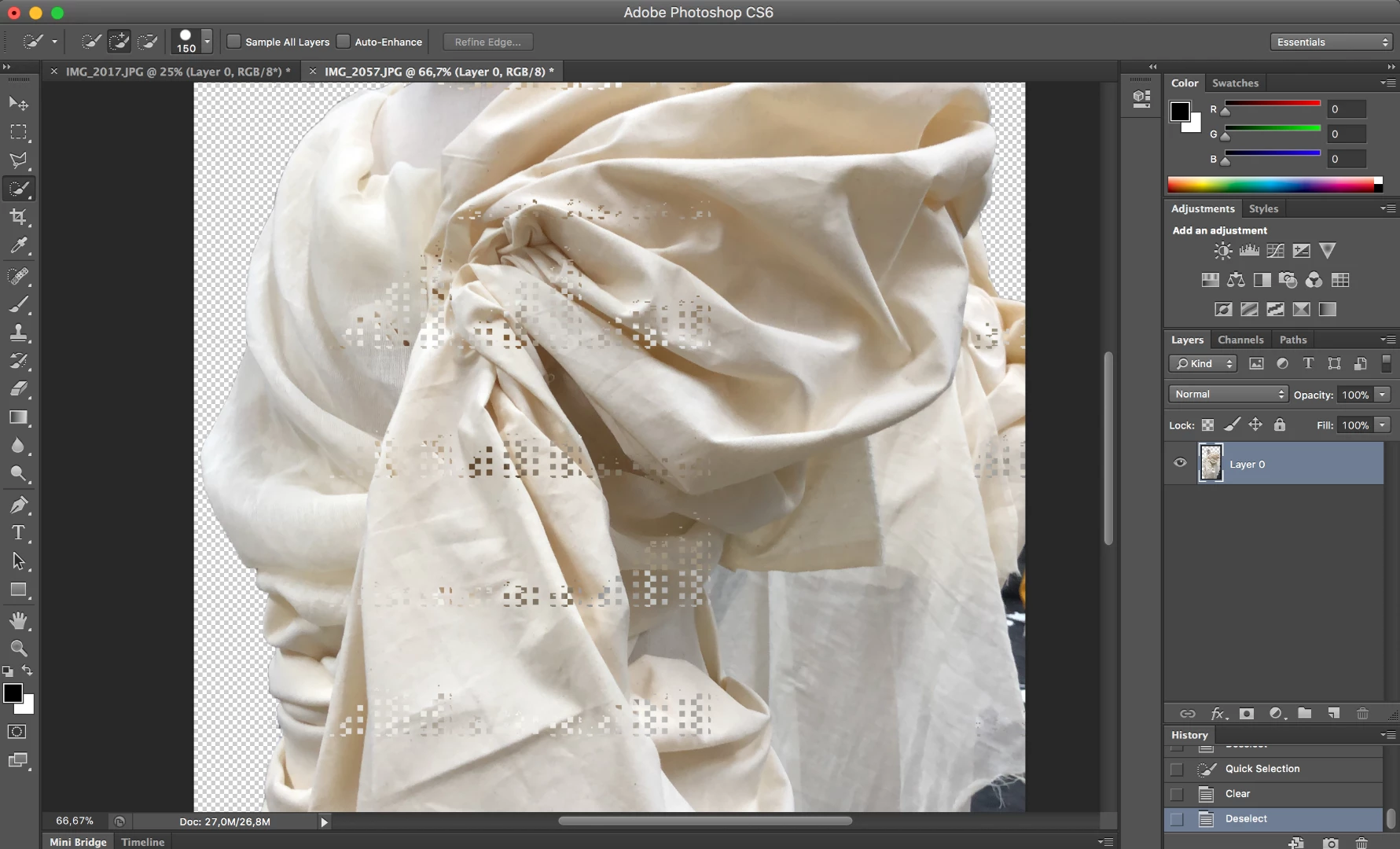
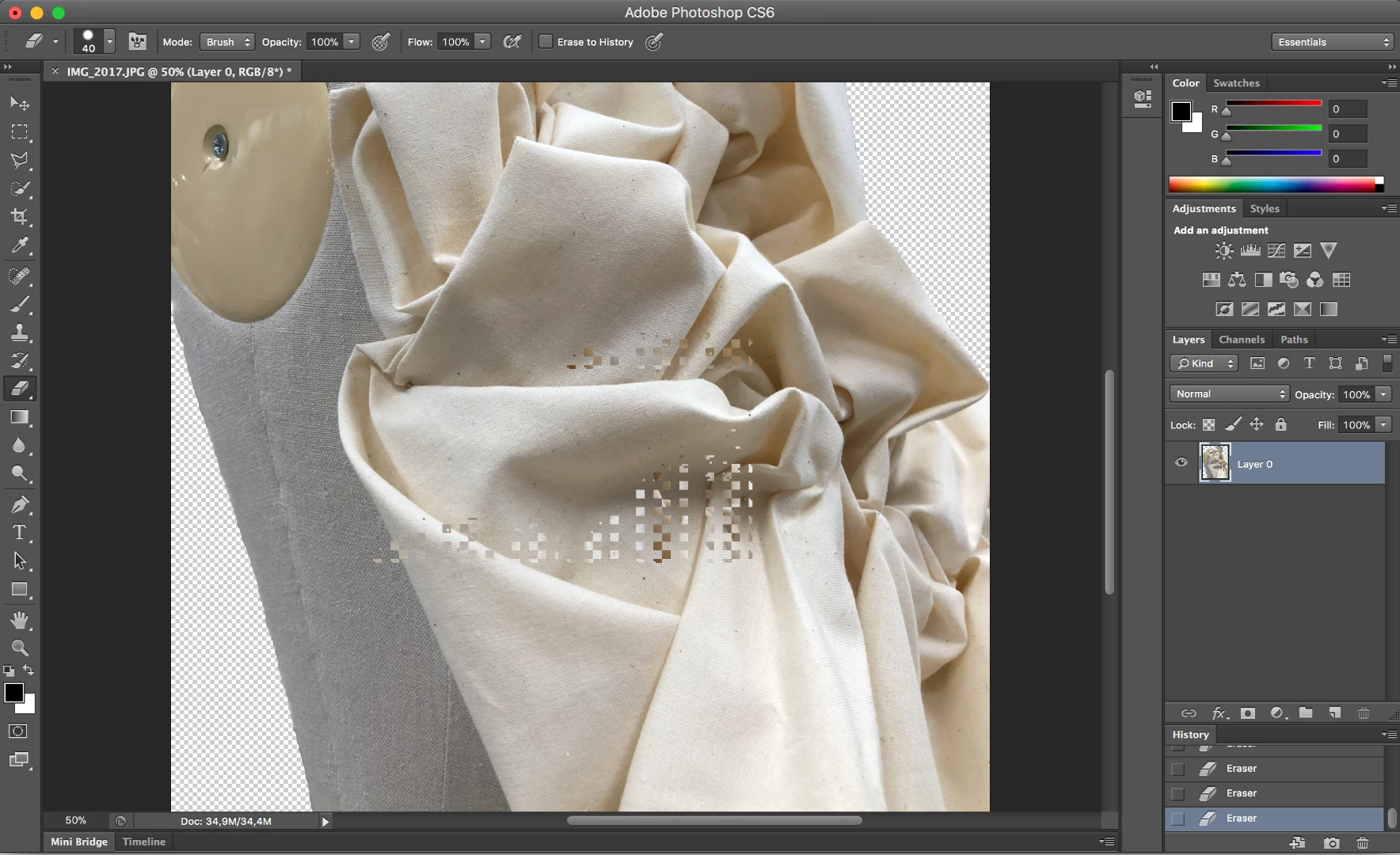
Hi, I just downloaded photoshop cs6 to my macbook pro and it came out really blurry and pixelated. I realised that I was using version 13.0 so I updated to version 13.0.6 but I am continuously getting these weird pixels out of place every time I try to manipulate an image.
    This topic has been closed for replies.
    Correct answer

    Hi

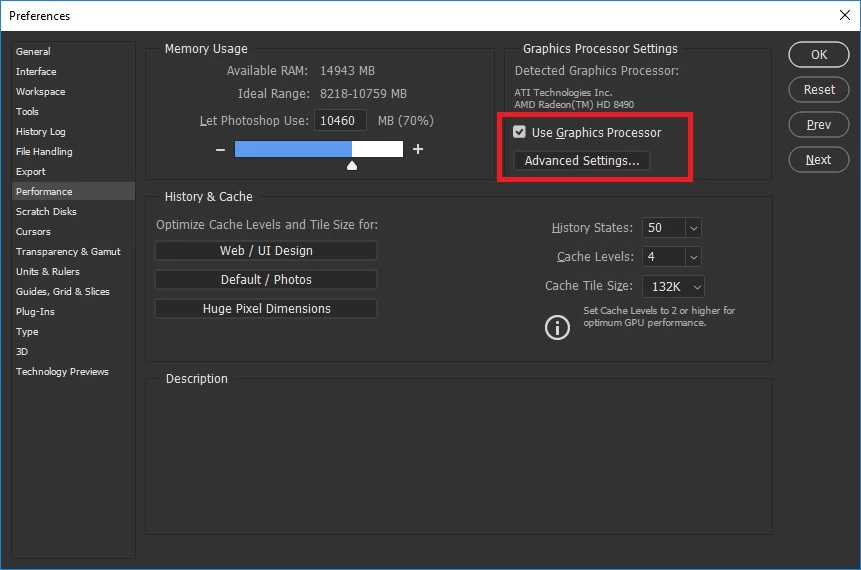
    Look likes it could be related to your GPU driver, does turning off "Use Graphics Processor" make any difference, you may need to restart PS

    2 replies

    Akash Sharma
    Legend
    September 13, 2018

    Hi keziat55301101,

    Sorry that you're getting unexpected pixelation on your images while editing them in Photoshop CS6.

    Does that happen with all the images you work with or only specific one's?

    Try unchecking the option "use graphics processor" under Preferences> Performance menu in Photoshop and let us know if that helps.

    Image result for photoshop gpu uncheck preference cc 2018

    Thanks,

    Akash

    keziat55301101
    Participant
    September 13, 2018

    Yes it completely works now and the pixelation is gone! It kept happening to all of my images that I uploaded on photoshop but now its no longer there.

    Thank you so much for your speedy reply !!

    September 13, 2018

    Hi

    You will lose some Photoshop features with that option disabled so you may need to look at updating your GPU driver, alas I'm not a MAC user so can't help in that respect

    More info

    Photoshop graphics processor (GPU) card FAQ

    Correct answer
    September 13, 2018

    Hi

    Look likes it could be related to your GPU driver, does turning off "Use Graphics Processor" make any difference, you may need to restart PS