
Answered
Photoshop CS6 is tiny and illegible on a High DPI screen
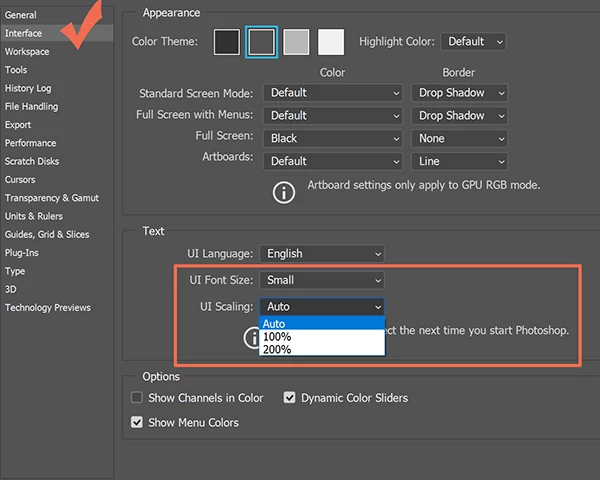
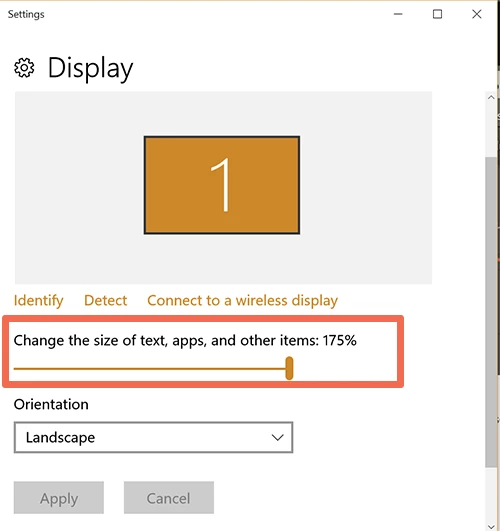
My computer tech installed CS6 on a new laptop from files on the old laptop. The links/writing on the CS 6 primary screen is so tiny I literally need a magnifying glass to see the icons. Trying to change the view hasn't improved anything. I have uninstalled and re-installed, and the icons are still tiny and illegible. This has never been a problem before with CS6, and I've had multiple versions of Photoshop CS. What can I do to get the proper sizing back in place on the screen so that I can see the icons? Thanks to whomever can help!
 AdChoices