
Participant
December 19, 2020
Question

Photoshop cursor will not change icons

  • December 19, 2020
  • 3 replies
  • 4754 views

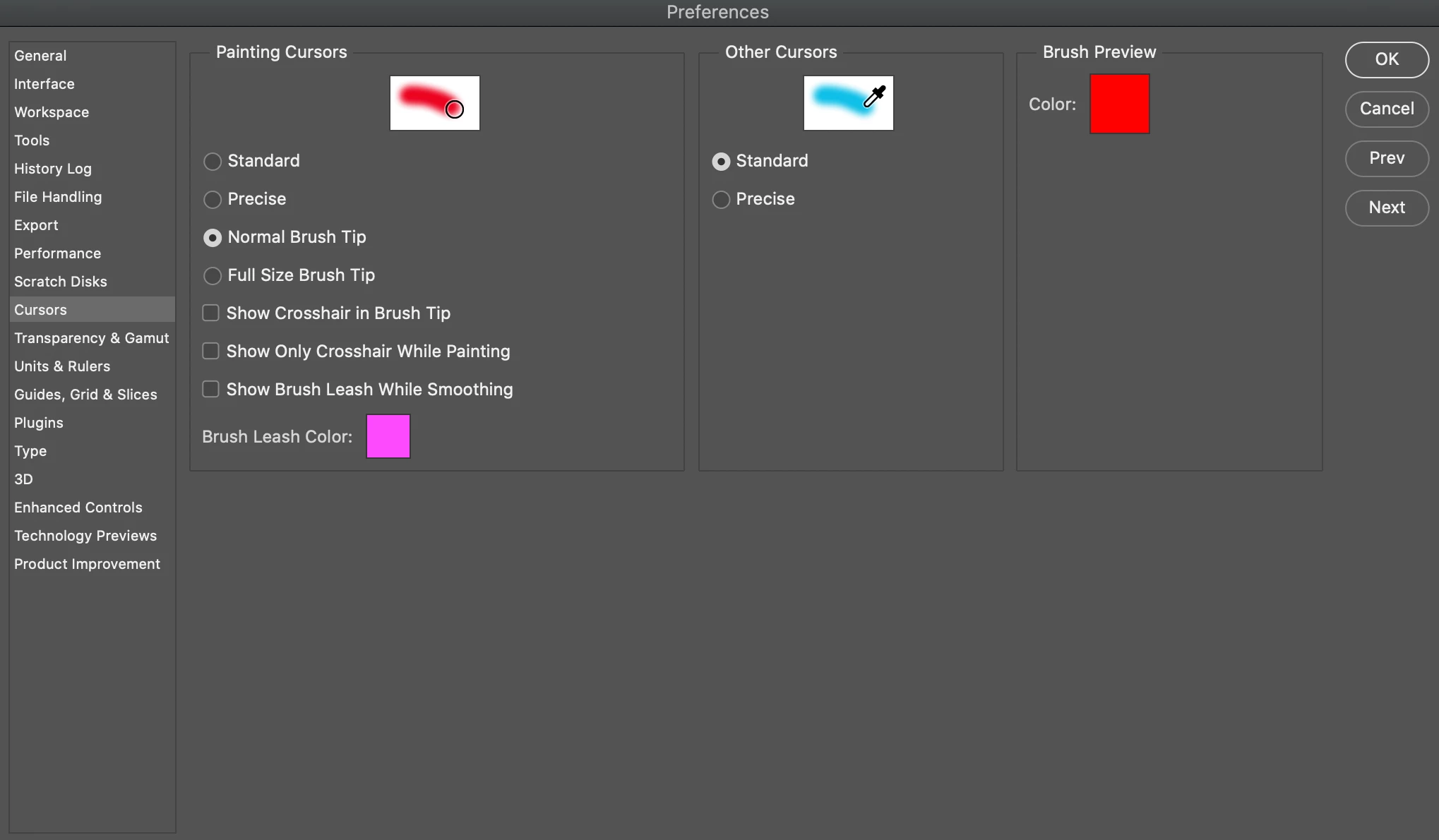
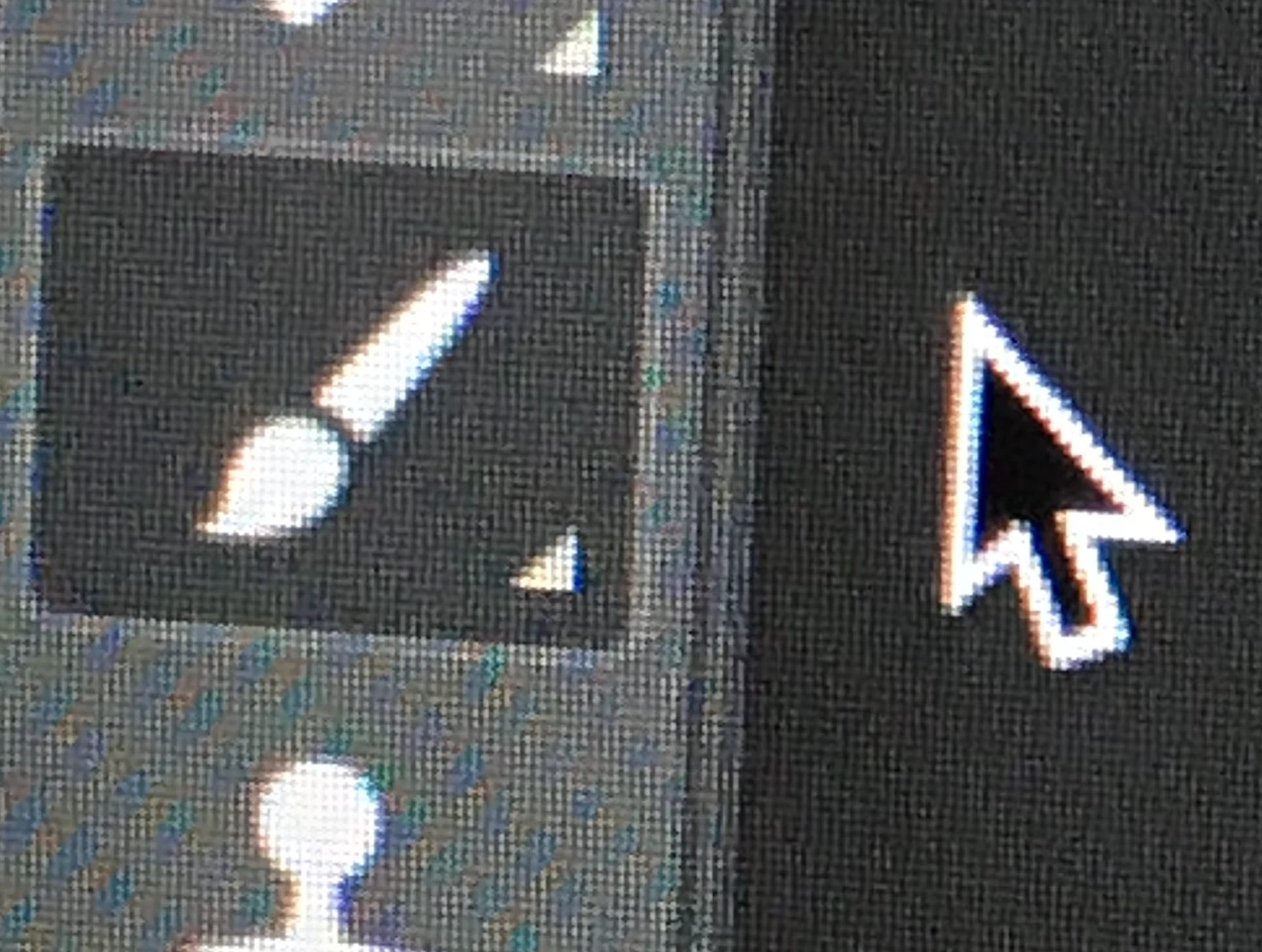
(Photoshop v 22.1) My cursor will not change icons according to the tool selected. It shows up as the default arrow. I've reset preferences a few times and made sure my cursor settings were correct, but nothing has worked. Has anyone else had this problem and know how to fix it? All of the tools work perfectly fine but it throws me off when I can't see the correct icon. It makes using the brush tool especially difficult.
3 replies

fransiss77513671
Participant
October 20, 2023

Make sure your caps lock is not on. 

Participant
February 17, 2024

This worked for me, what a dumb shortcut.

matts10308037
Participant
June 10, 2022

This is an issue that I am constantly dealing with.  I'll move between the brush and pen tool and the pen tool will still have the brush cursor on the image.  Its absolutely unacceptable for a program that is used on a daily basis for proffessional retouchers.  Adobe is really going down hill!

Participating Frequently
December 20, 2020

I am having the same exact issue. I have tried all the tools and it's still the same cursor. Circle with crosshair. It doesn't matter if I'm in the rectangular marquee tool, brush tool, quick selection tool....it's all the circular cursor with the crosshair. I've even reset my tools.


Someone please help! **Also, remind me to never update adobe ever again. I only seem to run into issues when updating and it's the most annoying thing ever. Especially when you have clients looking for a speedy turnaround.  


peacheyAuthor
Participant
December 21, 2020

I've been having issues with the updated version too! But I was so frustrated with this that I started to keyboard smash and it somehow fixed my cursor... Not really a good solution but it worked haha

Participating Frequently
December 21, 2020

I ended up closing Photoshop and re-opening it. So far my cursor has changed with the tools I am using which was my issue. 


Seems to happen to me once in a while where my cursor doesn't align with the tool I'm using (Clone stamp, brush, heal...etc.) and this restart of Photoshop seems to be the only fix when I run into this issue. 


I'll continue to update if I find a more permanent solution but I guess this will do for people dealing with a deadline.