


Photoshop different color
- June 22, 2021
- 1 reply
- 1410 views
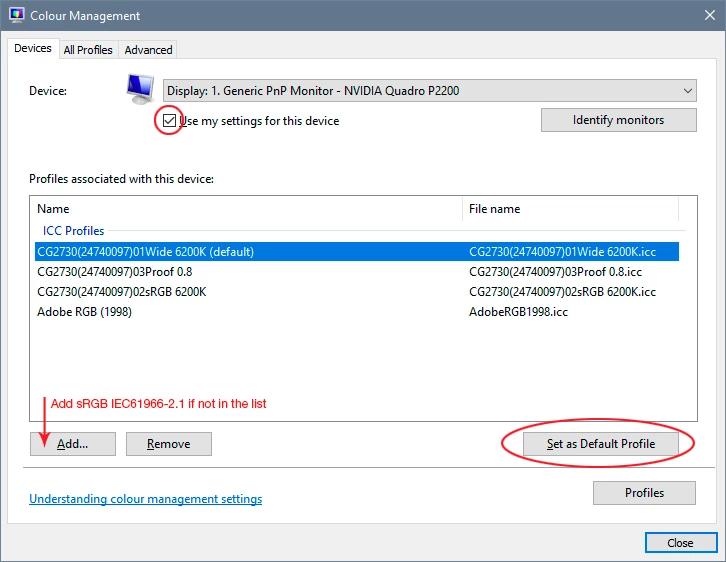
i am having issue with ps and ai. from last 1 day i am having this issue and only change i did was windows update to 20h1 2 days ago.now idont know if its due to window update or not so now for the issue.
when ever i import a image it show a cyan hue but when i export that image with cyan hue its back to its orignal colors.
also in my ps and ai colors are slightly diferent i.e i draw something and fill it with silver color.
(i use silver color code from google) but the color is not silver its shaded in gray side but its not silver.same goes for other color in ps they have a different shade.but when exported they are back to orignal colors.any help would be appreciated.hope i made my self clear.lso i attachment 3 images 1 images show in ps image and ontop export image window with orignal color and rest 2 are one in ps and 1 orignal .help would be appreciated
 AdChoices