Exit
  • Global community
    • Language:
      • Deutsch
      • English
      • Español
      • Français
      • Português
  • 日本語コミュニティ
  • 한국 커뮤니티
0

Photoshop document turned black and white

Explorer ,
Apr 15, 2021 Apr 15, 2021

Hi,

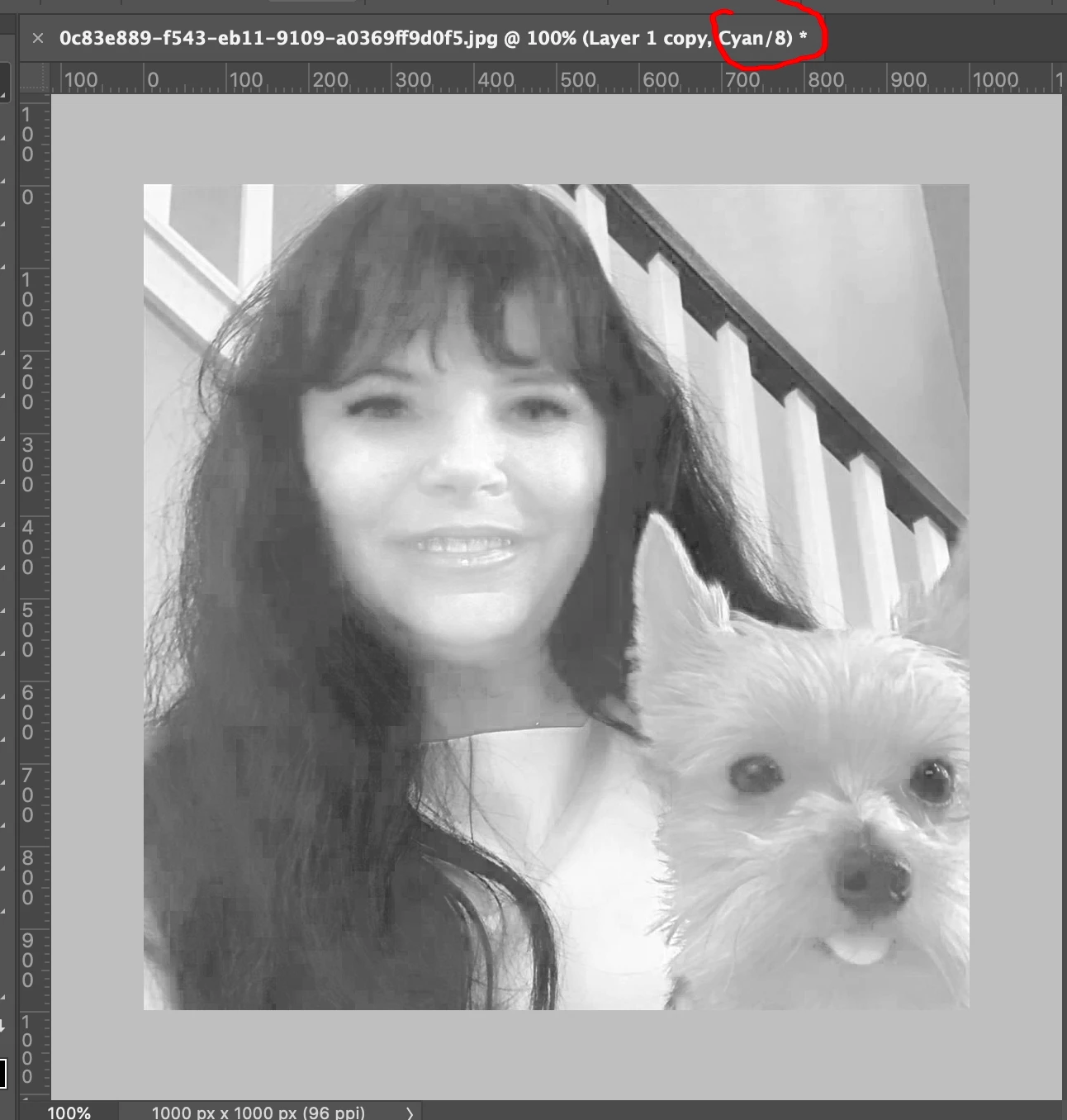
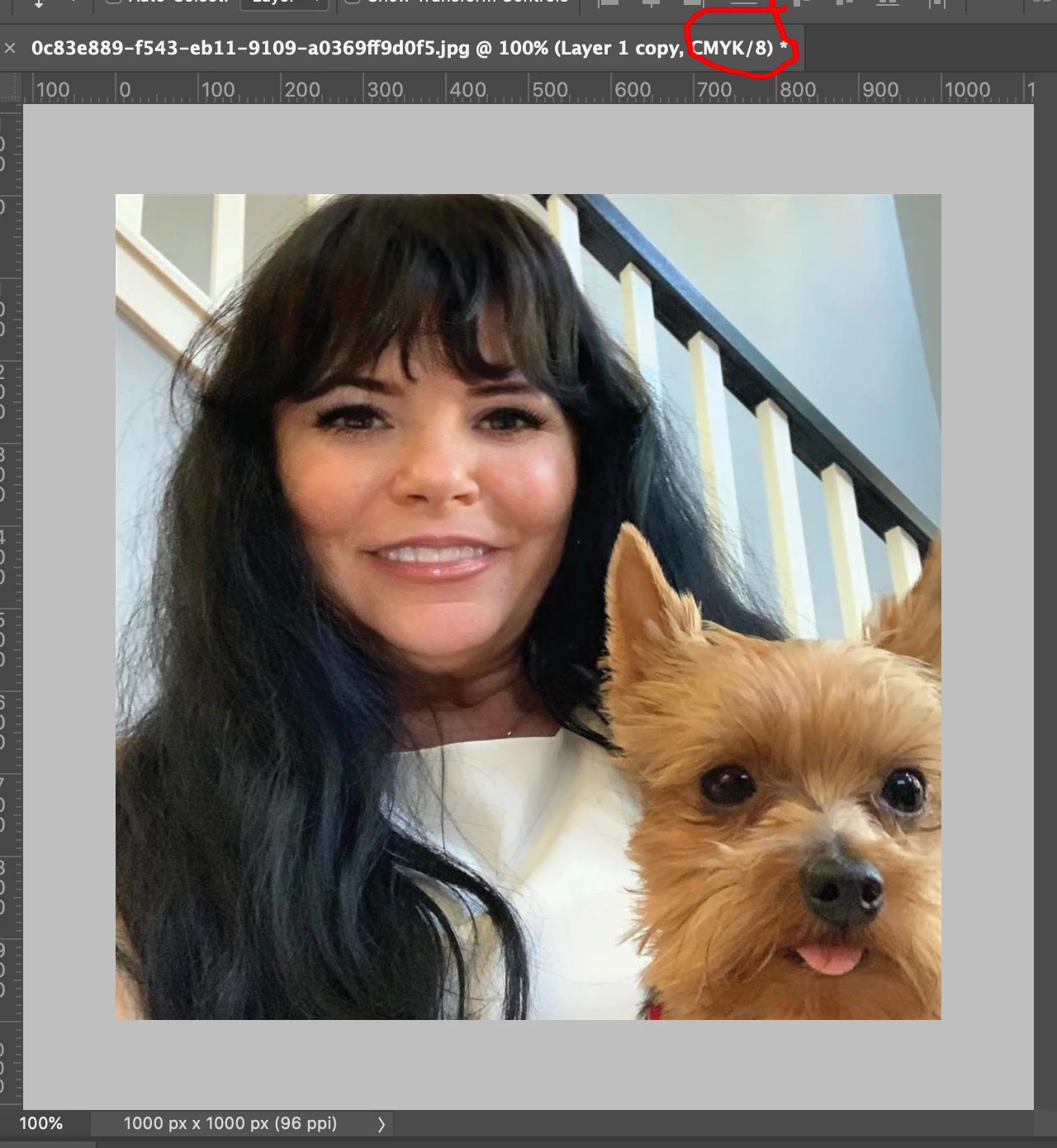
I was in middle of working in photoshop, suddenly my scratchdisks were full so I emptied my recycle bin, but then my entire document turned Black and white! all layers! Please help asap!

Thank you!
988
Translate
Report
Community guidelines
Be kind and respectful, give credit to the original source of content, and search for duplicates before posting. Learn more
community guidelines

correct answers 1 Correct answer

Community Expert , Apr 15, 2021 Apr 15, 2021

Did you accidentally hit a hot key that put you into a single channels mode?

Try Command 2 (or ctrl 2 on windows)


Not sure if you meant your layer previews in your layers palette if so you may have a layer on top that desaturates. In any case if you need more help please post a screenshot of your image and your layers palette. Screenshots are so helpful, you will get more responses.

s.pnga.png


Translate
Adobe
Community Expert ,
Apr 15, 2021 Apr 15, 2021

Did you accidentally hit a hot key that put you into a single channels mode?

Try Command 2 (or ctrl 2 on windows)


Not sure if you meant your layer previews in your layers palette if so you may have a layer on top that desaturates. In any case if you need more help please post a screenshot of your image and your layers palette. Screenshots are so helpful, you will get more responses.

s.pnga.png


Translate
Report
Community guidelines
Be kind and respectful, give credit to the original source of content, and search for duplicates before posting. Learn more
community guidelines
Explorer ,
Apr 15, 2021 Apr 15, 2021
LATEST

Thank you:) That's a sigh of relief. Been working on this file for hours...

Thank God.

Translate
Report
Community guidelines
Be kind and respectful, give credit to the original source of content, and search for duplicates before posting. Learn more
community guidelines