
Answered
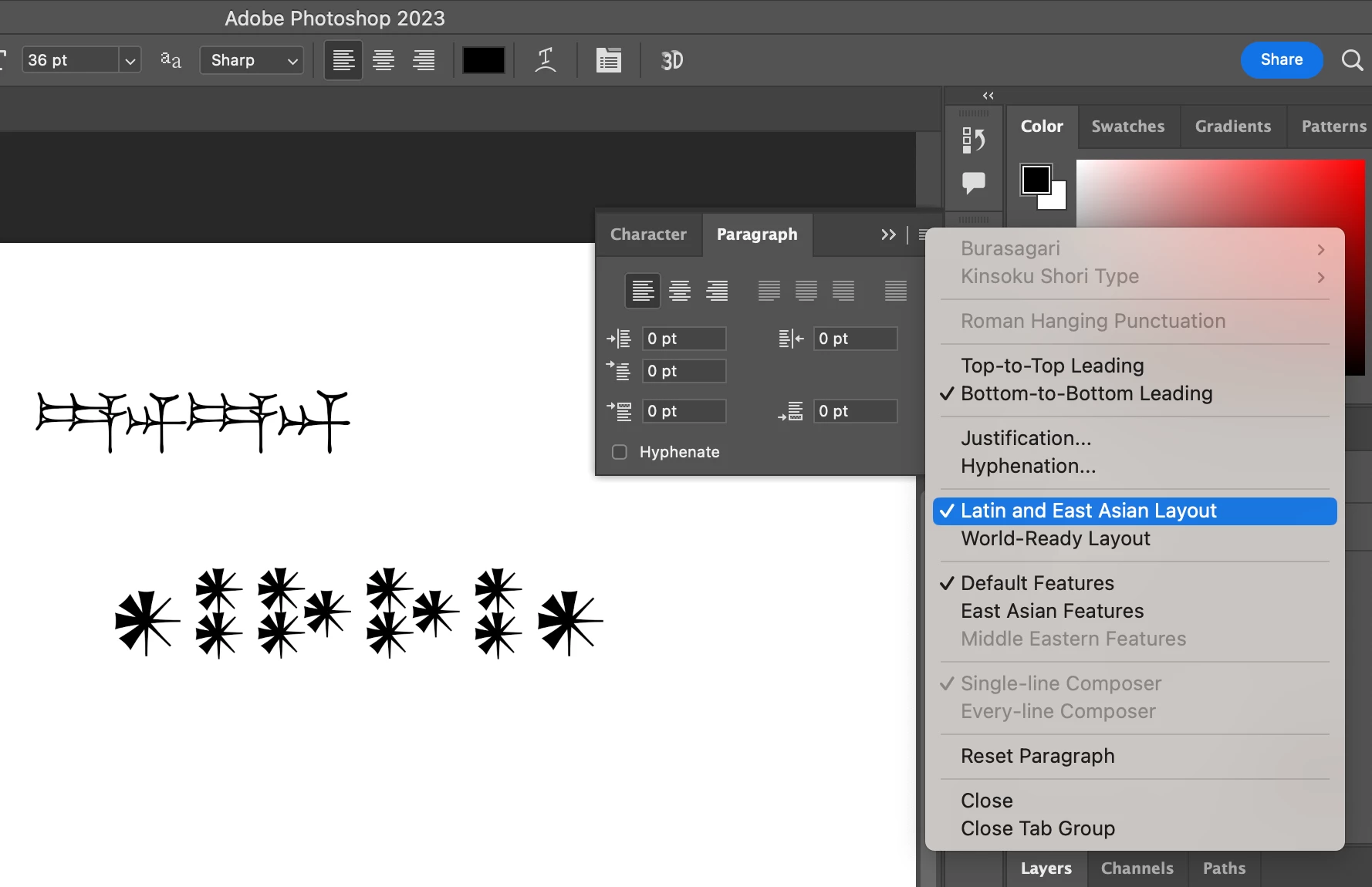
Photoshop doesn’t show some characters
When trying to write the cuneiform symbols 𒀭 (AN/DINGIR, Unicode 1202D), 𒀮 (NAB, Unicode 1202E), or 𒀯 (MUL, Unicode 1202F), Photoshop doesn’t display them (neither does Illustrator, by the way). For example, the sequence 𒆚𒀭𒊩 will render as only 𒆚𒊩. I have tried with fonts Assurbanipal, Esagil, and Santakku (all three found at https://www.hethport.uni-wuerzburg.de/cuneifont/) as well as Noto Sans Cuneiform (found at https://fonts.google.com/noto/specimen/Noto+Sans+Cuneiform), with the same result.
I suppose you do not support third-party fonts, but all four display these characters properly in InDesign. Why won’t they display in Photoshop or Illustrator?
 AdChoices