Participating Frequently
June 23, 2025
Question

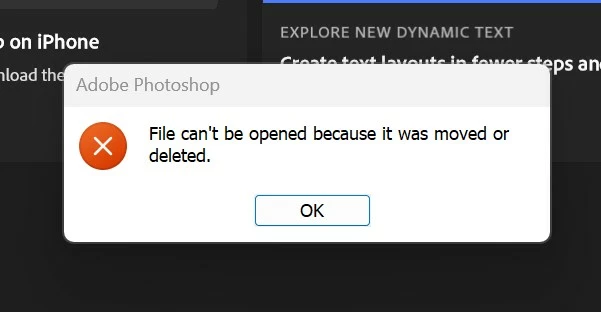
Photoshop Error: File can't be opened because it was moved or deleted.

  • June 23, 2025
  • 1 reply
  • 284 views

1 reply

CreadiusAuthor
Participating Frequently
June 23, 2025

This is horrible. I have a new computer. I have downloaded Lightroom Classic and Photoshop. I can no longer "Open as layers" from lightroom to photoshop. It will "merge to panorama" just fine. I have uninstalled/installed lightroom and photoshop, updated camera RAW. It does not work. I am questioning why I remained loyal to Adobe. 

Sameer K
Community Manager
Community Manager
June 23, 2025

Hey, @Creadius. Welcome to the Lightroom Community. I understand you are upset. I'll help you figure this out. 


Does this happen with all images, or images with specific edits? Try with a set of images that are not edited and check how it goes. 

There is an ongoing issue with images with SuperRes don't work in the Edit-in-PS workflow: https://adobe.ly/4lkKWKt;


Let me know how it goes. Thanks!

Sameer K

(Type '@' and type my name to mention me when you reply)

CreadiusAuthor
Participating Frequently
June 23, 2025

Hey Sameer, so I've found that it happens with images saved on my computers second hard drive. The exact same images saved on the C:/ do not work on the D:/. Even if I have imported into lightroom from the D:/ they will not open in photoshop. Images on an external hard drive will though.