
Participant
March 22, 2019
Question

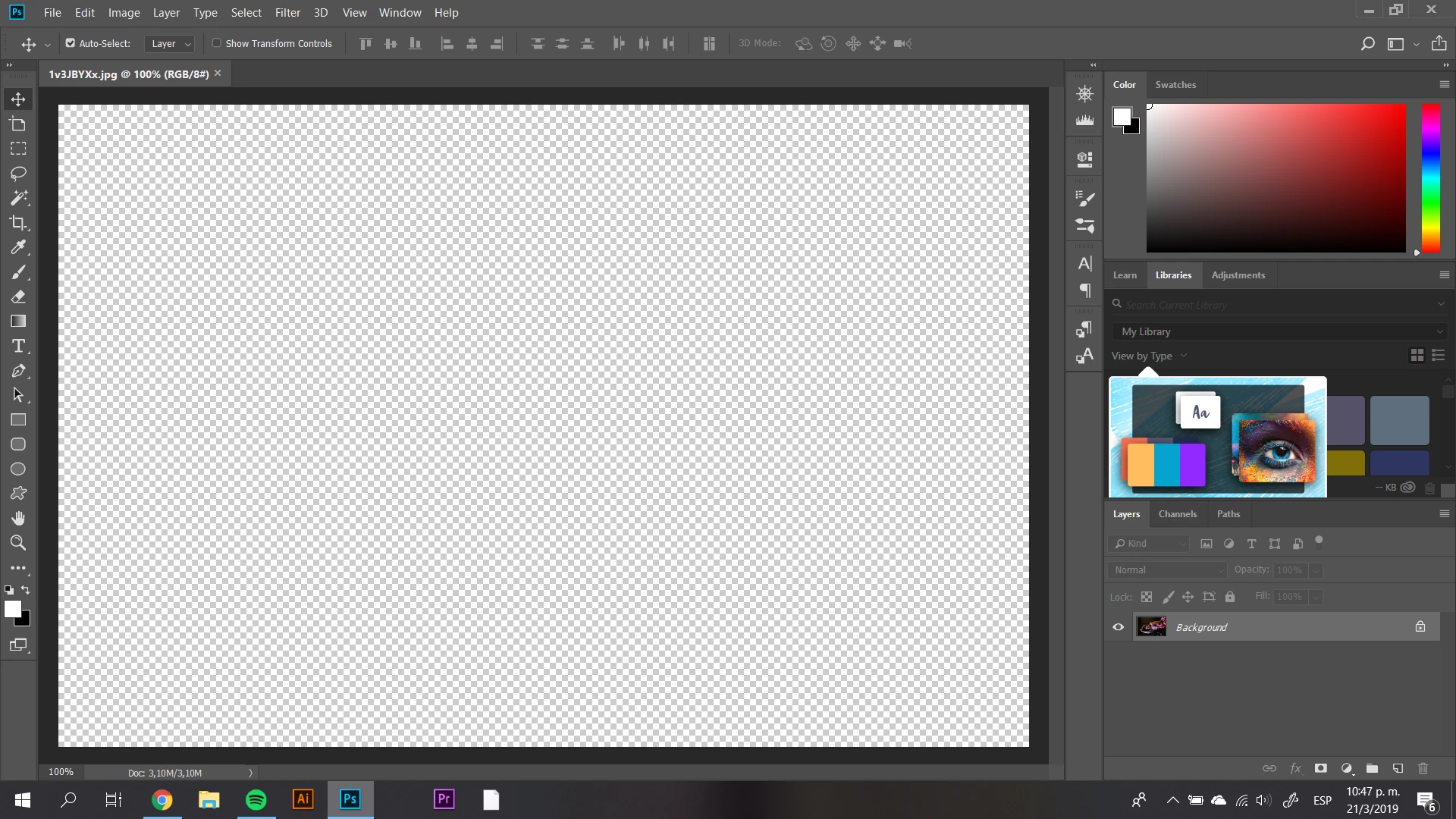
Photoshop error on opening files
  • March 22, 2019
  • 1 reply
  • 172 views

Whenever I try to open a file this comes on. The file cannot be seen and I've tried updating the program, turning off the computer and even unstalling some other heavy programs but nothing happens.

Moderator: Moved from Adobe Creative Cloud to Photoshop

This topic has been closed for replies.

1 reply

AxelMatt
Community Expert
Community Expert
March 22, 2019

Please try to deactivate the GPU support.

Photoshop performance issues

Troubleshoot Photoshop graphics processor (GPU) and graphics driver issues

The next is to try to reset the Photoshop preferences

Preferences in Photoshop

My System: Intel i7-8700K - 64GB RAM - NVidia Geforce RTX 3060 - Windows 11 Pro 25H2 -- LR-Classic 15 - Photoshop 27 - Nik Collection 8 - PureRAW 5 - Topaz Photo