

Answered
Photoshop 'export as' and quick export not functioning
Hi! When I try to "export as" I'm getting this screen that it just sits on forever. At first I thought it was loading really slowly, but this is not the case.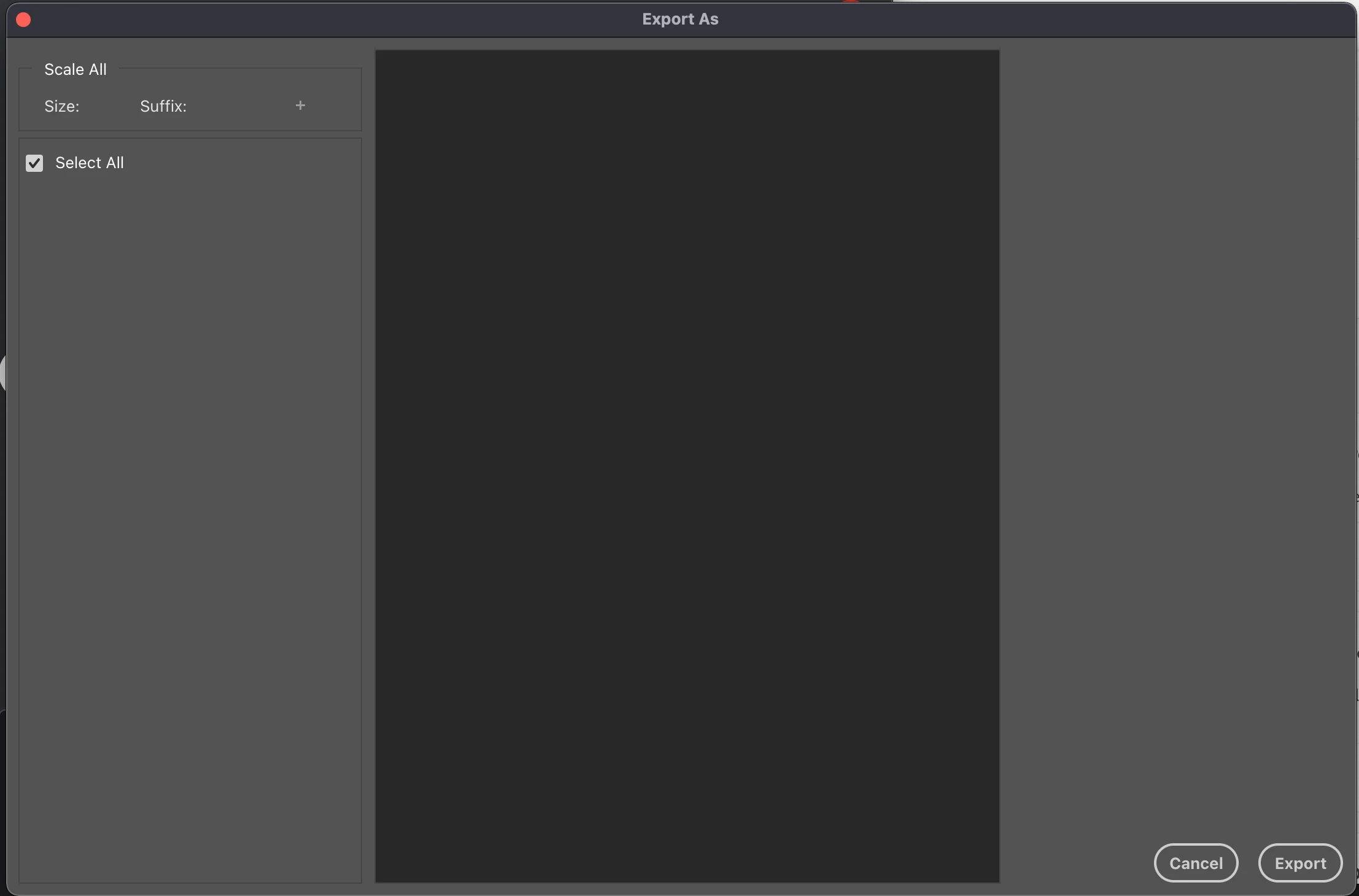
When I try to click "export" anyway, I get this error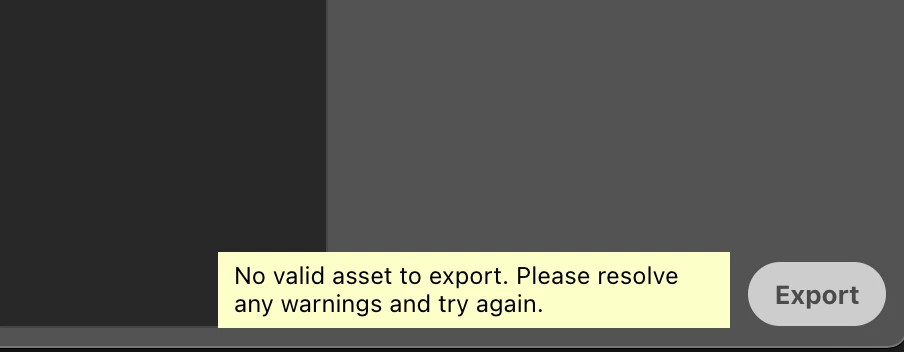
And I'm pretty sure that the quick export is also not functioning.
I'm using a mac for the first time in a decade, just installed Photoshop and the rest of the adobe suite, all the programs are updated, and this is the first time I'm trying to export something from photoshop on this computer, in case any of that context helps.
Thanks!
Moving from Using the Community (which is about the forums) to the correct forum... Mod
To ask in the forum for your program please start at Adobe Support Community
 AdChoices