
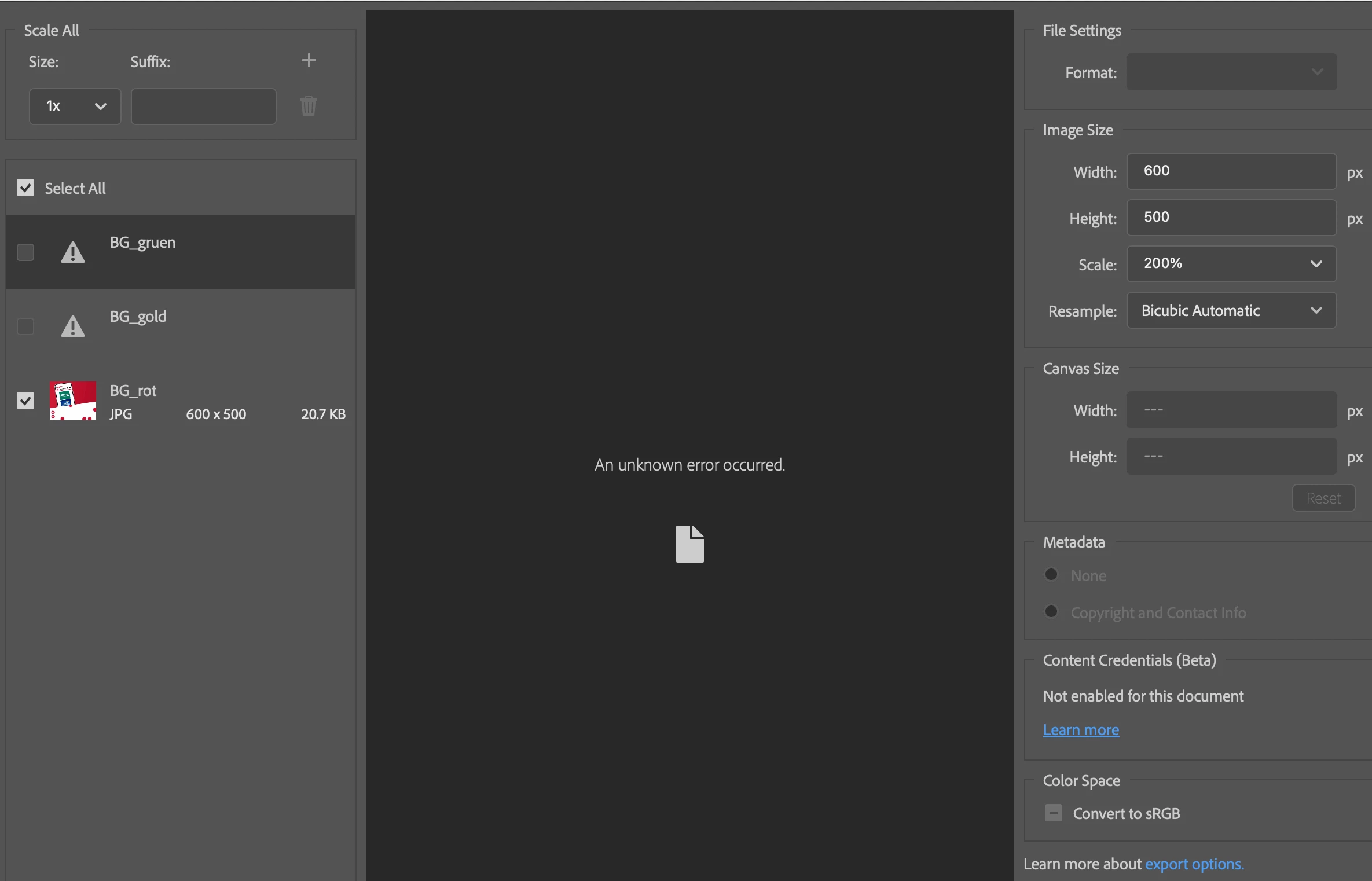
Photoshop Export doesnt work anymore
Since more then two years it is pure luck, if the "export As" feature ist working.
I try to avoid adobe generally, but due to a lot of clients who work with it, I sometimes have to use this f***
When I try to select an Layer and do "Export As", Usually an unknown error occurs.
This is happening on any system Photoshop is installed:
Osx 12.5
As well as on my laptop OSx 12.3
and another Imac with the Old OSX Sierra.
It is also happening with different photoshop versions.
And dear Adobe: No, I do not want any of your phone guys getting access to my system, deleting some files and then it works for 2 days. Why do you not fix this issue?????
Its been on for years and all over the discussions. How come you are not accountable for making your software worse every year.
Is there anyway to go back to Adobe CS??? it was working by then.
Or any working version???? Your guys have been "fixing" this issue on my machine at least 2 times already.
IT IS NOT WOKRING
 AdChoices