
Participant
August 8, 2023
Question

Photoshop file is exporting way larger than size I specified

  • August 8, 2023
  • 2 replies
  • 2923 views

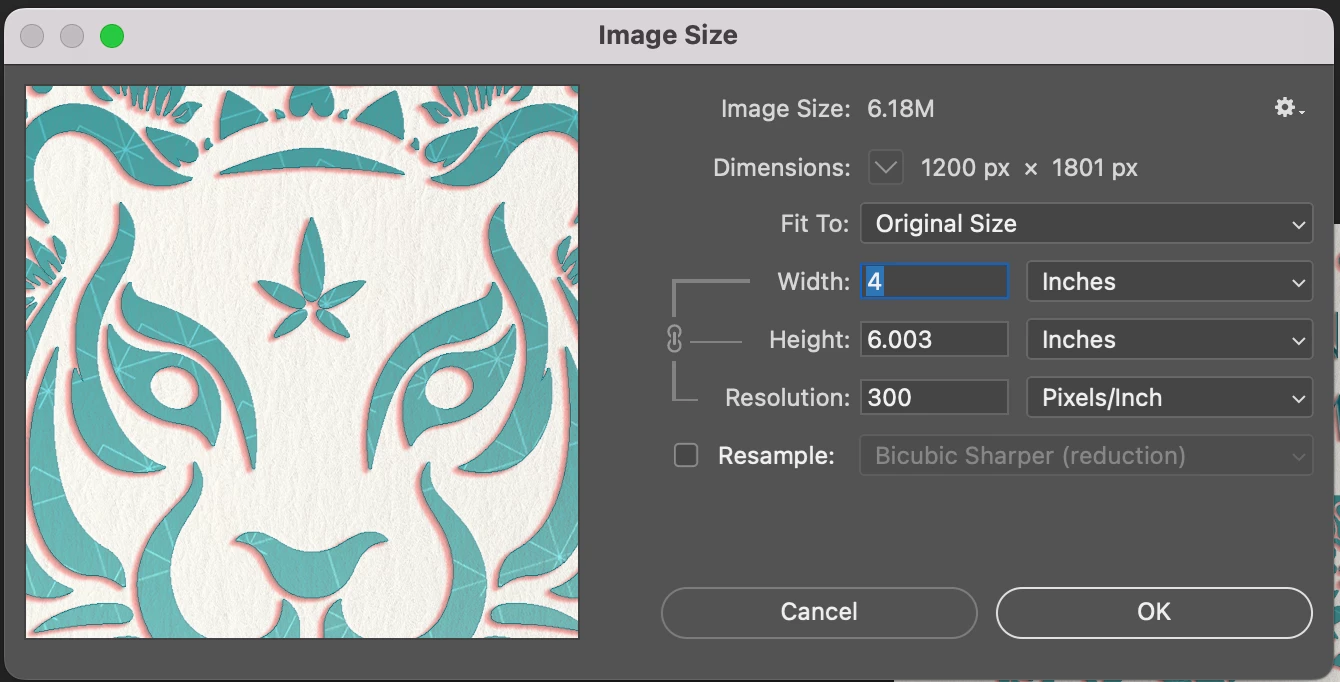
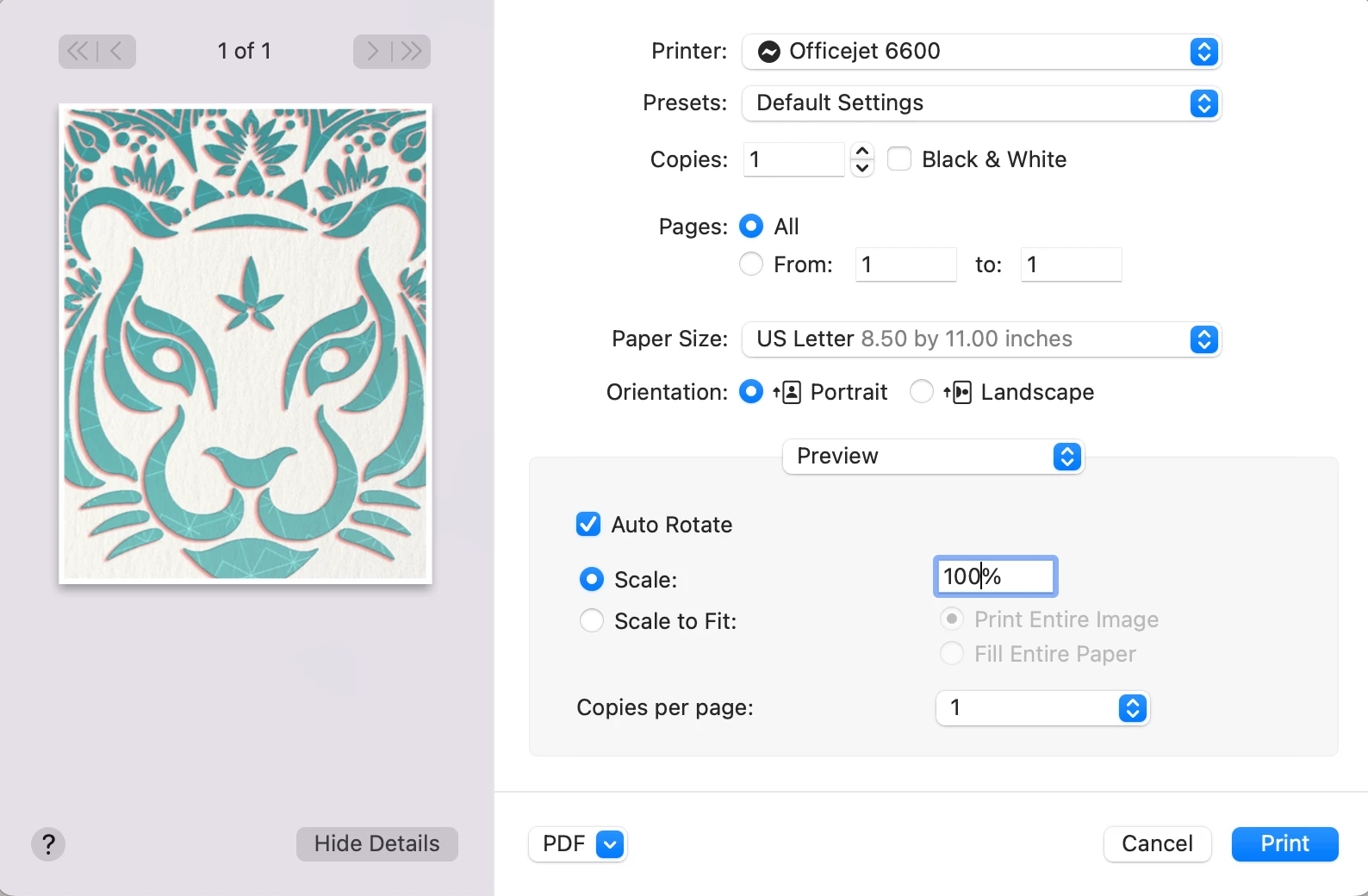
So I need to send print ready JPEG files to my coworkers that they can print 4"x6" at 100% scale. My image size in photoshop is set to 4"x6" at 300 dpi. If i go to print from photoshop, the image size is correct. But when I export as a JPEG at 1200x1800 pixels, the jpeg is way larger when opened to print. I just need a simple file for them that can open and print that will be the correct size. How do I fix this?!

This topic has been closed for replies.

2 replies

Stephen Marsh
Community Expert
Community Expert
October 25, 2024

While on the general topic... If one doesn't wish to resave the files, I created some scripts to inject print PPI resolution metadata into JPEG files, as best practice is not to re-open and re-save lossy compressed images:


Photoshop versions:

Bridge version:
 
On a related note, Export As now includes print PPI resolution information in PNG files, however, it doesn't do the same for JPEG. Adobe has mentioned that they will be adding this for JPEG as well. This is a change to long-standing behaviour. Adobe wishes to make things consistent for users by placing images as smart objects where resolution metadata is important for sizing (even if it is irrelevant to web/device viewing).
Per Berntsen
Community Expert
Community Expert
August 8, 2023

Export is designed for creating files for screen viewing, where PPI is irrelevant, so the value is stripped out.

To keep the PPI value, use Save As or Save a copy.

Per Berntsen
Community Expert
Community Expert
August 8, 2023

I should add that the reason that the exported image pints too large is that the application used for printing may assign a PPI value on opening the file. If it's Photoshop, that value is 72.

The image will then print at 16.67 x 25 inches.

Pixel dimensions divided by PPI = Printed dimensions in inches.

Participant
October 25, 2024

But is there a fix for this? I am also trying to export a 300dpi JPEG, and the resolution always defaults to 72, while greatly increasing the print size. If Photoshop can no longer do this, what program exists to resize images to exact demensions?