
Participant
May 4, 2020
Question

photoshop graphics tablet issue

  • May 4, 2020
  • 4 replies
  • 984 views
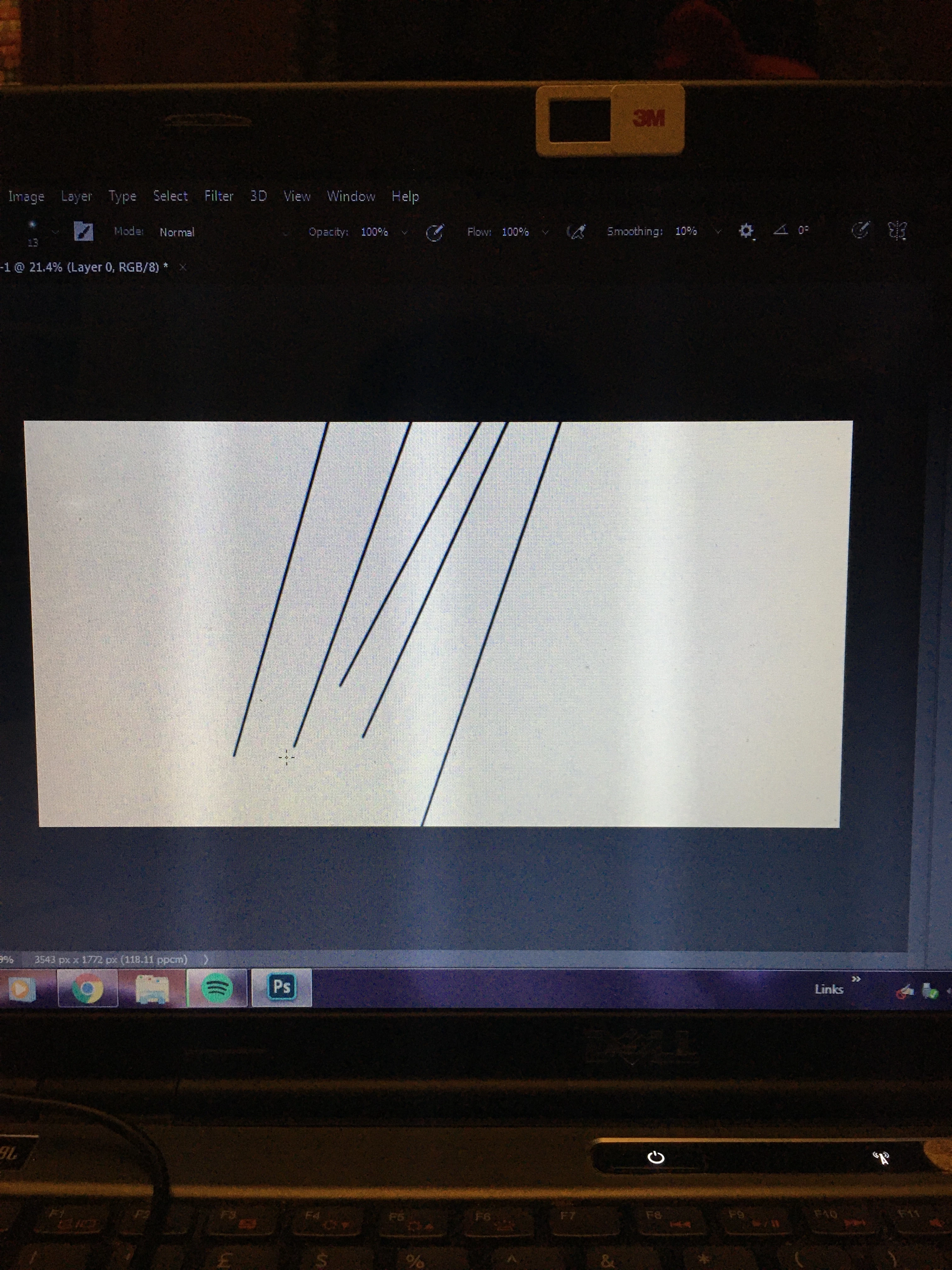
  • does anyone know what is happening here and how to fix it? I'm just trying to draw inside the canvas but if I put the pen on the pad it draws a line from off the canvas to my cursor and then nothing else happens.
  • more detail; I'm using a Gaomon M106k on a windows laptop, I have the brush tool selected. Using the mouse works fine but as soon as I put the pen nib on the canvas a line appears from a point off screen and I can't draw from that point on. 
This topic has been closed for replies.

4 replies

JJMack
Community Expert
Community Expert
May 5, 2020

Adobe broke Photoshop Wintab support in the 21.1.0 update. Windows users need to use Windows INK in Photoshop version greater than Photoshop version 21.0.3.... 

JJMack
Trevor.Dennis
Community Expert
Community Expert
May 5, 2020

I can remember other threads reporting the same problem, and I am talking about over several years.  As I remember, it usually comes down to river problems.  As JJ said, changing from Windows Ink to WinTab (according towhichever you are currently using) will give your tablet driver a chance to see things differently.  Make sure you have the most recent driver for your tablet.  


If still in trouble, make your research specific to your tablet, because that is invariably where the problem lays.

https://blog.gaomon.net/faq/tools_go_wrong_in_photoshop/


JJMack
Community Expert
Community Expert
May 5, 2020

If you are using a pen with Photoshop on windows are you using Microsoft's Windows INK interface?

JJMack