
Photoshop > fx > pattern incrustation freezes
Hi team,
photoshop version: 24.3
OS: Win10
I would like to report an issue I meet for some days but couldn't find how to troubleshoot.
When I wish to use a pattern I recently created, I don't use the Edit > fill way (wich works) because I can't modify the scale and angle. So I go on the layer >fx > pattern incrustation, but it freezes totally and I end by end the task with task manager. I just can't work.
Note: I installed oldest version but do the same
You'll find attached a pdf showing the screenshots of the steps.
Picture 1: the first windows already freezes. I have to clic on the windows in order to the windows of the picture 2 appears.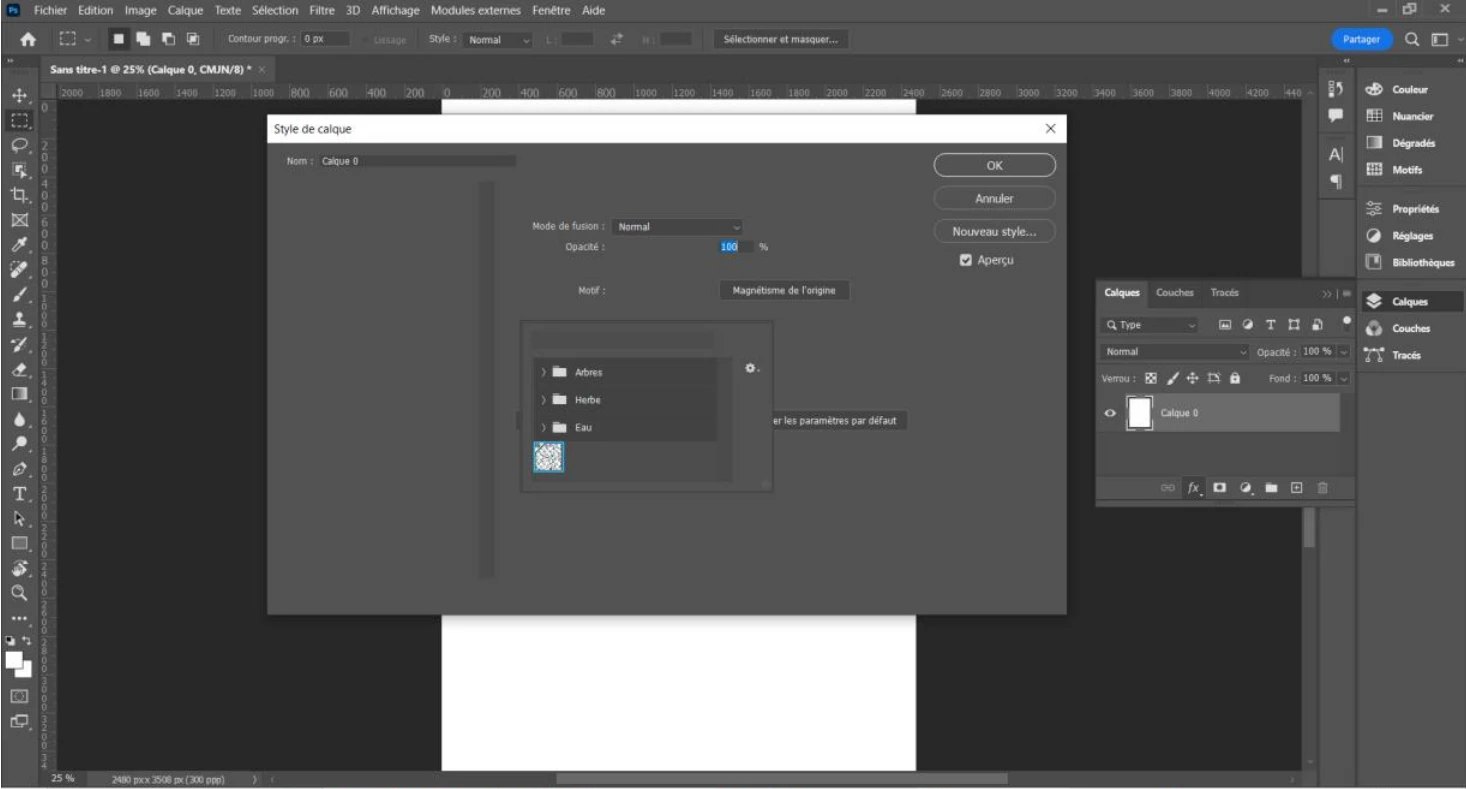
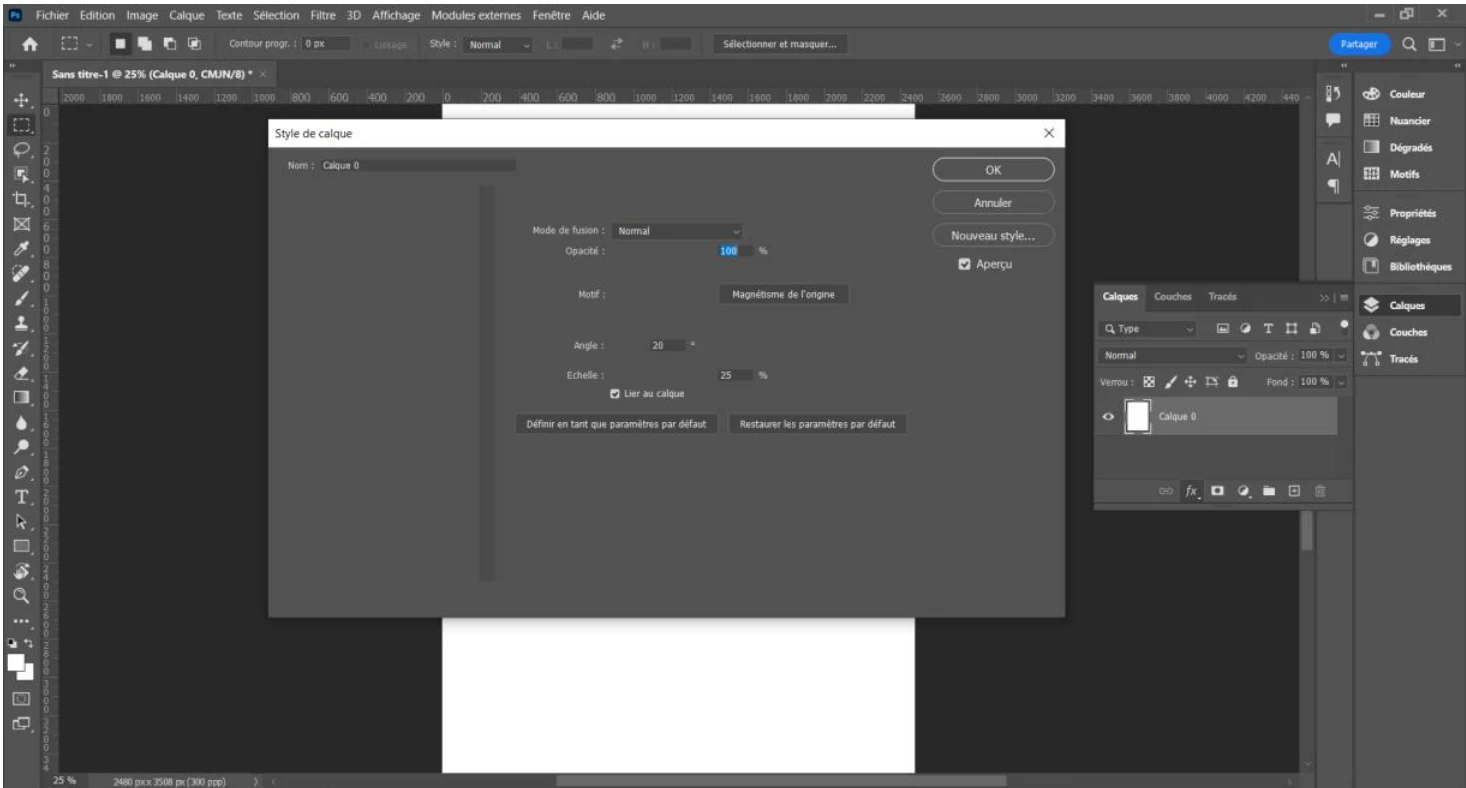
Picture 2: You'll see the pattern aren't shown. Same, I have to clic on it.
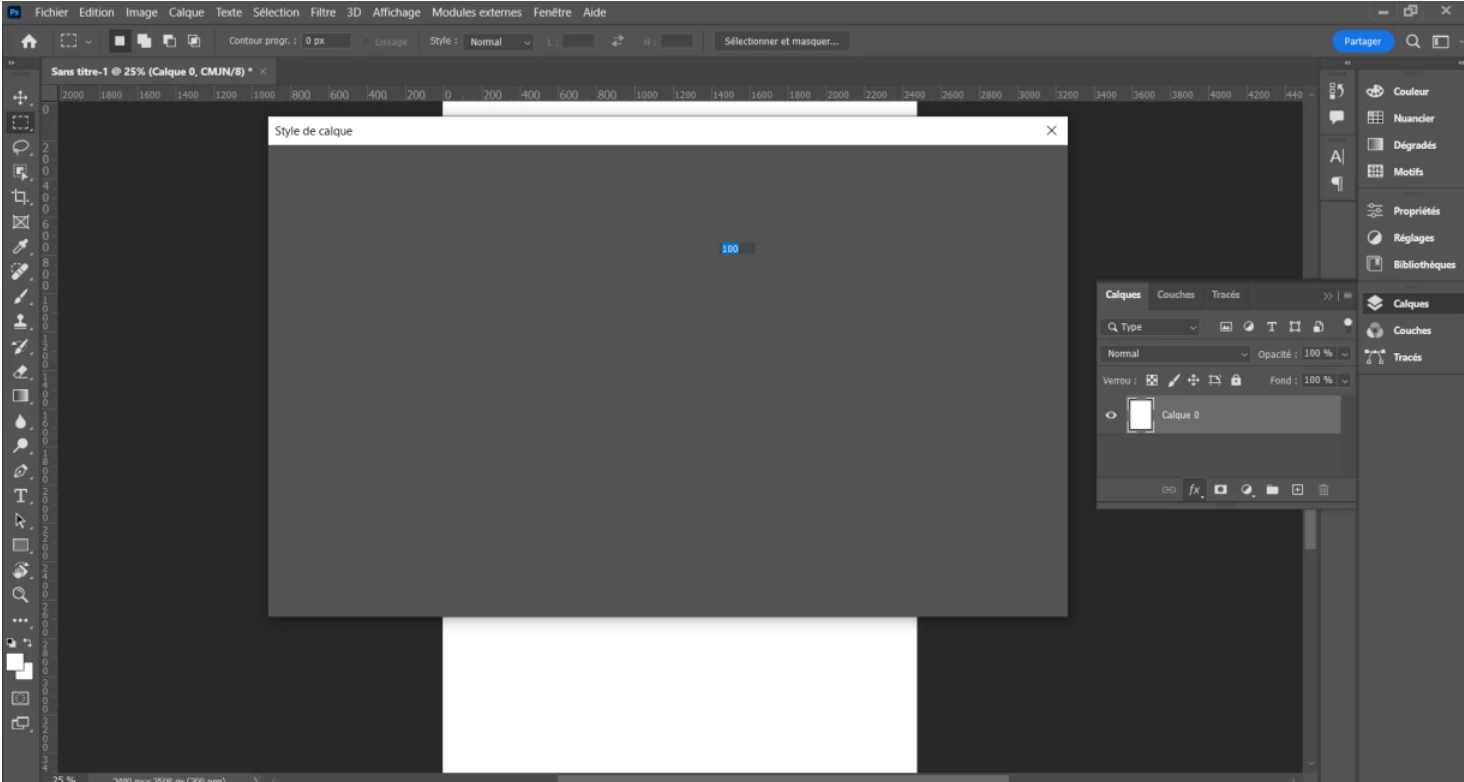
Picture 3: I just can't select any of the pattern (by the way not everyone are shown), anything doesn't respond at this time, nor the closing cross, so I end the task with task manager to exit.
Thanks
 AdChoices