
Question
Photoshop Image Processor "Missing" Access Rights
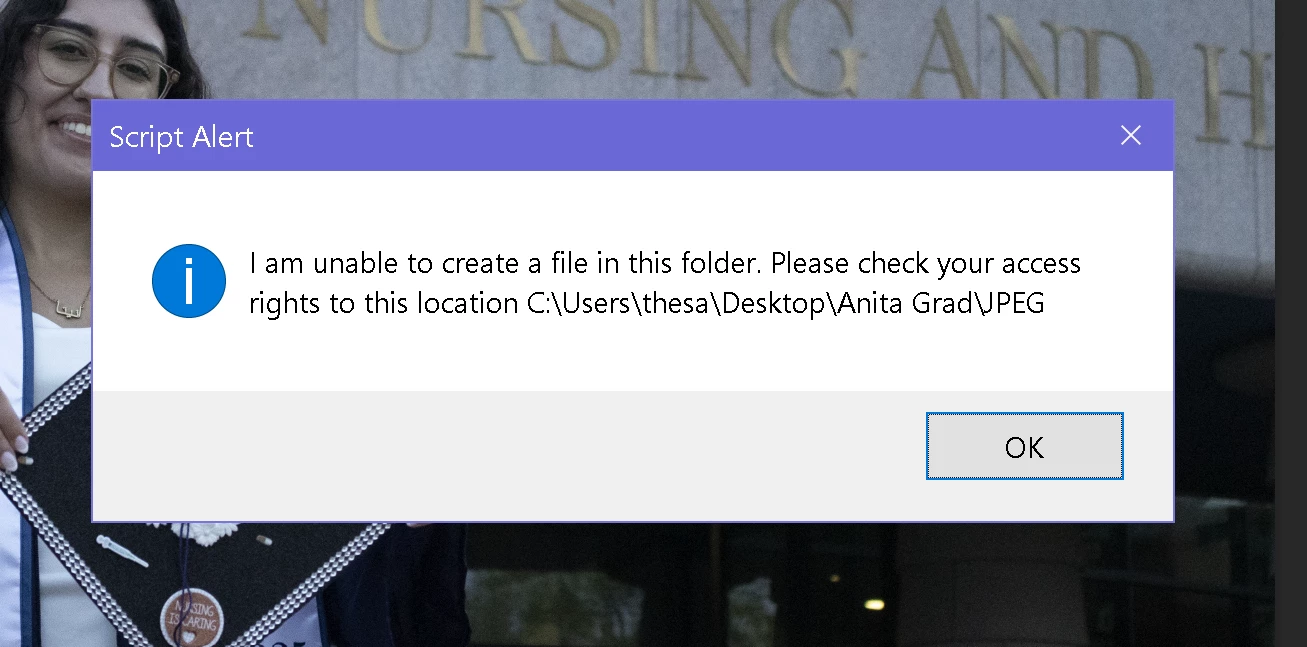
When using Photoshop's Image Processor on my RAW files from Bridge (.CR2 files), every 2-5 photos (so far maximum ~12) I get an error telling me to check my access rights to the folder.
I made sure there were no outstanding Adobe updates, restarted my computer (Dell XPS 15, Windows 10), waited a whole day, tried new folders in various locations, checked security permissions for the folders involved and security permissions for all Adobe program folders (i.e. Program Files, App Data, etc.).
I have no idea how to fix this. I've tried Googling, but I can't seem to figure this out. Below is the error I am getting, which is for the JPEG folder the program itself created.
 AdChoices