Answered
Photoshop, Import Shape
When I click on "Import Shape" it gives me an empty directory. How do I get all the custom shapes? I need to append them. I have Windows 11.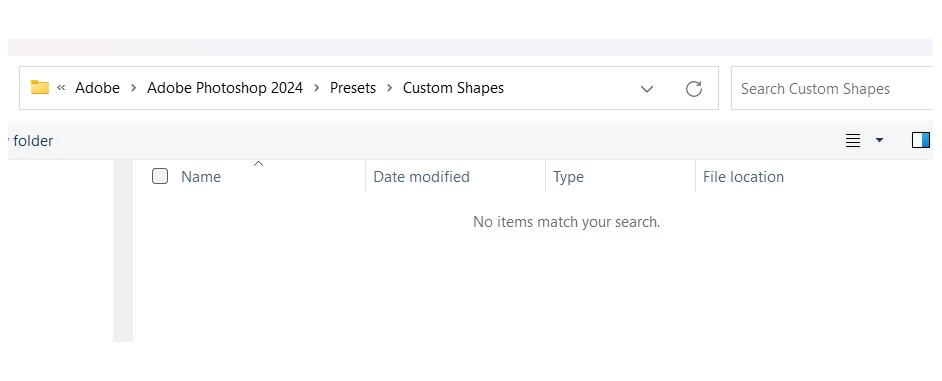

When I click on "Import Shape" it gives me an empty directory. How do I get all the custom shapes? I need to append them. I have Windows 11.
Don't use Import.
Instead, open the Shapes panel from the Window menu (not options bar). Click the Shapes panel menu and scroll down. Click Legacy Shapes and More. Open the Disclosure Triangle and select each folder (or either). They will now appear in the option bar for you to use.
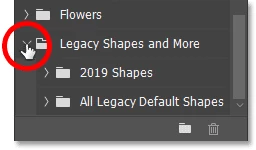
In the same panel menu, you can reload the new default shapes if you want them.
Jane
Already have an account? Login
Enter your E-mail address. We'll send you an e-mail with instructions to reset your password.
 AdChoices