Participant
September 30, 2019
Question

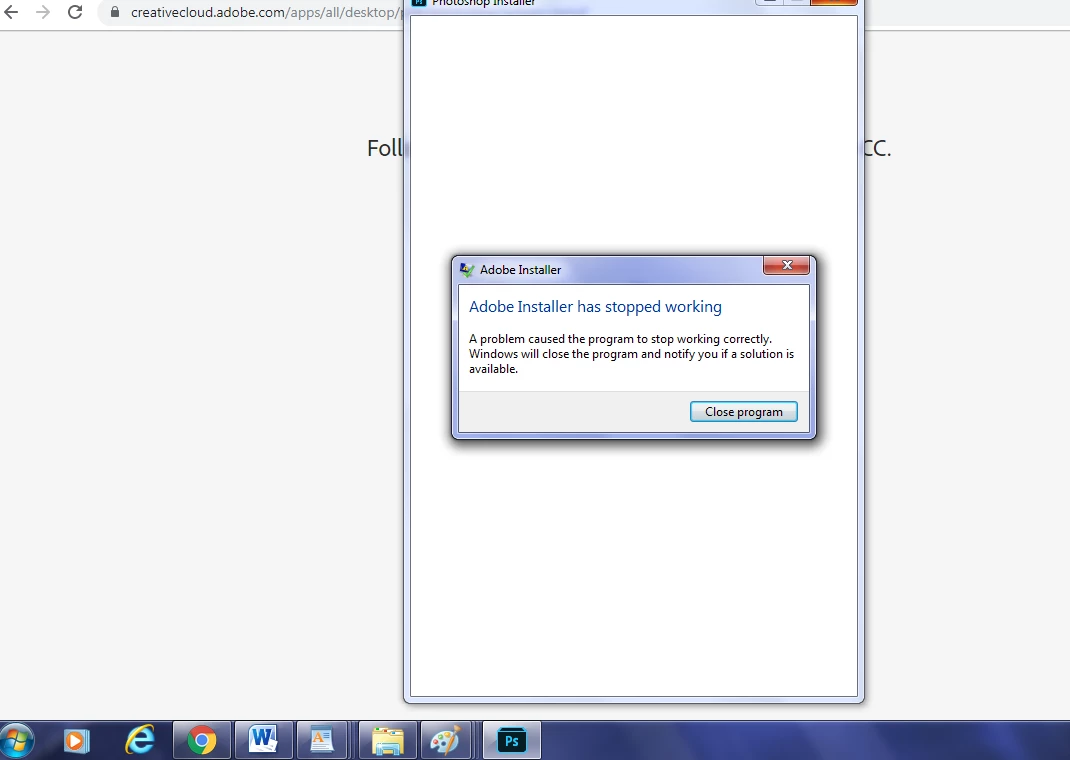
Photoshop installation setup keeps getting an error help please

  • September 30, 2019
  • 2 replies
  • 701 views

I'm currently attempting to try out the Photoshop trial but everytime I attempt to install it I get the "Adobe installer has stopped working" error I'll provide screenshots
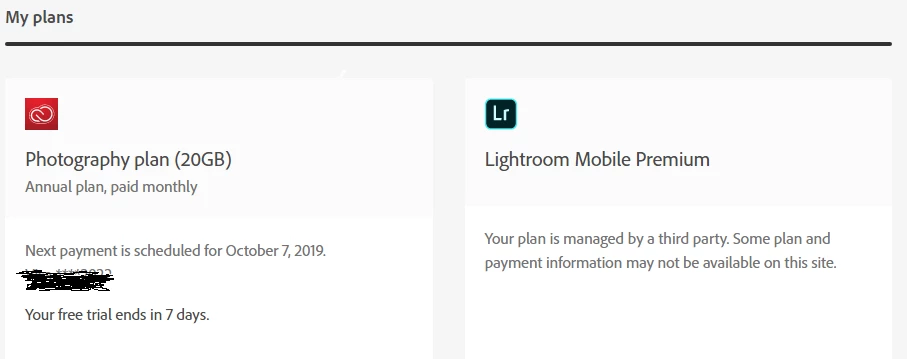
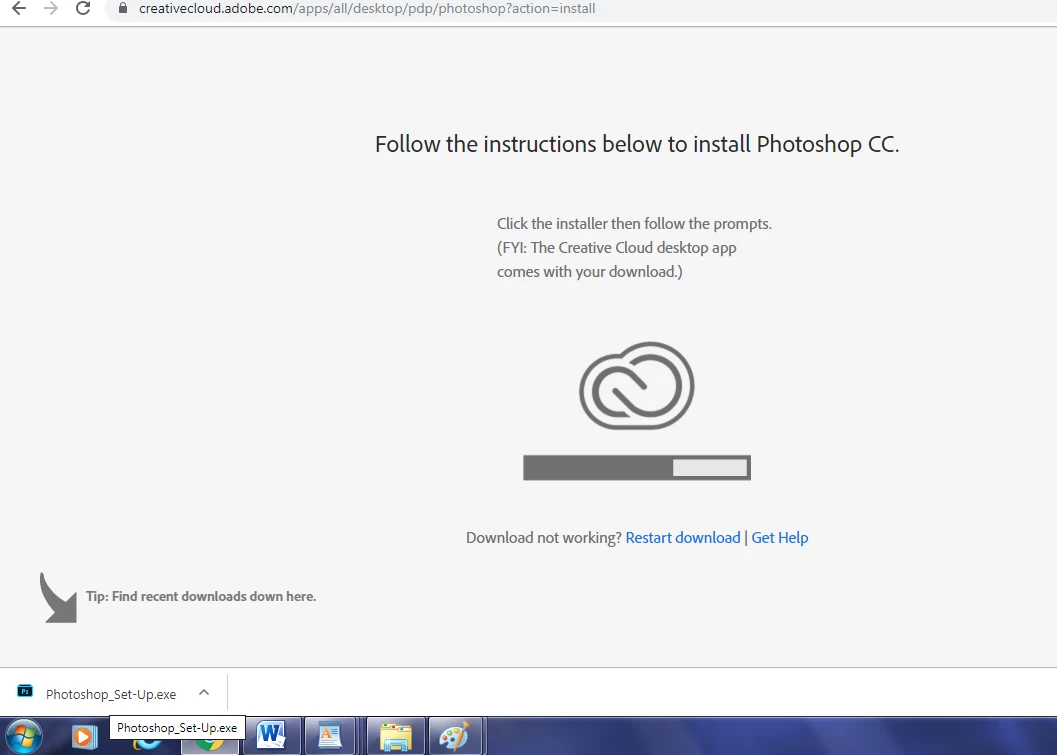
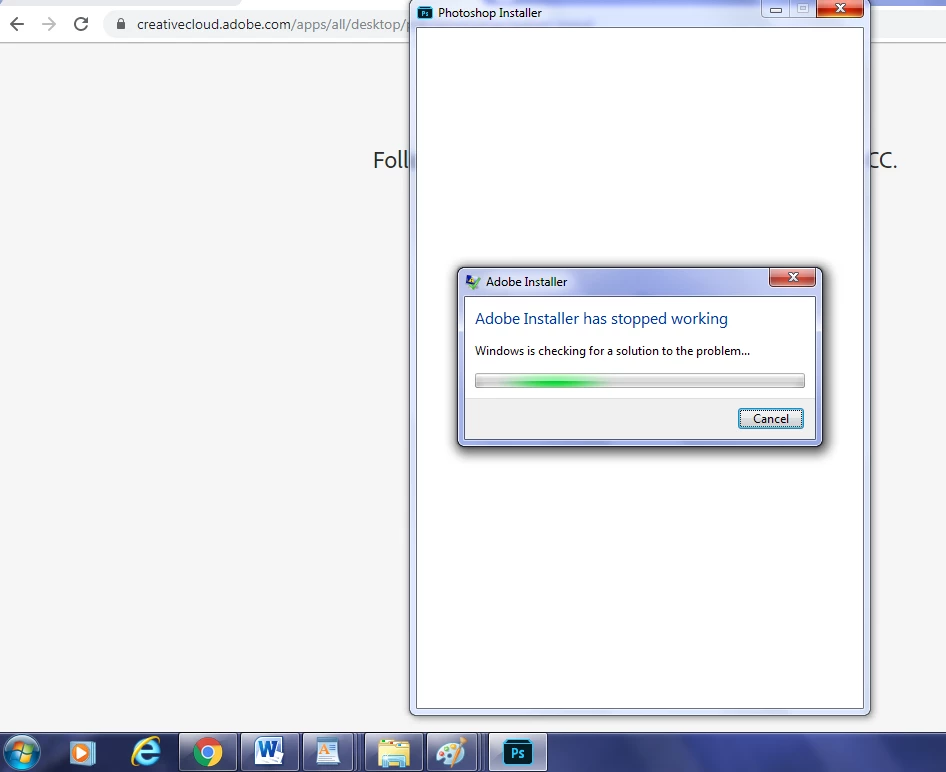
The only way I can get any response out of the program is by troubleshooting it and then this happens...
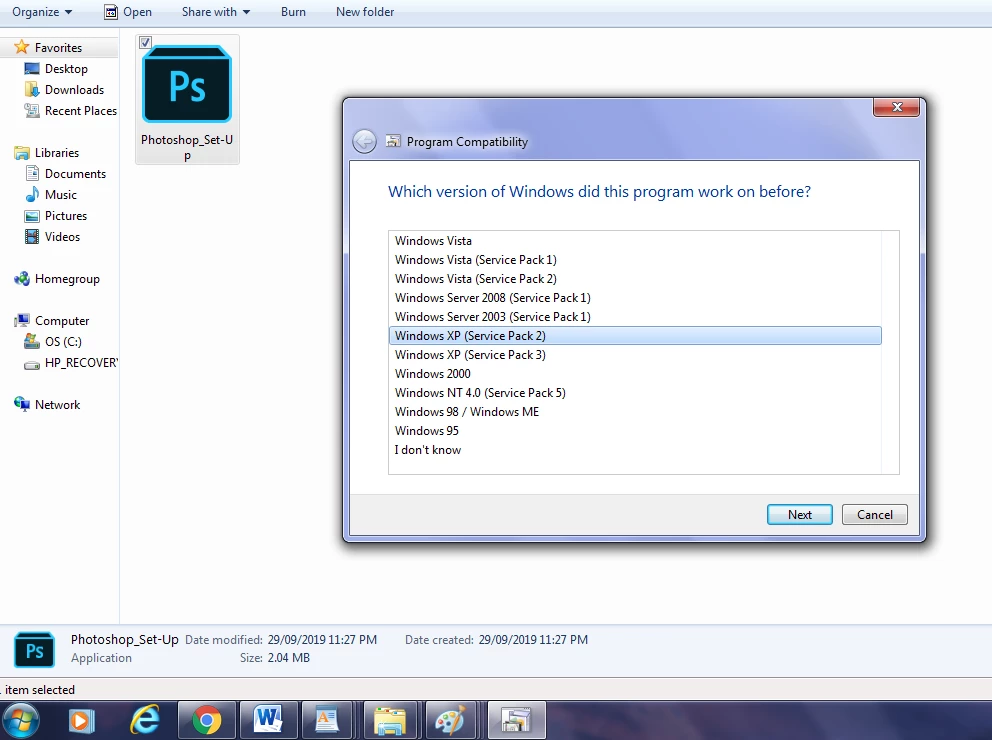
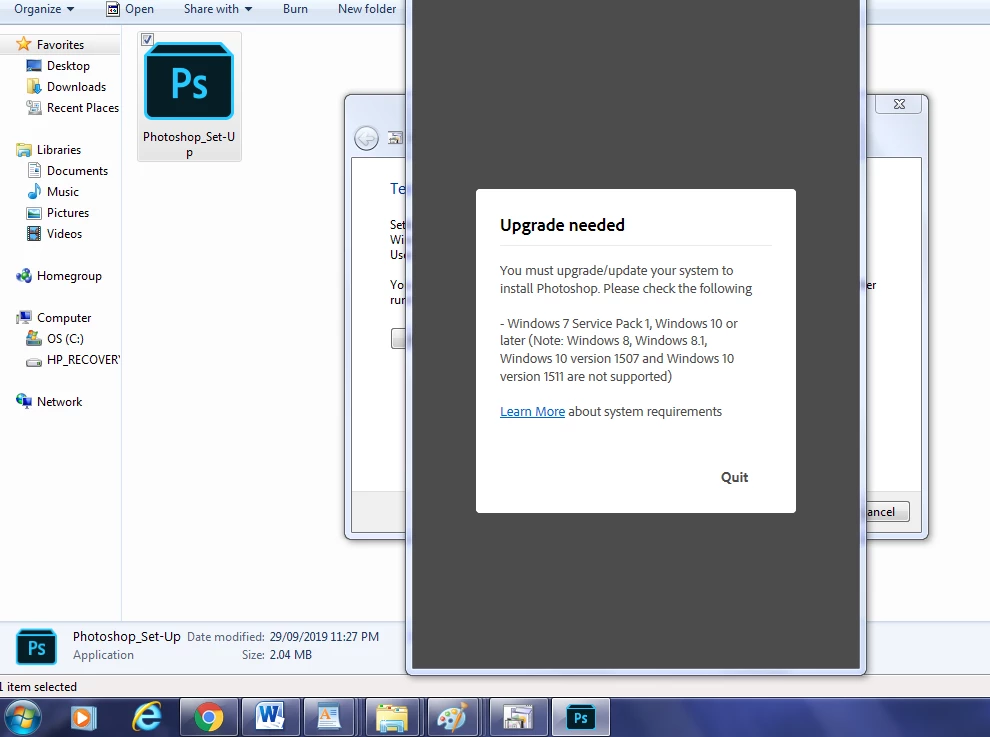


I've read what specs I need on these two sites https://helpx.adobe.com/ca/photoshop/system-requirements.html
https://www.adobe.com/ca/products/photoshop-elements/tech-specs.html
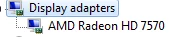
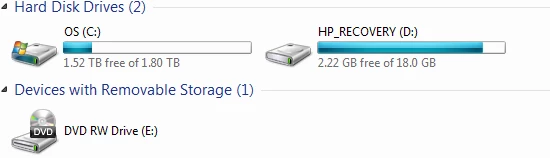
Unless I'm missing something my computer should be able to run this program. Here are my own specs 
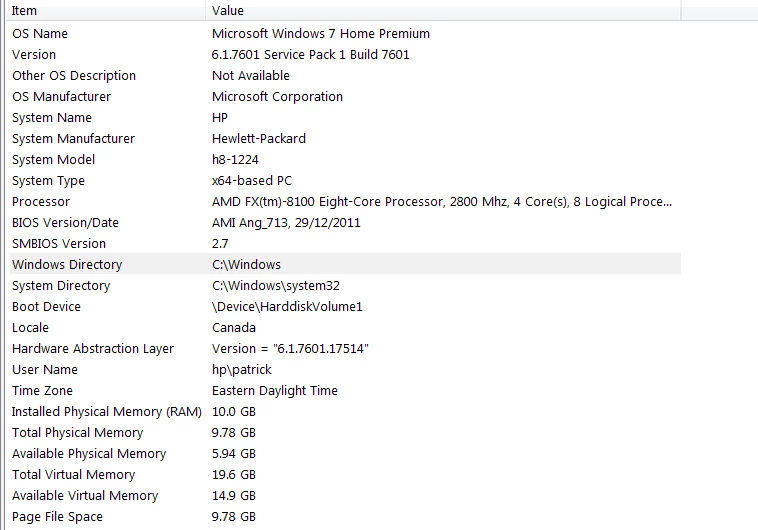


Any ideas??

This topic has been closed for replies.

2 replies

Participant
September 30, 2019

New problem I noticed something was wrong with the creative cloud so I reinstalled it and now it's working but it's still saying photoshop is not compatible when I attempt to install and click open adobe creative cloud protocol nothing happenss....

davescm
Community Expert
Community Expert
September 30, 2019
Are you running the 64 bit version of Windows 7?
Participant
September 30, 2019
Yes
Community Expert
September 30, 2019

Please try to use this tool to completely uninstall the program and then reinstall it:

https://helpx.adobe.com/creative-cloud/kb/cc-cleaner-tool-installation-problems.html