armar6378
Participating Frequently
February 11, 2021
Answered

Photoshop Interface Error

  • February 11, 2021
  • 2 replies
  • 2516 views

Hello everyone.

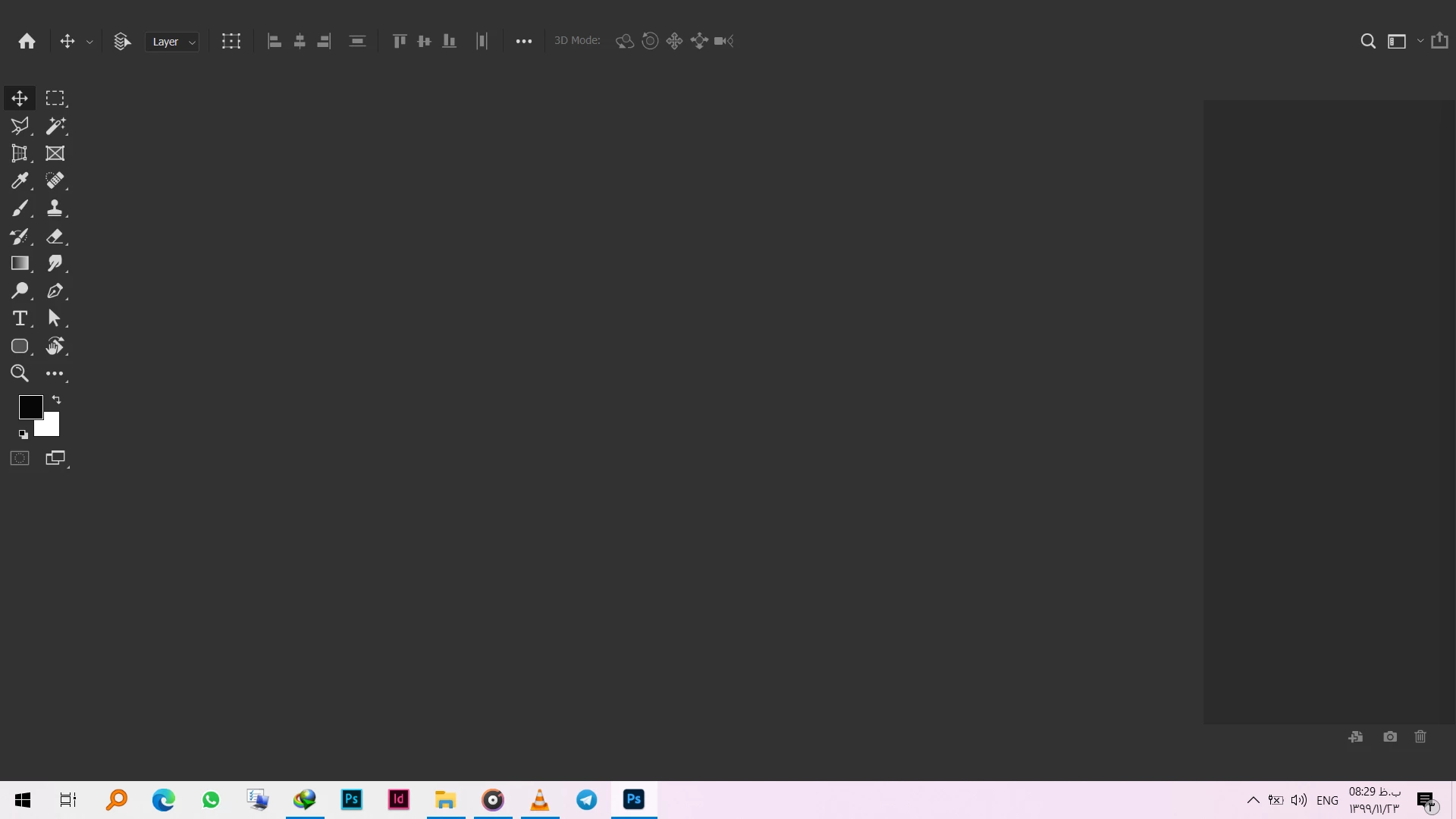
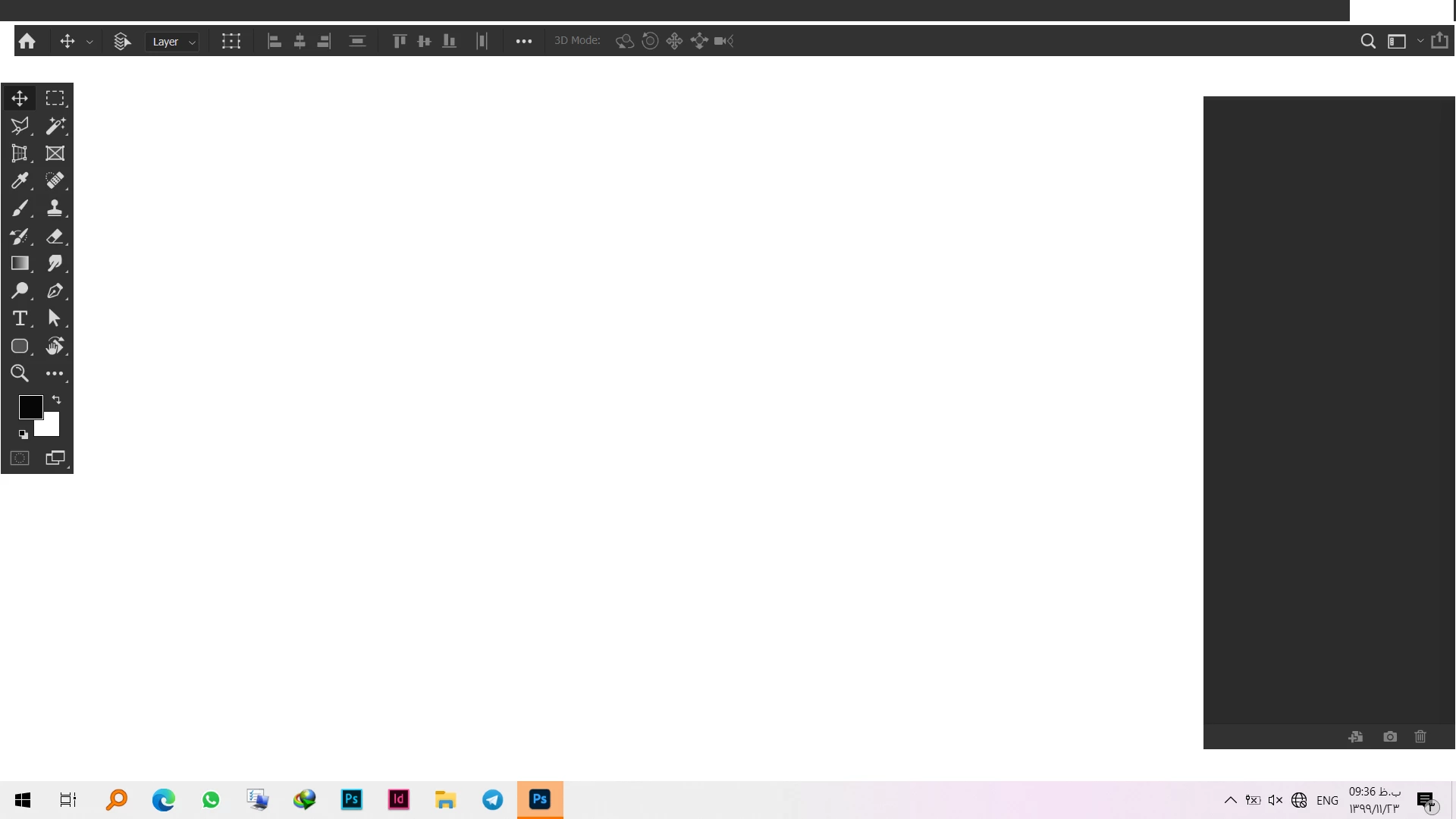
Eversince I installed the new photoshop I've faced what you'd see in the figure I attach.

Anyone Any idea???

Thanks in advance
 

This topic has been closed for replies.
Correct answer D Fosse

Yes i would agree. unistall run adobe cleaner than reinstall it. I had some weird things happen and this solved the issues.


Randy, if you look at that system info, it says

License Type: Unknown
Serial number:  <blank>


So it's an illegal version and this thread should probably just be locked.

2 replies

Derek Cross
Community Expert
Community Expert
February 12, 2021

Which version of Photoshop and OS?

Can you describe the issue you're having.

armar6378
armar6378Author
Participating Frequently
February 12, 2021

Hi. Photshop 2021 and Windows 10.

I couldn't describe better than the screenshots I attached, but I try. Some parts of the UI is not displaying correctly. Menus and Panels in particular, are some kind of hidden. But not hidden like when you can hide it and unhide it again, but like a bug or something. It's like they're there but not visible.You can click on them, but you wouldn't know what you are clicking on, as it is invisible.

Derek Cross
Community Expert
Community Expert
February 12, 2021

How much RAM and spare disk capacity do you have?

Some find unticking Use Graphic Processor under the Performance tab in Photoshop preferences helps some screen drawing issues.

Assuming you have the correct system specs try unistalling Photoshop and using Adobe Cleaner before reinstalling it again.

Kevin Stohlmeyer
Community Expert
Community Expert
February 11, 2021

Have you tried resetting your preferences?

Go to Preferences/General and choose "Reset Photoshop Preferences on Quit".

Restart Photoshop.

armar6378
armar6378Author
Participating Frequently
February 12, 2021

Hi. Yes I have, and it didn't do any help.