Participant
December 31, 2021
Answered

Photoshop is not working properly with graphics card on windows 11

  • December 31, 2021
  • 1 reply
  • 939 views

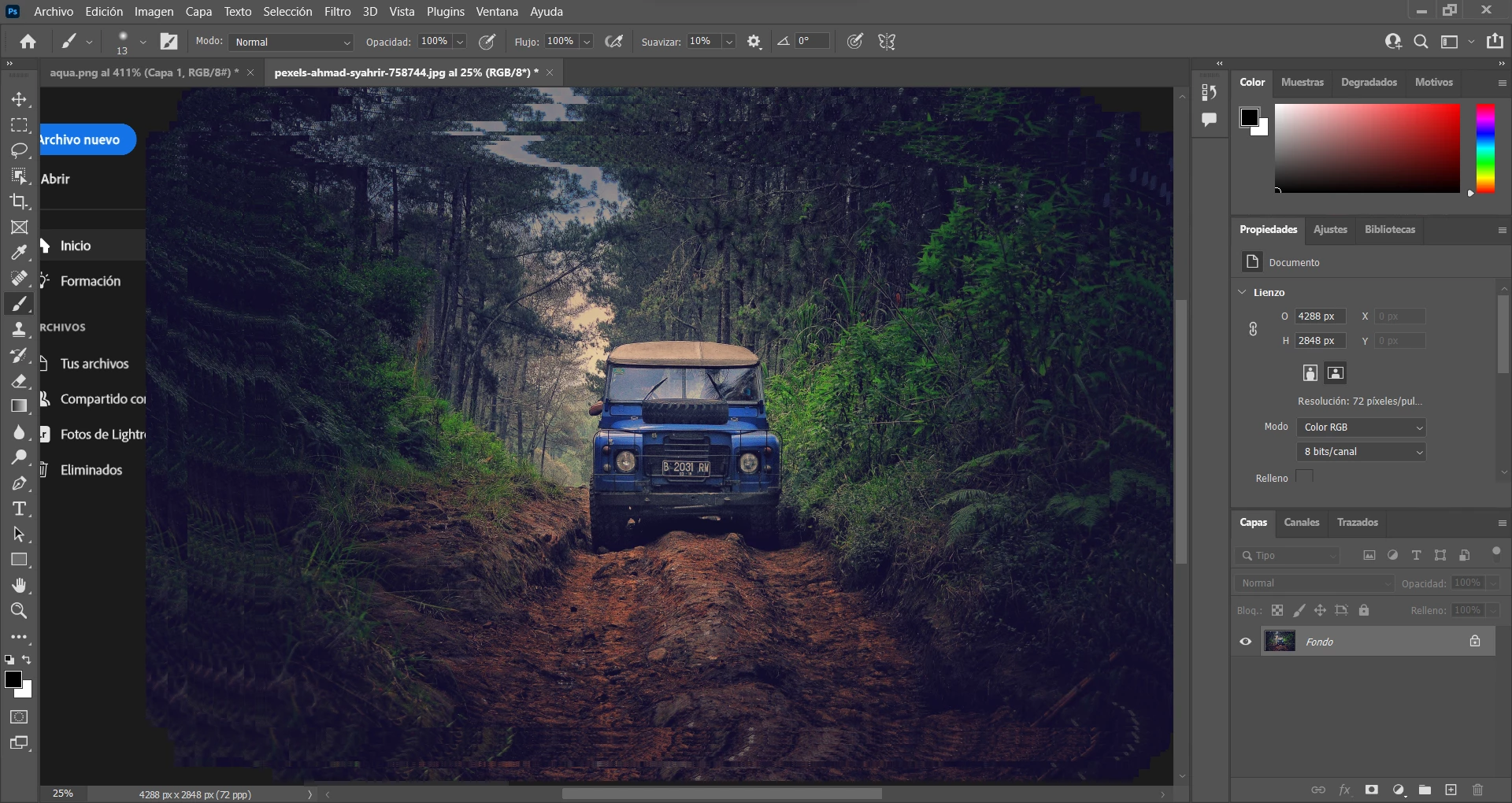
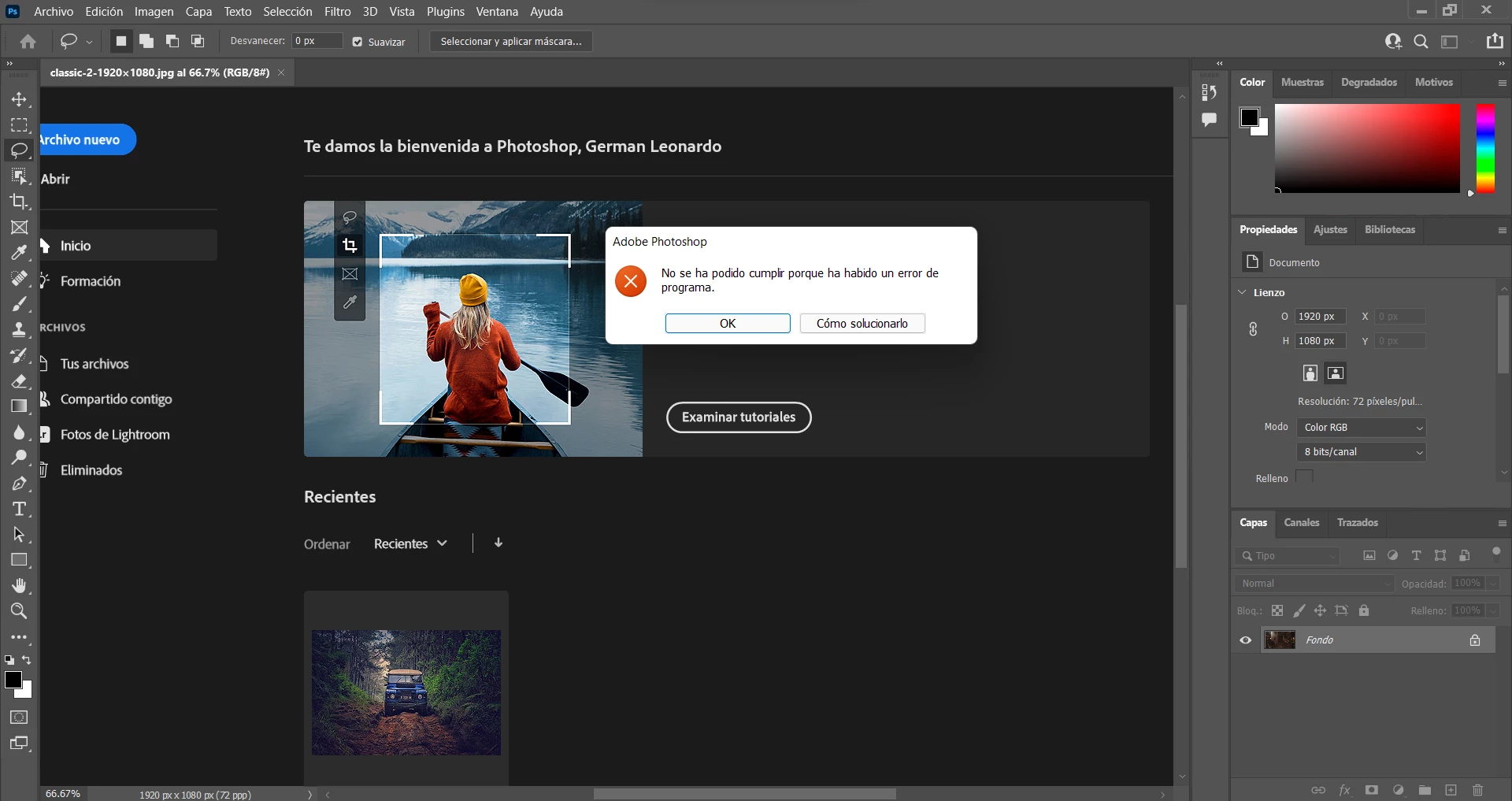
Whenever I open my photoshop 2022 on windows 11 it keeps crashing unless I set it to not use the graphics card, so it results on losing performance. and it ends up either crashing or not working properly. Sometimes it tries to work but only on 

This was not happening on windows 10.


I have windows 11 21H2
Intel core i5  10400H

GPU nvidia gtx 1650


This topic has been closed for replies.
Correct answer Ged_Traynor

Hi

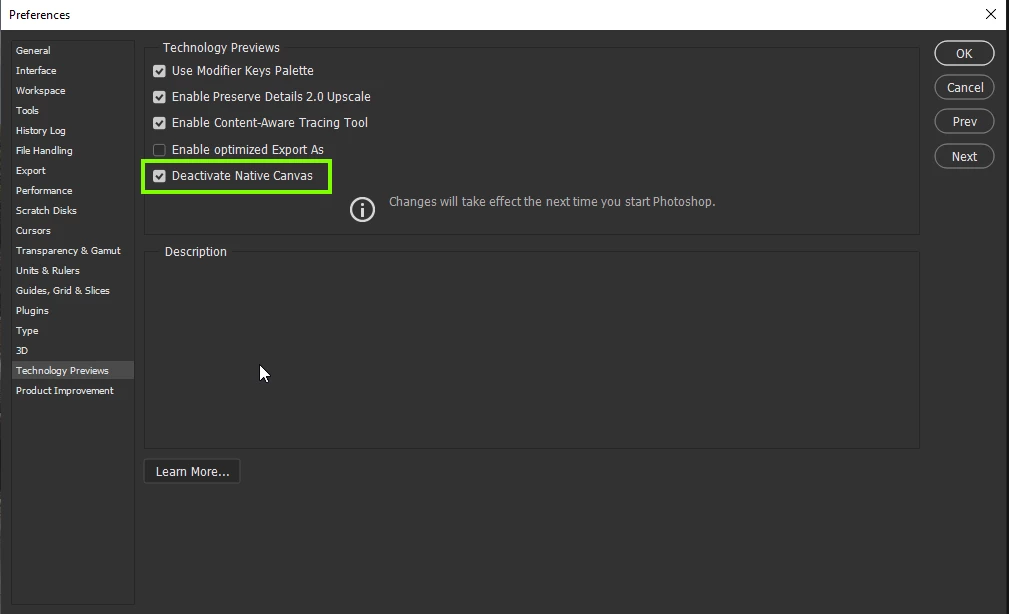
Try enabling this option in preferences and restarting Photoshop to see if it helps

1 reply

Ged_Traynor
Community Expert
Ged_TraynorCommunity ExpertCorrect answer
Community Expert
December 31, 2021

Hi

Try enabling this option in preferences and restarting Photoshop to see if it helps

Germán MAuthor
Participant
December 31, 2021

Thank you so much, that was the problem, do you know why does that option make the program crash?

Ged_Traynor
Community Expert
Community Expert
December 31, 2021

Not sure why it causes the crashes for some people, do you download and install the GPU driver directly from Nvidia and if so do you use the Game Ready or the Studio version, Adobe recommends the Studio version.