

Question
Photoshop is yellow tinted on Windows 11
Photoshop looks yellowish when Win11 HDR is turned on. For instance, the launch screen looks like this:
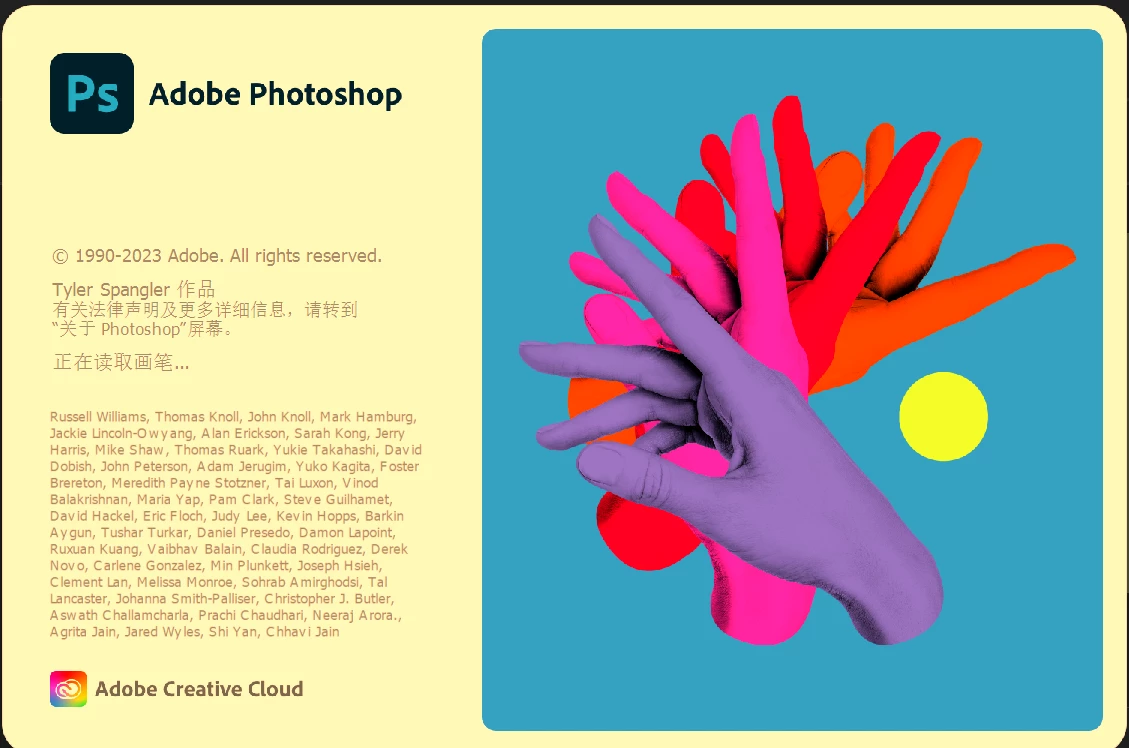
I've searched on the internet and found a couple of posts reporting this issue, such as: https://community.adobe.com/t5/photoshop-ecosystem-discussions/photoshop-yellow-tint-with-hdr-enabled/td-p/13788213.
It says that this has been fixed by a Windows update, but the problem remains on my computer. My Win11 is up-to-date with version 22H2 22621.1928. My Photoshop is 24.6.0.
 AdChoices