
Photoshop issue when using certain tools
Hi collective,
I've been pulling my hair out the last week with photoshop refusing to work for me on certain tools and I've tried everything I can think of to remedy it.
I'm extremely fortunate that the tools are more graphic design based, so I havent needed to use them in a very long time, so this issue might have been more long-lived than I'm aware of.
In short, whenever I use any of the shape tools (Rectangle, Line, Triangle etc) or the frame tool, photoshop hangs up on me in the middle of creating them, and although TECHNICALLY does make the shape desired, I get the spinny wheel of death forever until I remove it again. Photoshop isnt crashing completely, or totally frozen, just extremely lagged to the point of being unuseable.
Screenshot to demonstrate the frozen state, first prior to any issues, and then once hung up:
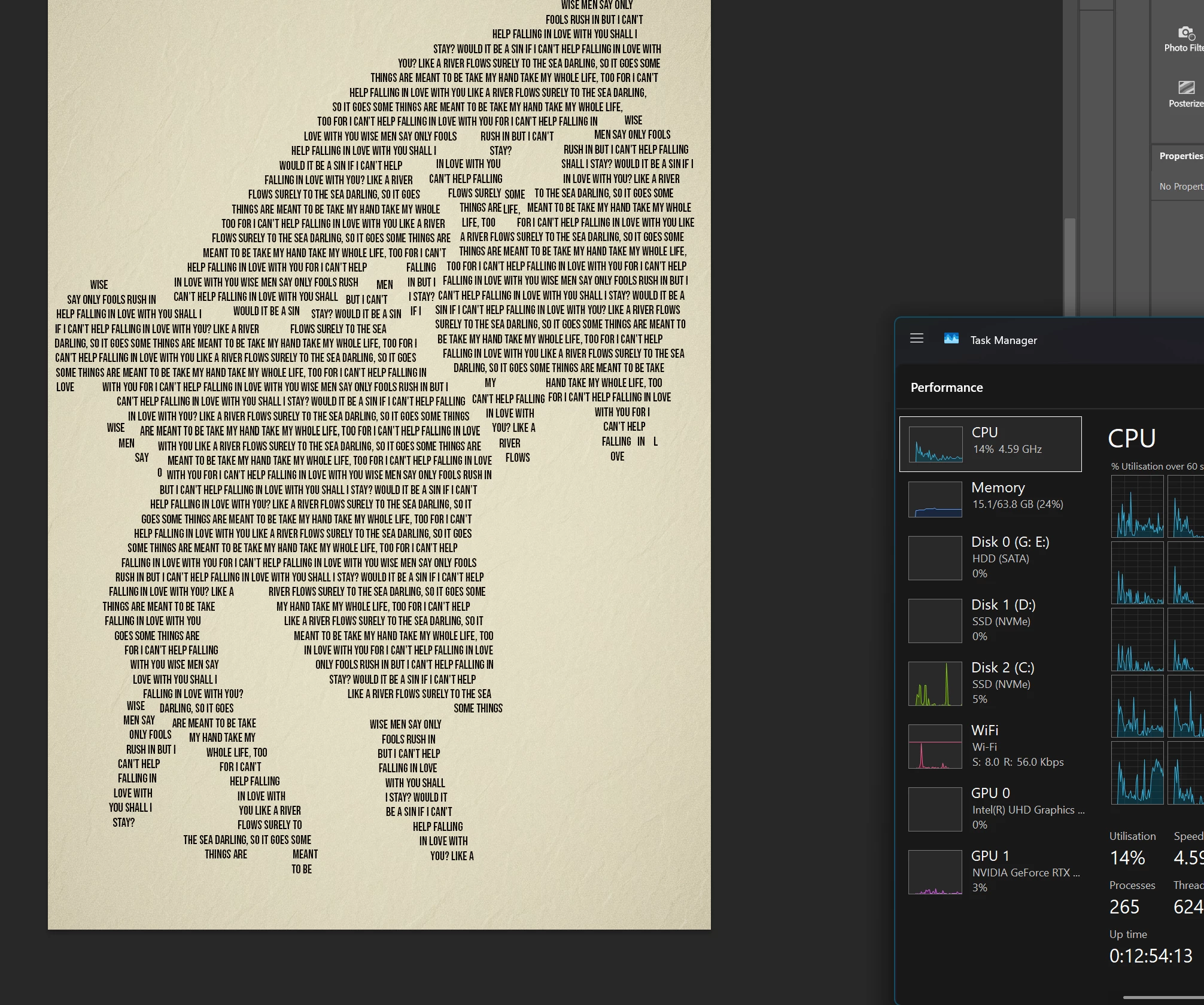
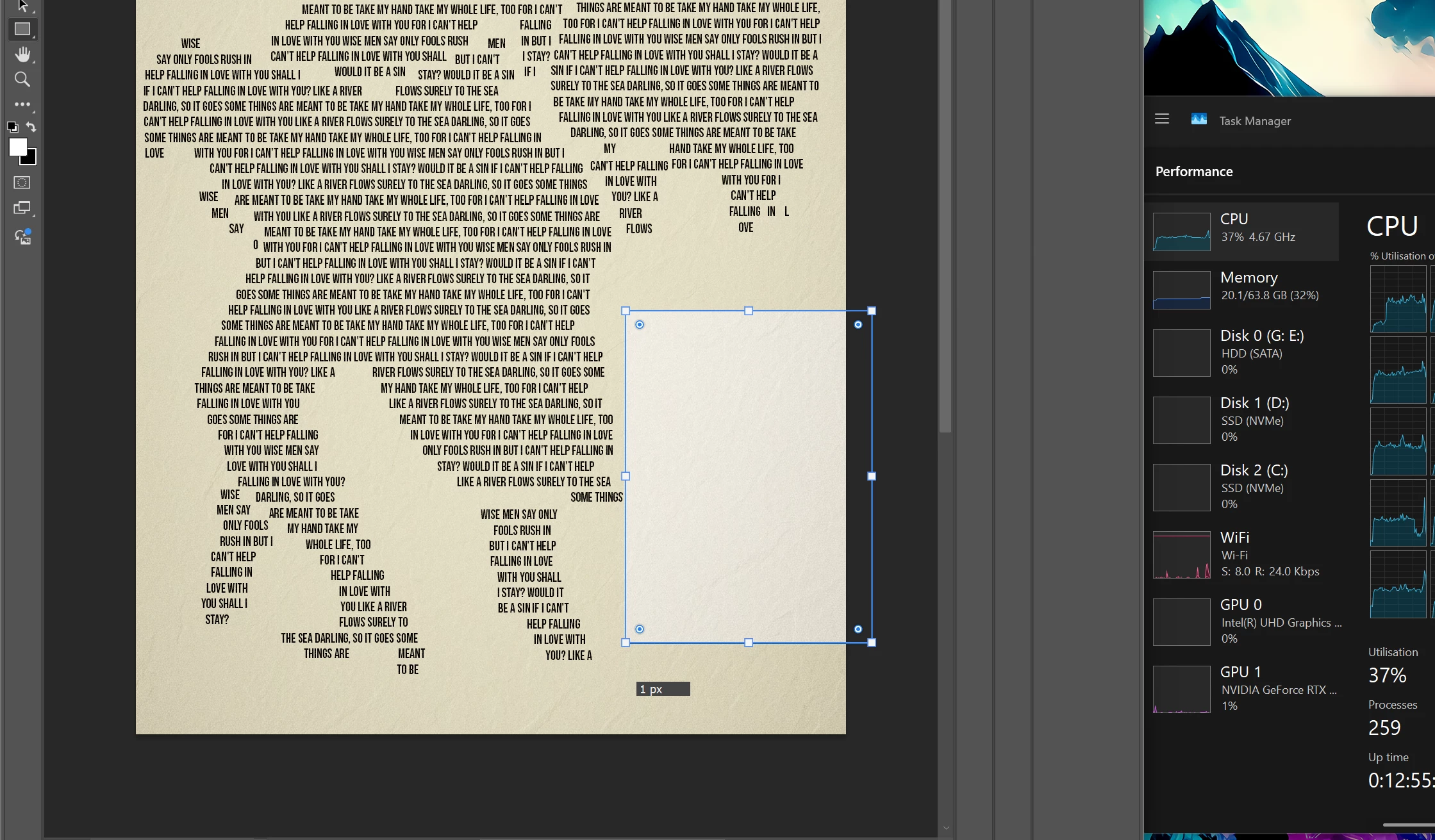
I can see that resource usage increases, but far from the maximum possible for the system.
My system rundown really quick.
- MSI z790 A Max Wifi motherboard - most recent BIOS version
- i7 14700k - mild undervolt to reduce heat production, AIO cooling
- Geforce 4070 ti (not super)
- 64gb DDR5 ram
- 2 x 1TB M.2 Drives for storage, one with windows and programs, the other with photo/video files for editing.
- Windows 11, most updated version
- Photoshop 26.5
- MSI MPG321CURX Monitor (4k 240hz) 10 bit colour
Things I have tried so far:
- Disable GPU acceleration (including disabling different individual GPU settings within performance menu) No improvement, which leads me to think this is a CPU related issue
- Increase available ram for photoshop to 75% of system ram (which has never come close to actually using)
- Increase cache settings
- Changed settings for remove tool etc to stable (from faster)
- Reset photoshop preferences
- Installed older version of photoshop (26.0)
- Uninstall/Reinstall photoshop via creative cloud
- Reinstall windows
- Reduce undervolt in BIOS
- Disable GPU OC through Afterburner
- Force photoshop to use Dedicated GPU
- Disabled G-Sync for photoshop specifically
- Uninstalled photoshop with creative cloud cleaner tool and reinstalled
- Disabled HAGS
- Updated all drivers I can think of
- Reinstalled up to date graphics drivers
- Opened photoshop both directly AND via Lightroom
None of these has had even the tiniest impact on this matter. I am out of ideas and I need some extra brainpower from you guys here. All I can think of might have an impact for some unknown reason is that my monitor might be causing issues, as I bought this only a few months back, but don't foresee how that would be likely, no issues otherwise.
Tools I use regularly like remove tool, stamp, adjustment layers, brushes (both regular and mixer), crop tool, dont seem to have any issues. Once I used content aware fill and there was a little glitching of the brush when adjusting the affected area for drawing information for the fill - but unsure if related.
Anyone seen this before, have any ideas? Will be extremely grateful if you can suggest anything that helps me get to the bottom of it.
 AdChoices