
Question
Photoshop Lagging but Hardware Specs Good
Photoshop is lagging and preventing other software from working, like Photo Viewer.
I am working in a 7 GB PSB file, 600ppi. The brush I am using is harder to calculate as it varies hue, saturation, rotation.
I still have this issue on a blank default PS file, but it is less profound.
Specs
- Current Photoshop Version
- Dell Precision 3630 tower
- Oct 2019
- Windows 10
- Intel Core i7 6 core 12 MB cache 4.6 Ghz Turbo
- Radeon Pro WX3100 4GB
- 16G DDR4 RAM - non ECC
- M.2 1TB PCIE Solid State Harddrive
- 4K Wacom
I have tried:
- resetting to default preferences
- allocating less and more RAM
- changing the drawing mode of the graphics card
- updating all drivers
- dumped the cache
- changed the cache allocation
- reducing history states
I have restarted the software upon changing preferences and restarting the computer when installing drivers.
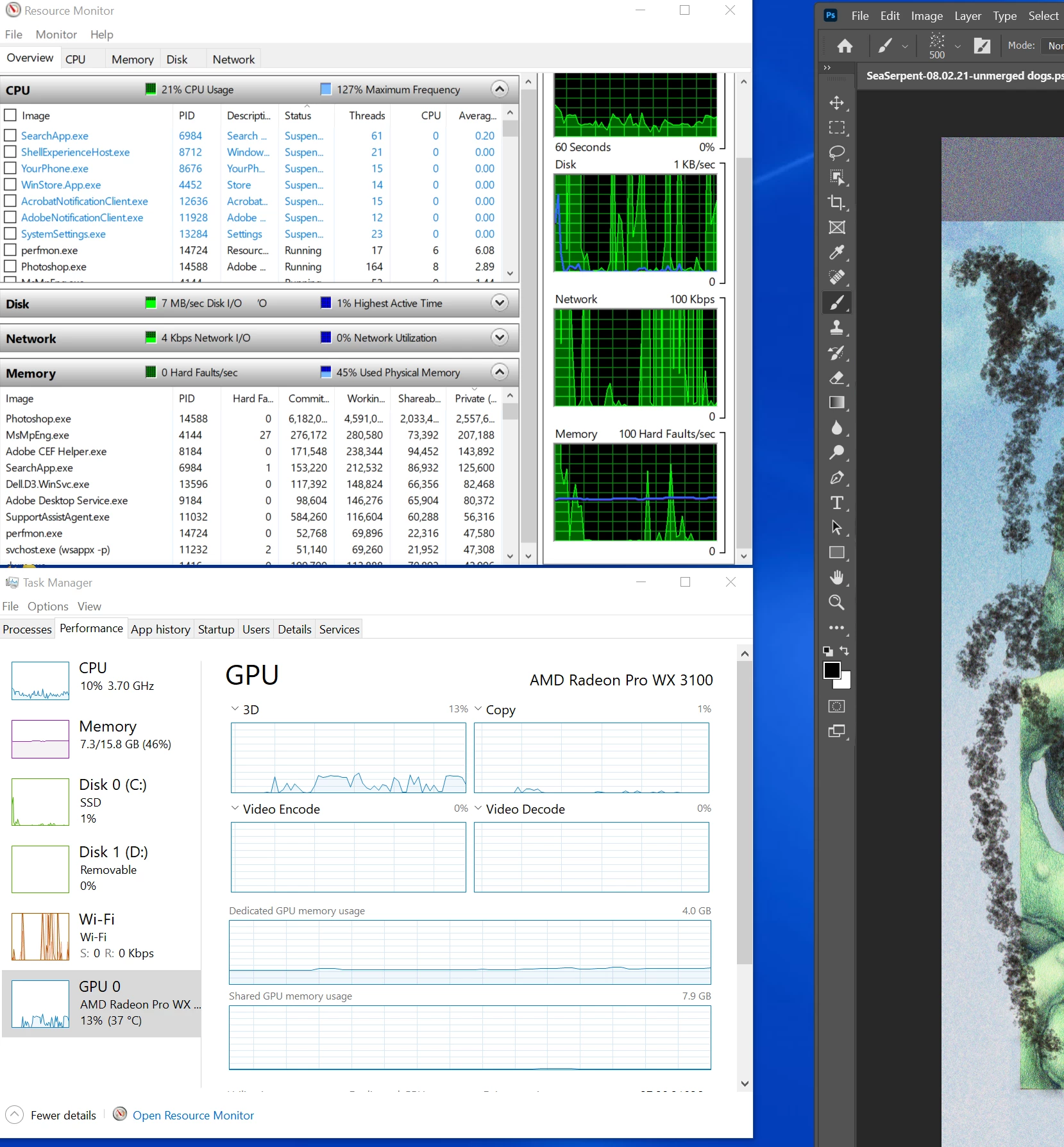
By best guess is to add more RAM, but it doesn't max out the RAM (see below).
 AdChoices