
garyw1623995
Participating Frequently
July 11, 2018
Question

Photoshop layer mask feathering strange pattern in mask

  • July 11, 2018
  • 3 replies
  • 2774 views

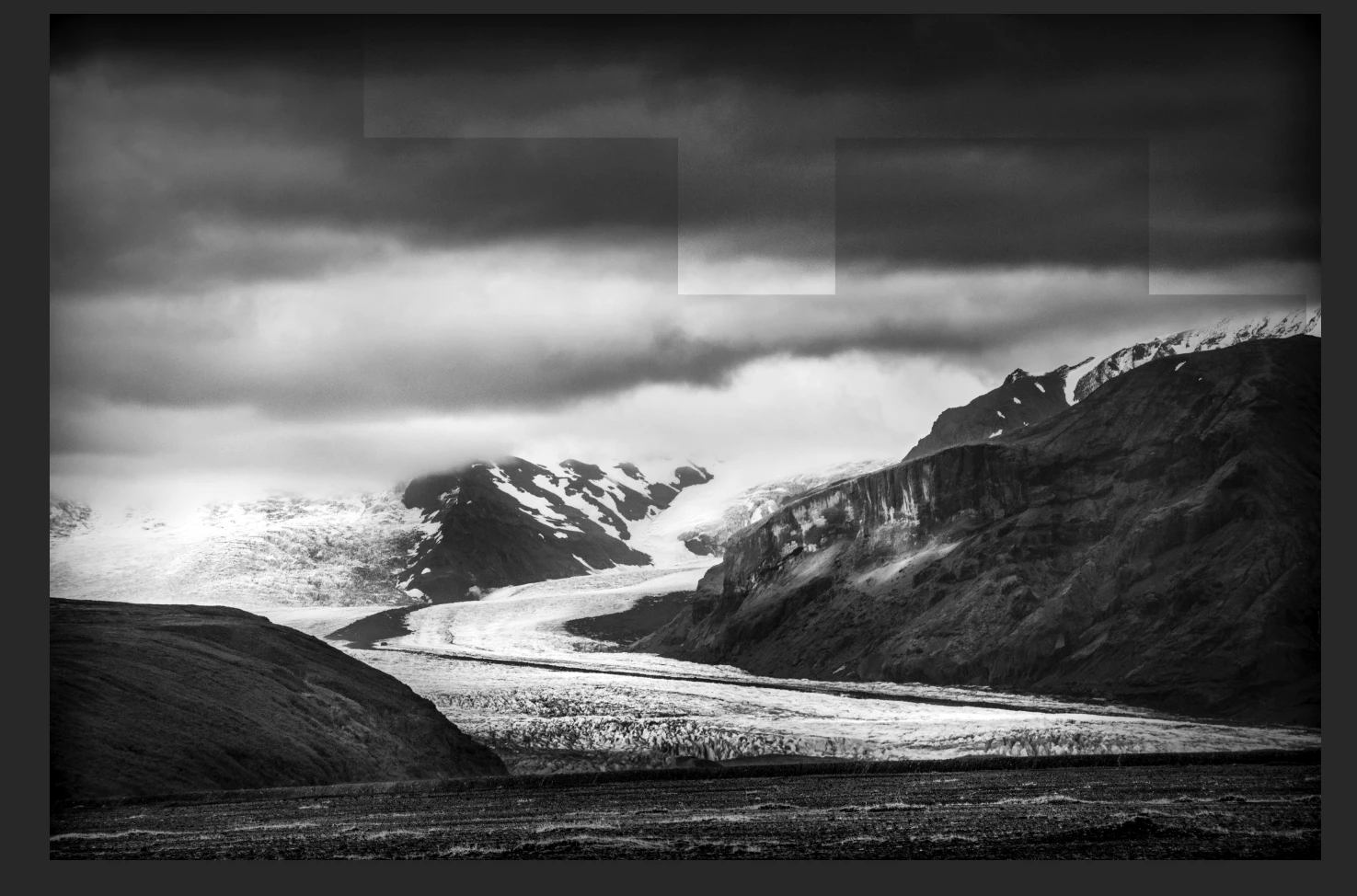
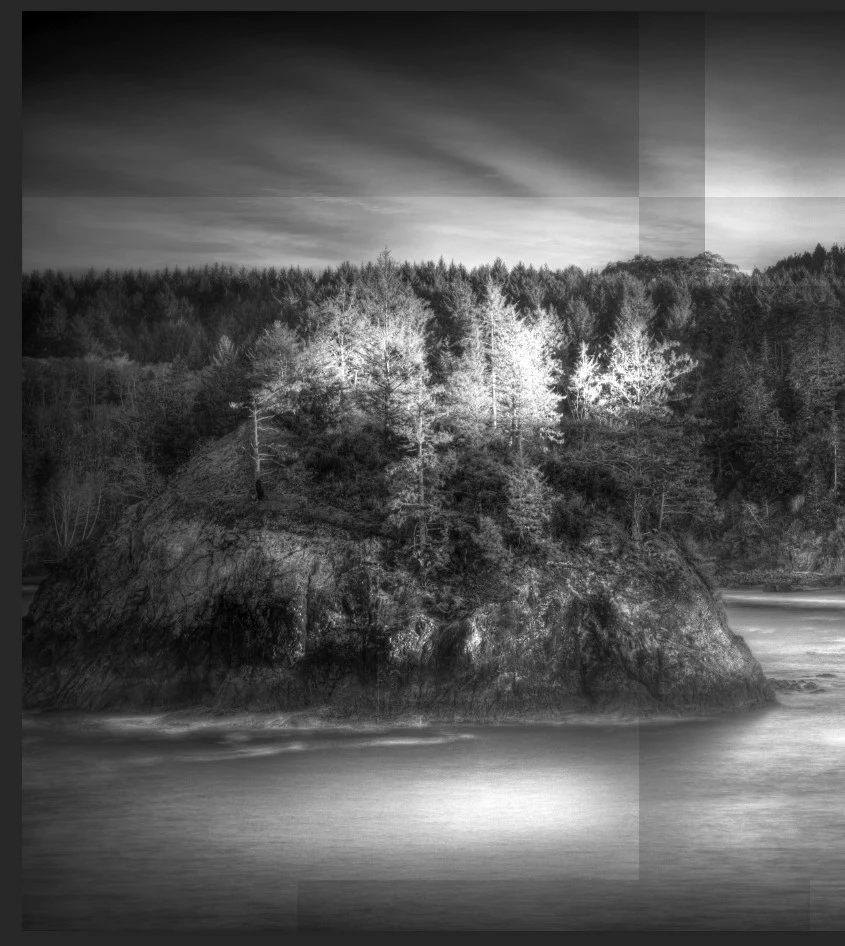
Using Photoshop when I use a tool to circle an object pick an adjustment layer and then feather the mask a strange random pattern appears in the layer or another layer that has a feathered mask. This problem has been consistent for over a year on two computers using Photoshop CC current version with a PC. The problem happens very soon after I complete the layer and start another task. To remove the pattern I have to delete that layer. Any help to resolve this would be appreciated.
    3 replies

    Trevor.Dennis
    Community Expert
    Community Expert
    July 11, 2018

    Garry I'd be interested where that glacier is?

    garyw1623995
    Participating Frequently
    July 11, 2018

    Iceland

    Michael J. Hoffman
    Community Expert
    Community Expert
    July 11, 2018

    Also, another good thing to do would be:

    Alt-click (Windows) or Option-click (Mac OS) the layer mask thumbnail to view only the grayscale mask.

    Do this when you see the odd patterns, and post a screen shot of the greyscale mask.

    Mike

    Michael J. Hoffman
    Community Expert
    Community Expert
    July 11, 2018

    Hi Gary,

    I've moved this discussion from Photoshop Fix (mobile app) to the Photoshop forum.

    To better understand what is happening, please show a snapshot of your complete workspace including the Layers panel. Also please try to capture the screen shot as you’re feathering the mask.

    Mike

    garyw1623995
    Participating Frequently
    July 11, 2018

    Thanks, Another photo with black squares on both sides that are a little hard to see plus the layer panel with the white boxes showing in brightness/contrast 2. I was working in brightness contrast 3 and the shapes just appeared in 2.

    Bojan Živković11378569
    Community Expert
    Community Expert
    July 11, 2018

    From what I see squares appears on Brightness/Contrast 2 mask. How you get those squares on layer mask? Either remove mask or fill white squares with black. I believe you will still have a problem with the transition so it is desired to use Blur filter after filling squares with black to soften the transition between black and white on the layer mask .