

Photoshop Mask Brush Strokes Erasing Previous Stroke
Hello,
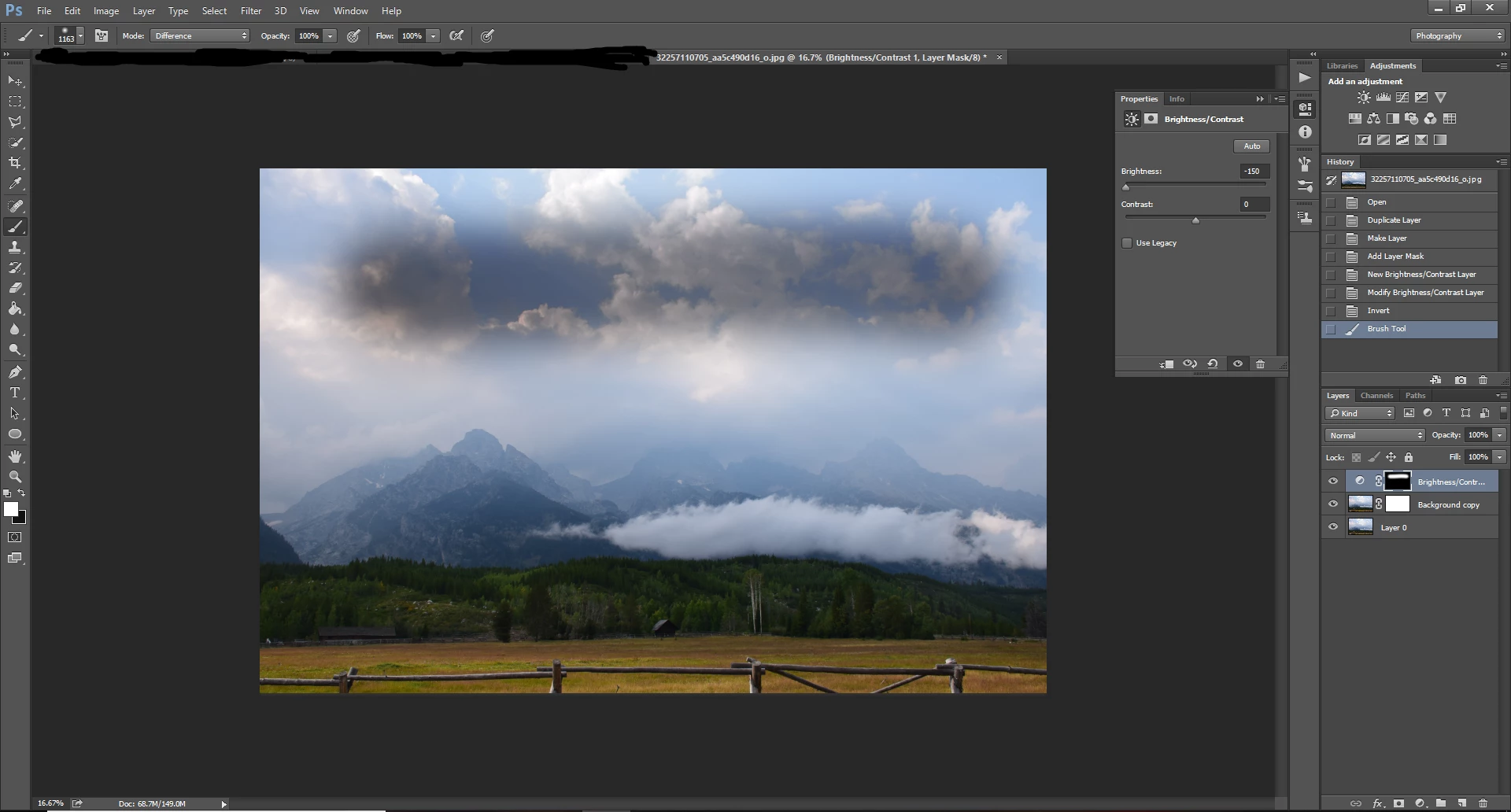
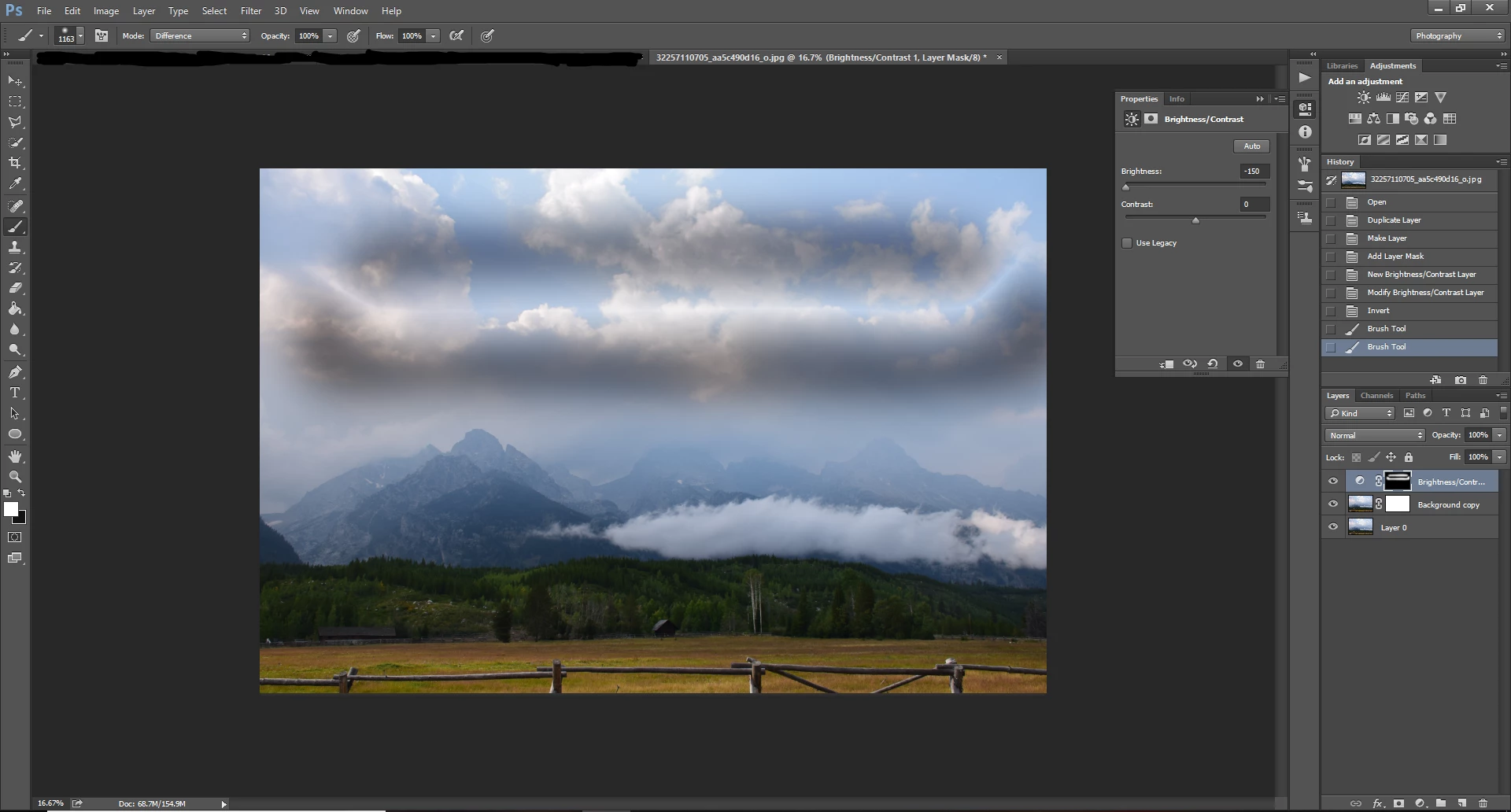
I am editing a photo with a layer mask and adjustment layer assigned to it. I normally overdo those adjustments a bit, before inverting the adjustment layer and using Photoshop's default soft brush at a low opacity to brush in the parts of the adjustments that I want into my photo. If I make one stroke, I can see the adjustment taking place. However, upon drawing another stroke on top of that one, it somehow cancels that stroke? So if I had a mask that was for increasing brightness, upon putting down one stroke, I can see more brightness in that area my brush was on, but if I brush over that same spot again, that area reverts back to its original state. It's really frustrating and I literally can't get anything done because of this. Any help would be helpful. Just attached images for reference.
First stroke:
Second Stroke:
 AdChoices