Participant
January 24, 2023
Answered

PHOTOSHOP NO ABRE

  • January 24, 2023
  • 3 replies
  • 372 views

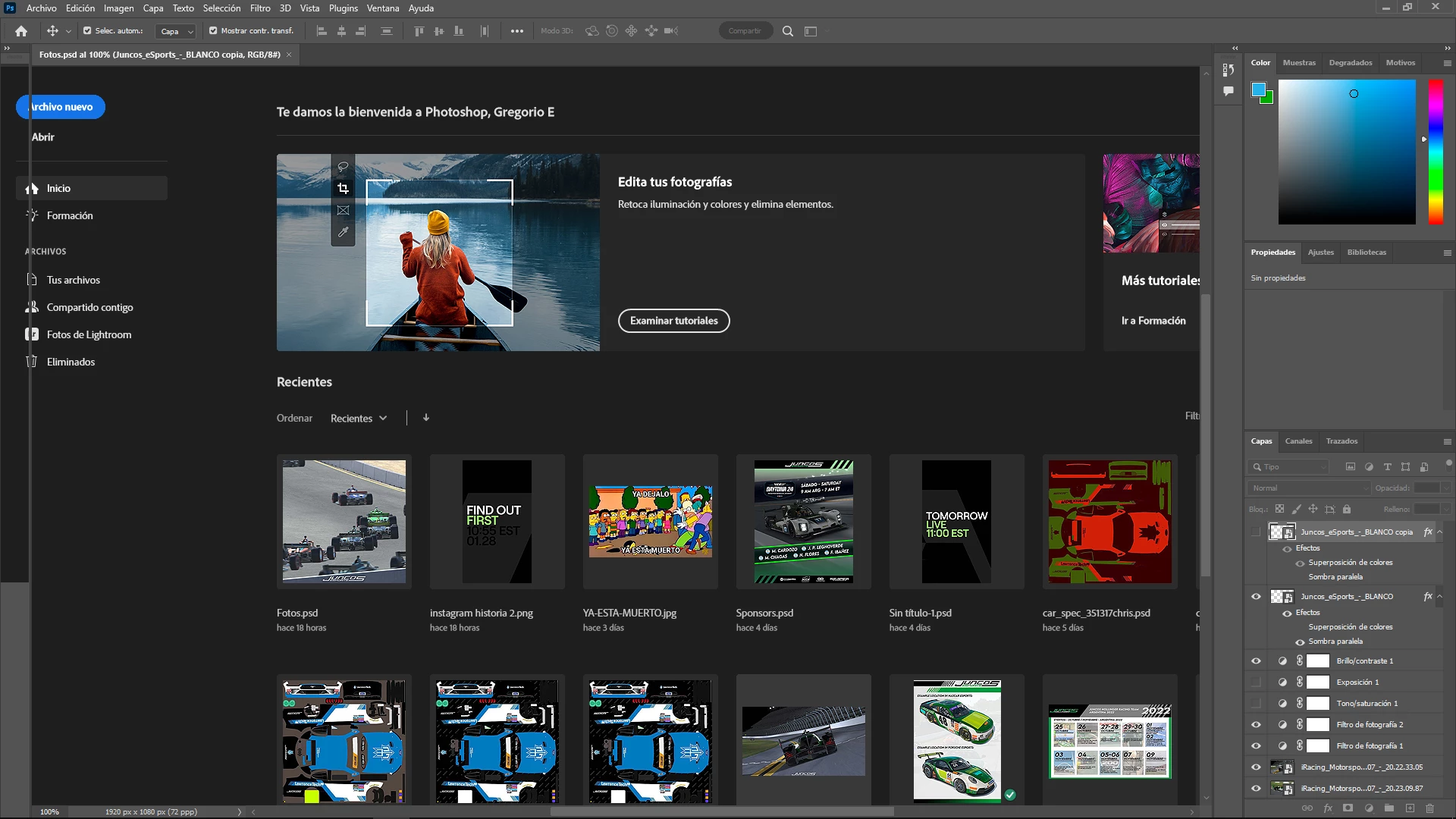
Hola, estoy intentando abrir mis archivos para continuar un trabajo y no abre nada. Se queda tildado o cuando logra abrirse desaparecen las barras


Que podra ser?


Saludos
This topic has been closed for replies.
Correct answer Goyo Dorso

Gracias a todos por su tiempo, la solucion fue desinstalar y volver a instalar el programa.


Saludos! 

3 replies

Goyo DorsoAuthorCorrect answer
Participant
January 25, 2023

Gracias a todos por su tiempo, la solucion fue desinstalar y volver a instalar el programa.


Saludos! 

CShubert
Community Manager
Community Manager
January 24, 2023

Hi @Goyo Dorso sorry to hear this.


Let's make sure we're in a default state and there are no stale settings somewhere: 

Restore your preferences using this manual method:  

https://helpx.adobe.com/photoshop/using/preferences.html#Manually 

Does it work correctly? 

If that doesn't solve it, you can quit Photoshop and put the Settings folder back. 


It may help if we could see your Photoshop System Info. Launch Photoshop, and select Help >System Info...and copy/paste the text in a reply.  


Thank you,

Cory

Kevin Stohlmeyer
Community Expert
Community Expert
January 24, 2023

Hi @Goyo Dorso  try going to Preferences/Technology Preview and check "Disable Native Canvas". Quit and restart Photoshop. Does that resolve the issue?
