
Photoshop not allowing me to zoom in using touch screen
Hi,
I have just purchased Photoshop CC in the photography package, I use a surface pro with Windows 10.
When I used the trial to see how it went, it was perfect and allowed me to do all the things I did before when I was editing and drawing, however, after purchasing the package suddenly Photoshop has begin behaving strangely.
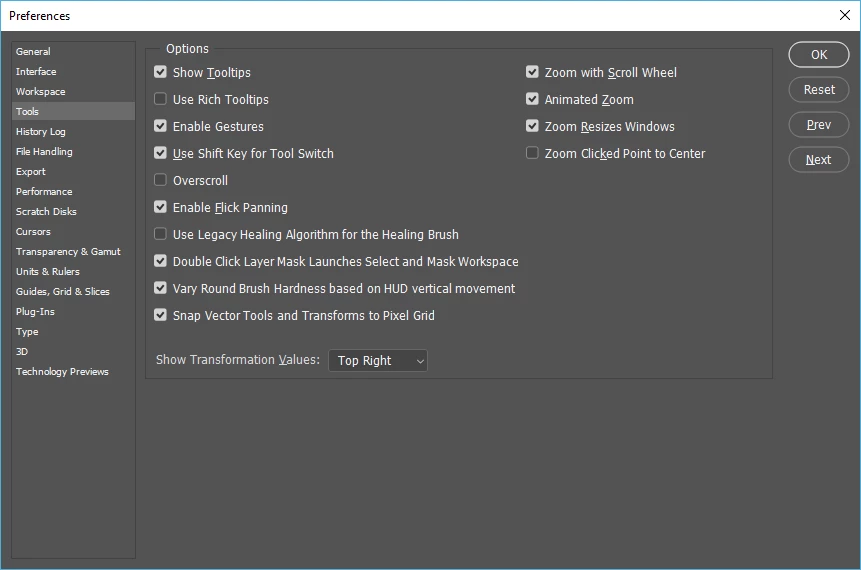
For one, and probably the most annoying, is that it now longer allows me to zoom in using two fingers on the touch screen. It does allow me to move the image around, once i use the magnifying glass to zoom, but this is defiantly not ideal.
Initially, I just uninstalled it and once I reinstalled the program the zoom and all worked fine. However, now, opening the program again, it refuses to zoom. I have restarted my computer several times, exited and reopened the app, and still it refuses to zoom in using the touch screen again.
I dont want to have to uninstall it every time I edit an image, and it makes little sense as I never had to do this with the trail.
--Hayley
 AdChoices