
Copy link to clipboard
Copied
I have a greyscale scale image. I want it to look like it is on top of a colour background i.e. the white in the image is see through, showing the colour behind. However, I want the greyscale image to just be greyscale (and not for the colour behind it to change the greys). Like using a one colour printing press to print on to colour paper.
I have tried making a duotone. I have also tried to make two layers and use the layer options. But it seems that the greys in the image don't stay grey, they are changed by the background colour? The colours go from yellow to black
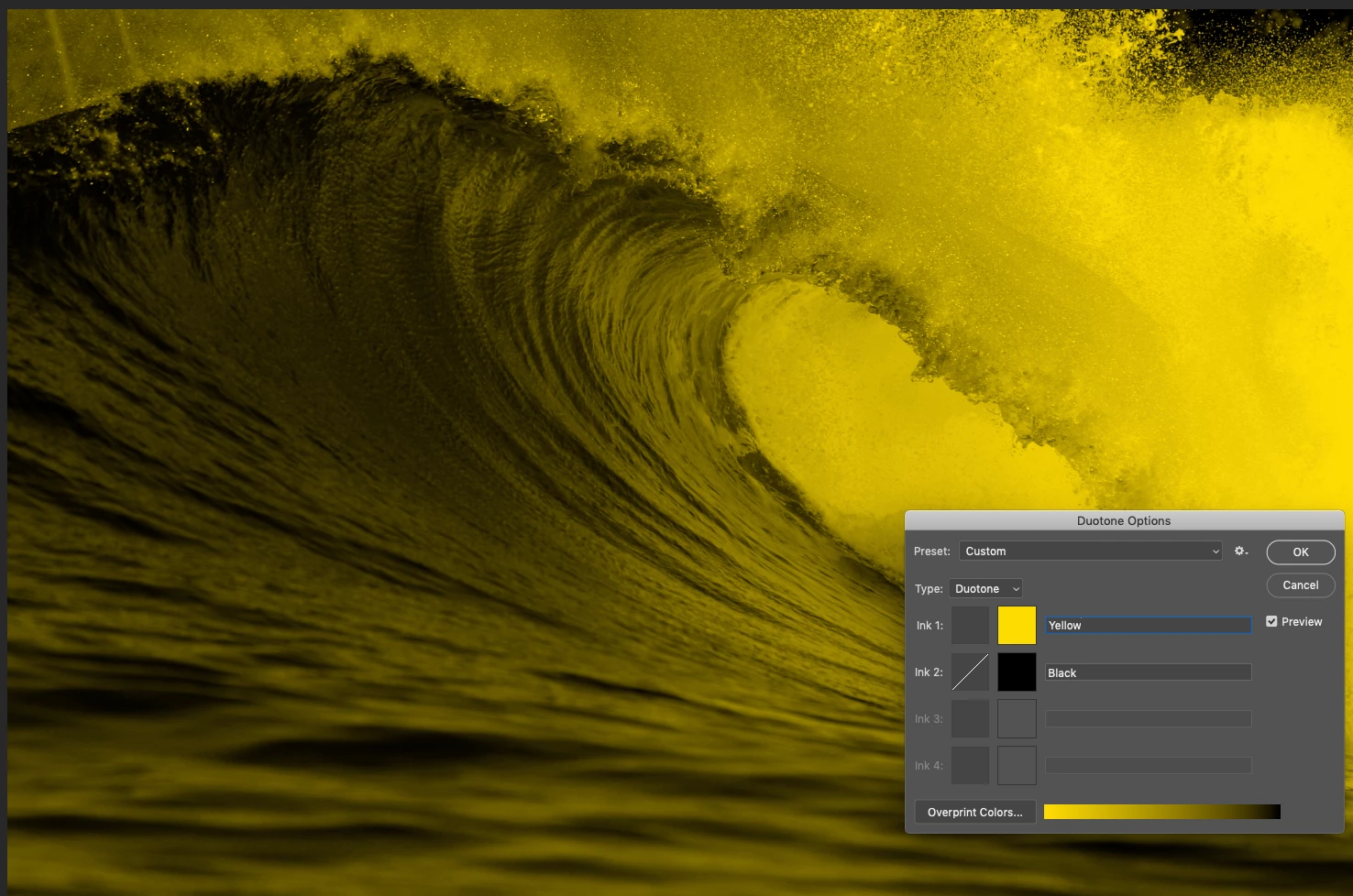
If it was genuinely printed using black ink on coloured paper it would look like the duotone i.e the transition would be gradual between the full yellow paper and the full black ink. To get neutral gray it would need to introduce white as per the color fill method above.
Dave
Copy link to clipboard
Copied
Hi
Personally I prefer the duotone look which is closer to printiong in black on coloured paper.
However, to get a greyscale apart from the lightest colours, you could try a combination of a solid color fill layer (Layer > New Fill Layer >Solid Color) and Blend If sliders (right click the layer in the layers panel and choose blending options.
By holding down the Alt key you can separate the slider to soften the transition


Setting the blend mode to color burn (in addition to the above blend if) provides more variation

Dave
Copy link to clipboard
Copied
Hi. Thank you. I've tried this, but to my mind it looks like the colour is eatting into the image. Rather than the image being on top of a colour background. It's not quite what I'm looking for.
Copy link to clipboard
Copied
If it was genuinely printed using black ink on coloured paper it would look like the duotone i.e the transition would be gradual between the full yellow paper and the full black ink. To get neutral gray it would need to introduce white as per the color fill method above.
Dave
Copy link to clipboard
Copied
Okay, thanks
Get ready! An upgraded Adobe Community experience is coming in January.
Learn more