Participant
February 3, 2019
Answered

Photoshop Patch Tool, It whitens and puts all kind of effects after I select.

  • February 3, 2019
  • 1 reply
  • 632 views

Hello,

I'm new here and sort of beginner level in Photoshop, recently I've been wanting to multiple objects in a picture I have taken, and every time I select the area, patch it to where I want it to be, it Selects, I wait for 7-8 seconds and it brightens up and puts effects on selected area. Tried a whole bunch of things and searched all over and could find the answer so please take a look at this video as it shows exactly what happens:

BTW, could anybody tell me how could I rotate the selected area so it'll look like there's a lot of bottles there without them standing out? because now other the fact they brighten up, they line up crooked as to the original picture.

thank you very much, would appreciate any help.
This topic has been closed for replies.
Correct answer Trevor.Dennis

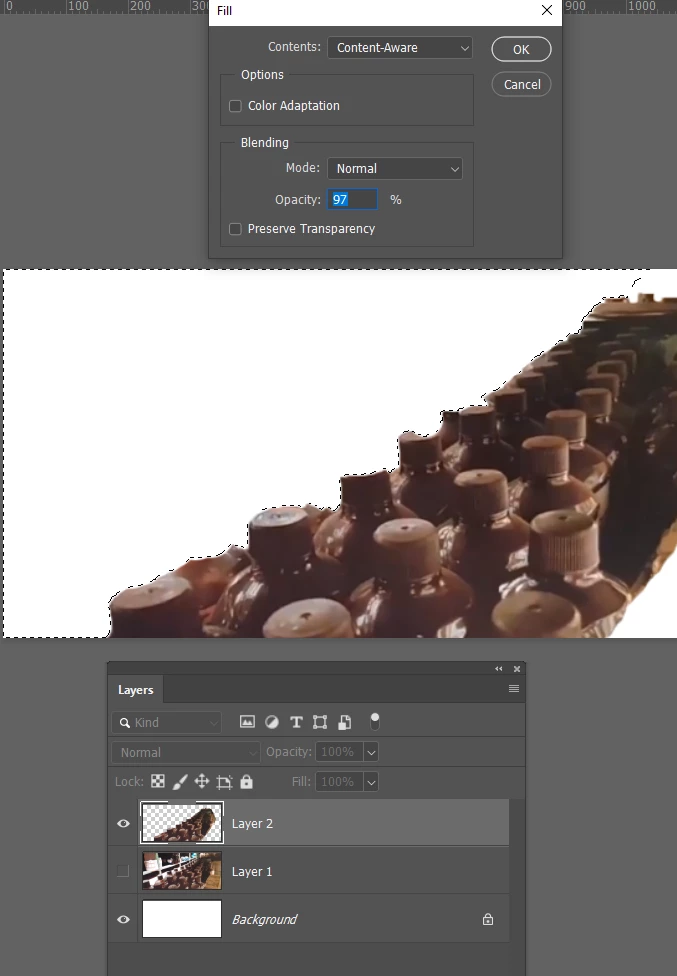
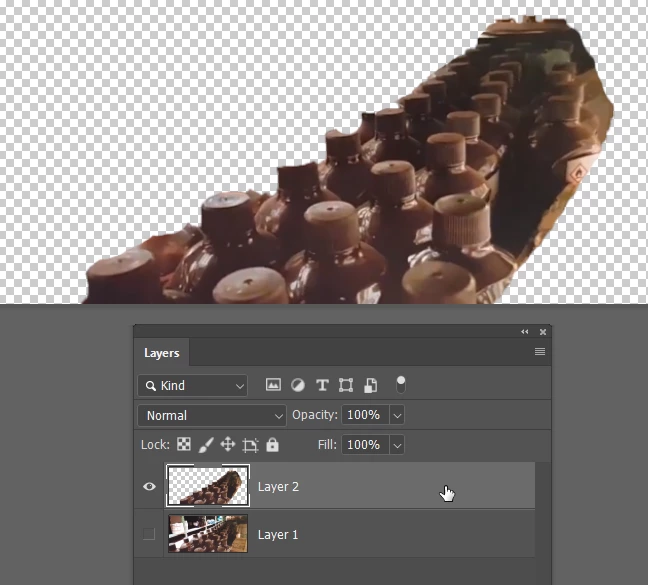
It is possible to control what are is used by CAF with CS6 and earlier.  The trick is to supply CAF with only those pixels you want it to use, and copy those to a new layer like so

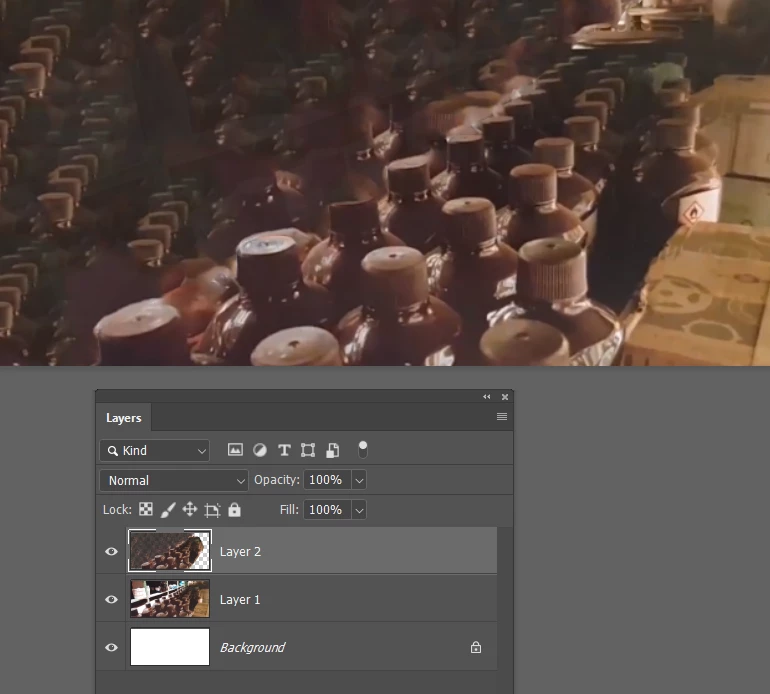
We then use CAF on the new layer

But this is still not a great example of a situations that will work well.  A lot better than you were getting though

1 reply

Trevor.Dennis
Community Expert
Community Expert
February 3, 2019

That's the most ambitious use of the Patch tool I have ever seen!   As you have discovered, the Patch tool is not going to work in that situation, but there's a new tool that will work well, and that's the 'New' Content Aware Fill tool.  You need to access it from the Edit menu rather than the Fill menu (F5) like the existing CAF tool.

Participant
February 4, 2019

Thank you for your reply,

I have learned 2 things while watching this video the Fill>Cotent Aware, option. and that I have the older version of PS and I'm broke ah, is there any way I could work with what I have?

I don't need it to be perfect, just as good as it can get in the circumstances, you know what I mean?

I tried the Fill>Content Aware option, it just smudges all over without any options as does the guy in the video said would be.

Thank you.

Trevor.Dennis
Community Expert
Trevor.DennisCommunity ExpertCorrect answer
Community Expert
February 4, 2019

It is possible to control what are is used by CAF with CS6 and earlier.  The trick is to supply CAF with only those pixels you want it to use, and copy those to a new layer like so

We then use CAF on the new layer

But this is still not a great example of a situations that will work well.  A lot better than you were getting though