
Photoshop Print Dialog Not Retaining Preferences [2018]
Running the most recent Photoshop CC on Windows 10 Pro 64-bit.
When printing for the first time, the setting function as they should.
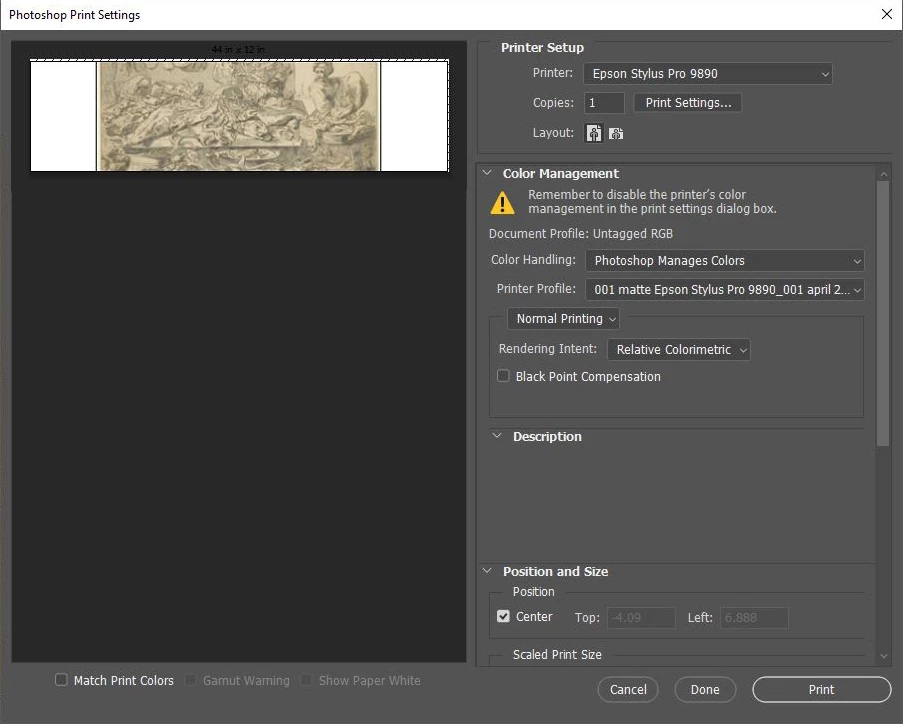
However after the first print, the preview resets to an 8.5 x 11 in. image with an odd crop. Often it will appear pixelated and blurry.
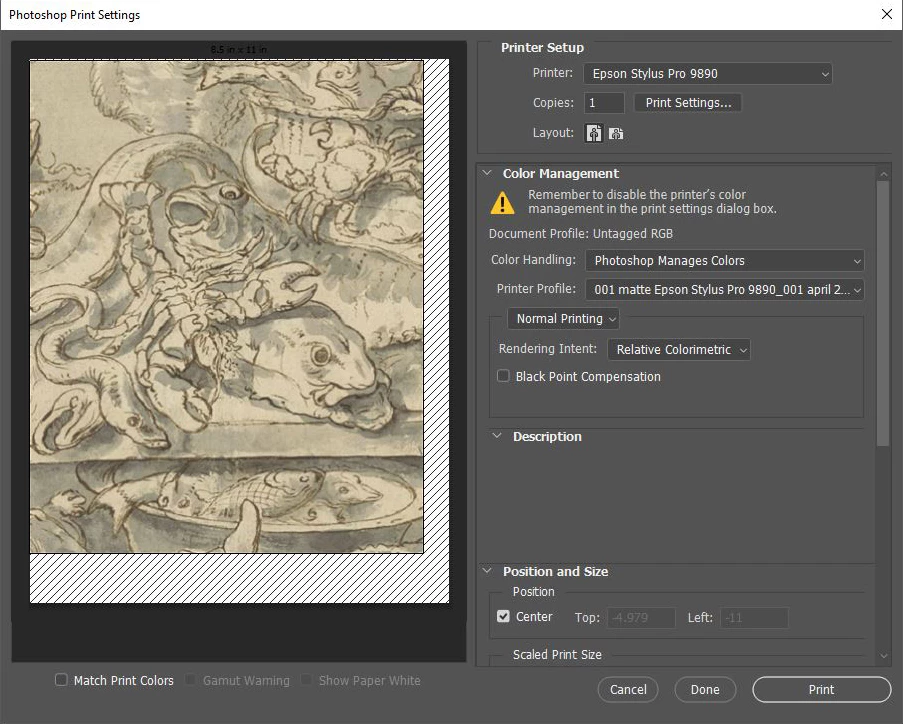
I initially assumed it was just an issue in rendering the preview, however if I attempt to print, it will print the image at this 8.5 x 11 in. size.
I am able to work around this by opening up the "Print Settings" and closing it again, swapping the layout orientation, or hitting "Done" and opening the dialog again. I have tried resetting all of my preferences, as well as resetting just the print preferences by holding space when opening up the print dialog, but unfortunately the issue persists. I have also tried reinstalling my printer drivers, but the issue appears to be isolated to Photoshop.
This has been persisting for a few months and occurred after an update. I have two coworkers who have also had this issue. One of them has been working with it for over six months now, while the other briefly had this problem but has since found that it no longer occurs.
I was able to find one other report identical to this one here: Low resolution pixellated print preview image after PS CC 2018 19.0.1 update Mac OS Sierra 10.12.6, but it was left unanswered. Any insight would be greatly appreciated. Thanks in advanced!
 AdChoices