
Participant
April 17, 2019
Question

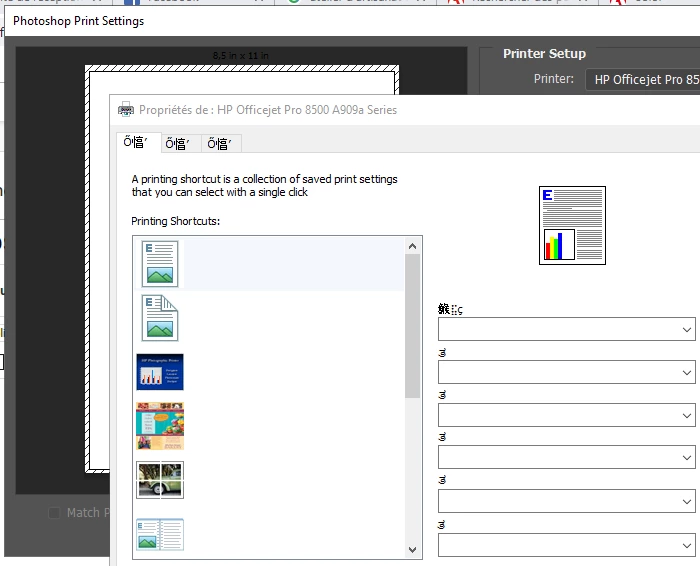
Photoshop put my printer setting in Chinesse $#@&

  • April 17, 2019
  • 2 replies
  • 256 views

Somebody can help me on this?

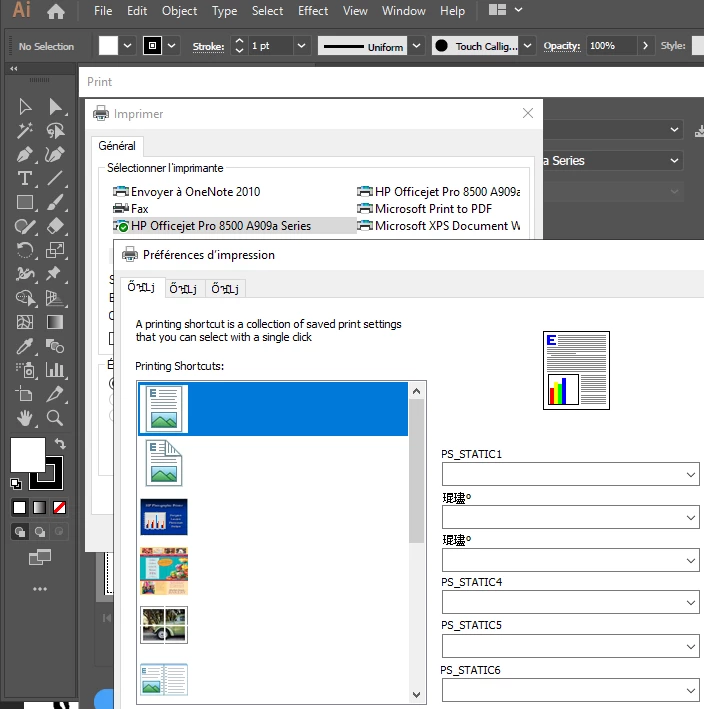
Why Photoshop and Illustrator change my printer setting in chinese or other weird signe?

The following prt scrn is how appear my printer setting in photoshop
Next one is how is appear in Illustrator
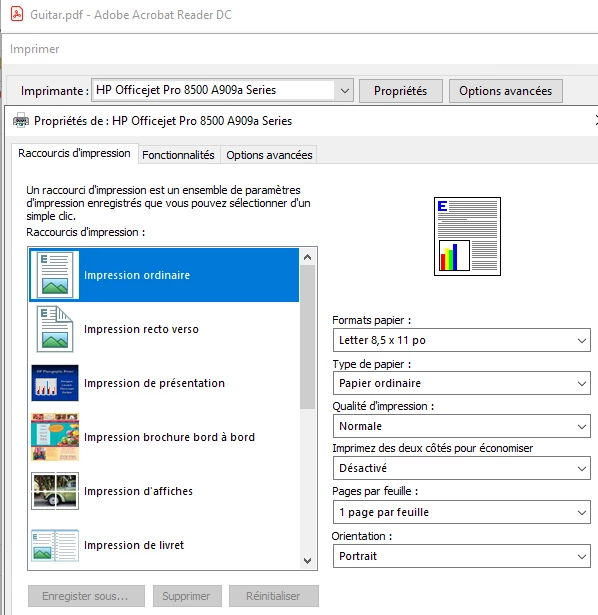
This is how it's should be appear (in french)
    This topic has been closed for replies.

    2 replies

    jane-e
    Community Expert
    Community Expert
    April 17, 2019

    https://forums.adobe.com/people/Danny+B_013  wrote

    Why Photoshop and Illustrator change my printer setting in chinese or other weird signe?

    Hi Danny,

    Is this only in Photoshop and Illustrator? What does it look like in Microsoft Word or any non-Adobe program?

    ~ Jane

    Participant
    April 18, 2019

    As you see on the third prt scrn, adobe pdf reader it is OK.
    I did some other test with the microsoft office suite and it is OK.

    I also test Krita and it is OK.

    I verify the photoshop and illustrator preference, everything is find.
    (I dont want to reset the preference because I am currently on a workflow)

    I restart the computer, noting is change...

    I still not understand why Photoshop and Illustrator do this.

    Sahil.Chawla
    Adobe Employee
    Adobe Employee
    April 17, 2019

    Hi Danny,

    That does not sound right, as the printer dialog language is different, could you please try resetting the preferences of Photoshop and let us know if it helps?
    Preferences Reset Article Photoshop - https://helpx.adobe.com/photoshop/using/preferences.html

    Regards,
    Sahil

    Participant
    April 18, 2019

    Hello Sahil

    I do not understand the link between the preference and the printer.
    Because, you can not manage the printer setup and/or language by the preference of Photoshop and Illustrator.

    But if you look the 3rd image from Adobe acrobat reader (french version) everything is find.
    I also did some test with other program, Microsoft office, Krita,...   everything is find.

    At the end I did a restart of the computor, nothing change for Photoshop and Illustrator.

    It is possible, the problem is from the latest update?

    Thanks tyo help me on that