
Participant
March 11, 2023
Question

Photoshop Rulers Problem

  • March 11, 2023
  • 2 replies
  • 452 views

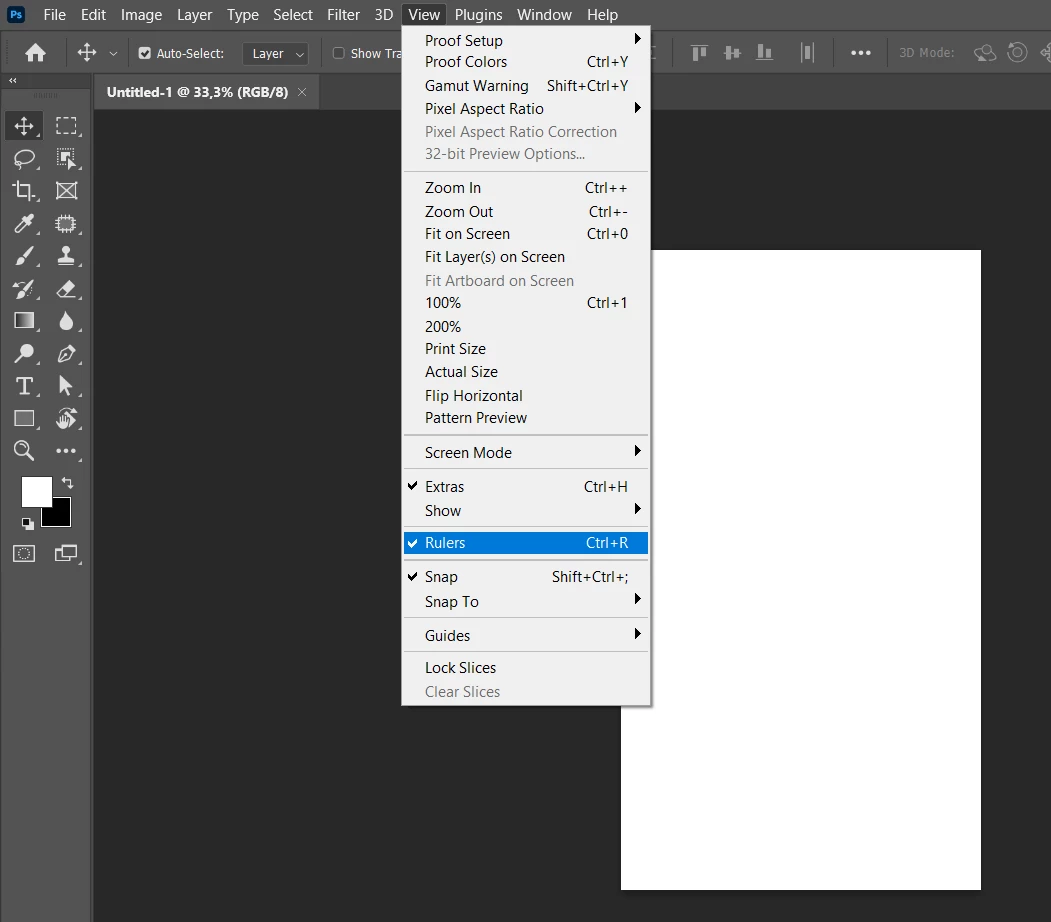
I am using the latest version of Photoshop. I do the CTRL+R combination for the ruler, but the ruler is not displayed. Also, when I look at the Views Option, the ruler appears active but the ruler is not there. How can I fix this?
This topic has been closed for replies.

2 replies

Participant
March 11, 2023

This really helped and the ruler is working now. Thanks

jane-e
Community Expert
Community Expert
March 11, 2023

You're welcome and I'm so glad it's working for you now, @Ramazan Yeşilırmak !


Jane


jane-e
Community Expert
Community Expert
March 11, 2023

@Ramazan Yeşilırmak 


This is a known issue for some users and the engineers are working on a fix.


Some have reported this works in the interim:

  • Preferences >  Technology previews > enable "Deactivate native canvas"
  • Also enable "Use older node of GPU 2016"
  • Relaunch Photoshop


Jane