Answered
Photoshop Screen Size
Ooops! I just clicked on something and it changed the size of my screen: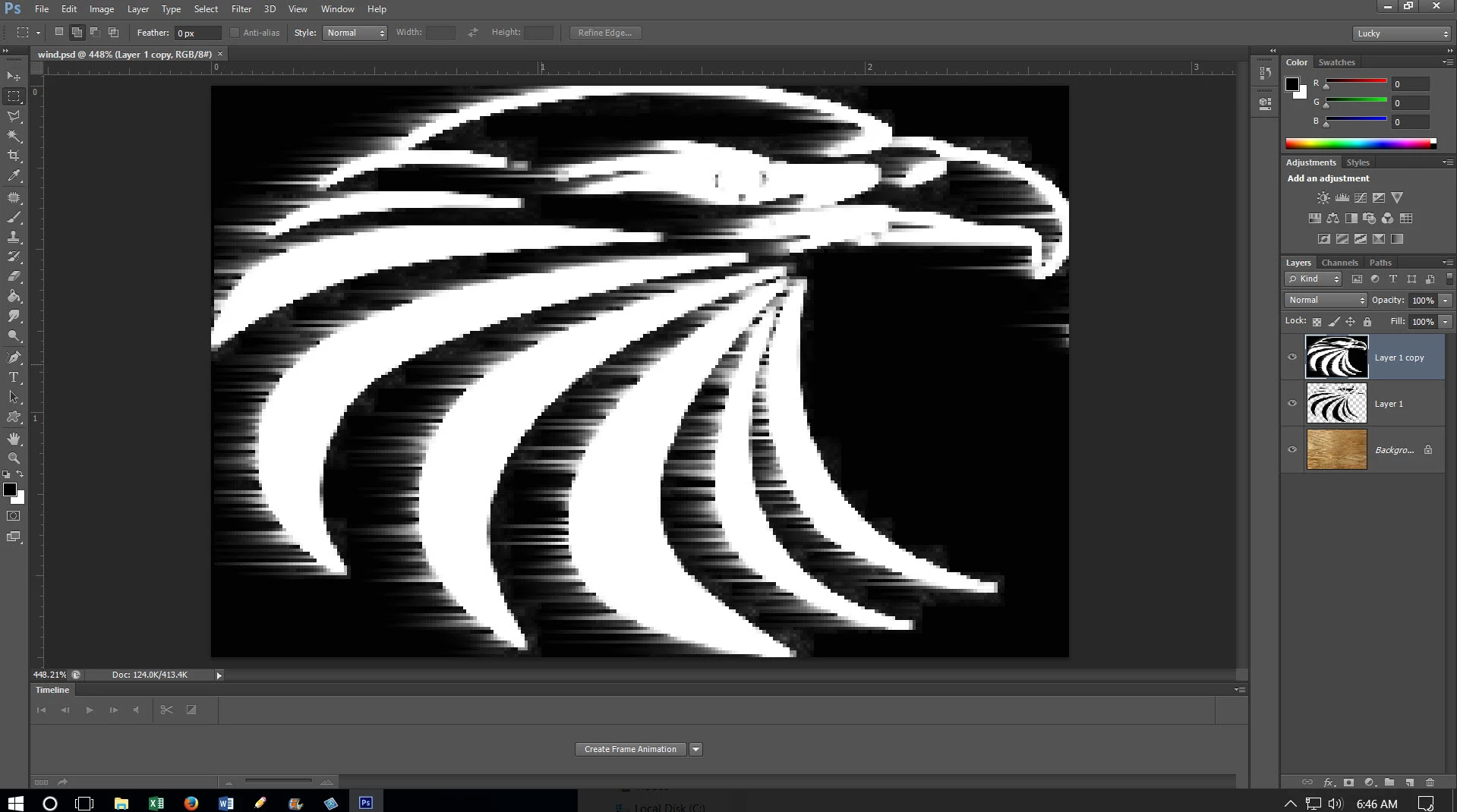

Ooops! I just clicked on something and it changed the size of my screen:
Hi
Looks like you have zoomed in to 480% probably using Fit on Screen (to do this on purpose hold Ctrl and press 0)
To zoom in/out use hold Ctrl and press + or -
To zoom out to 100% , which is one screen pixel per image pixel, Hold down Ctrl and press 1
Dave
Already have an account? Login
Enter your E-mail address. We'll send you an e-mail with instructions to reset your password.
 AdChoices