New Participant
January 14, 2020
Question

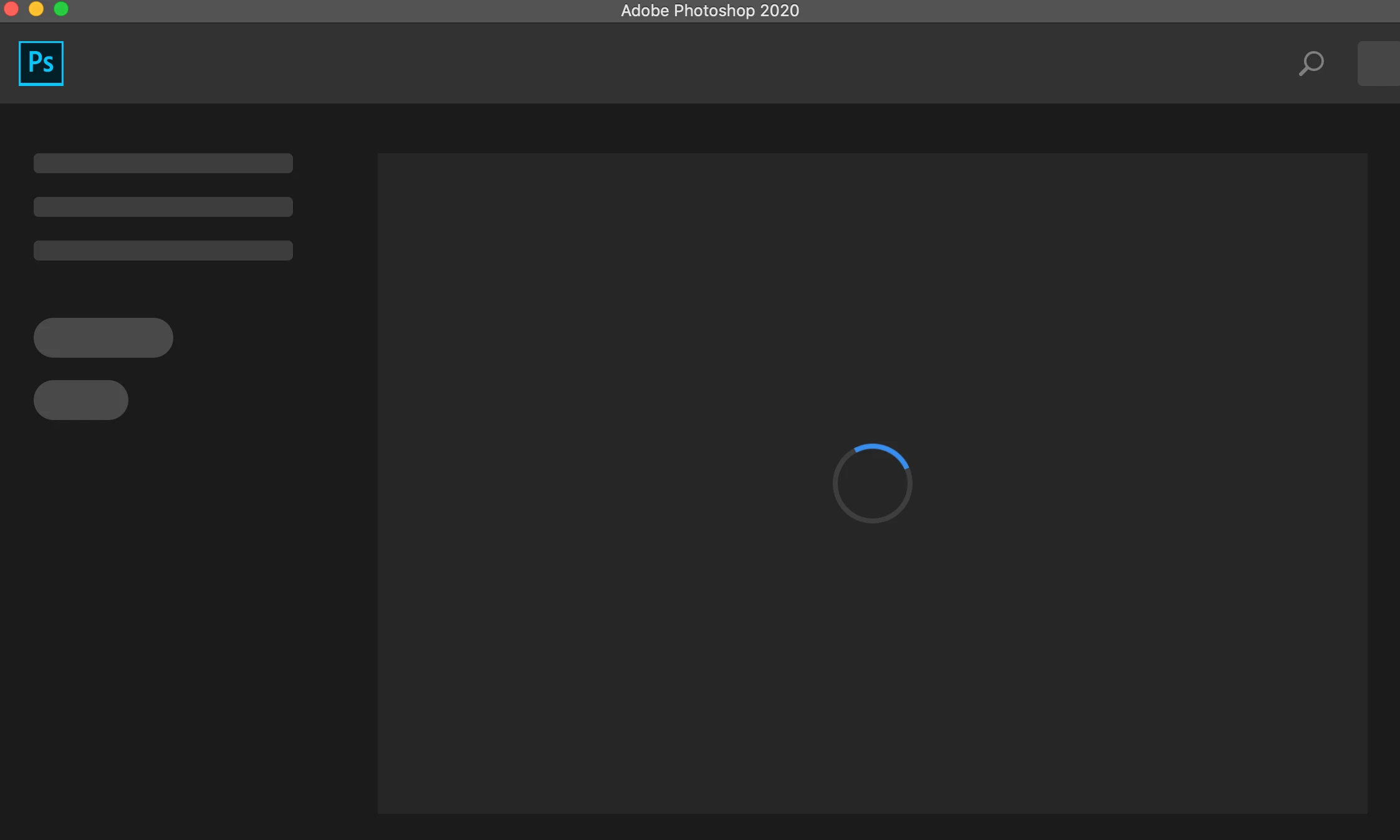
Photoshop stuck on loading screen

  • January 14, 2020
  • 3 replies
  • 14103 views

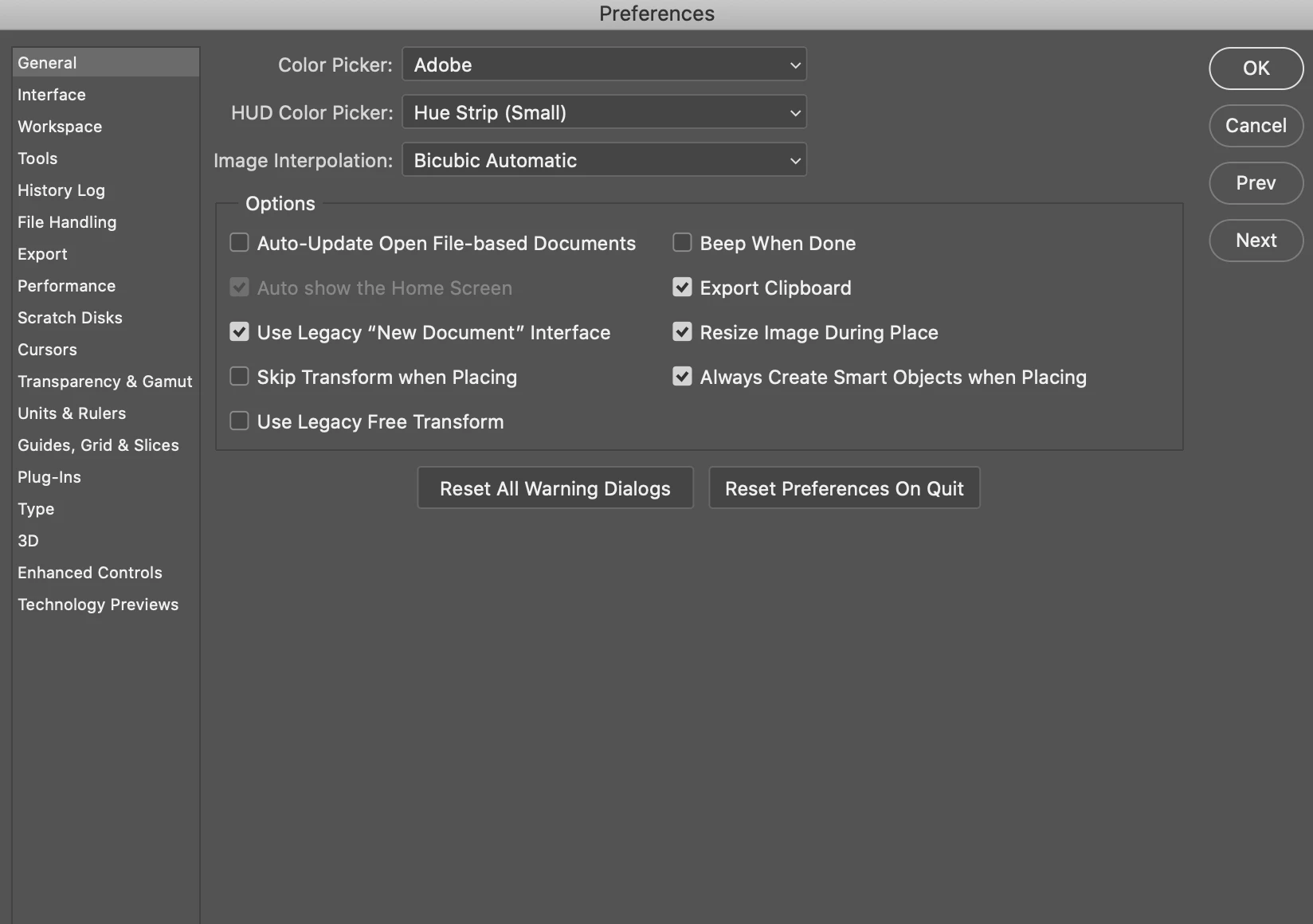
Photoshop is stuck on the loading home page screen and won't allow me to open new documents. I've tried uninstalling & reinstalling, and was told to try turning off the "Auto show the home screen" button but that's greyed out and won't allow me to make changes.


Help!


This topic has been closed for replies.

3 replies

Ben-Gee
Inspiring
March 15, 2022

If your photoshop welcome screen is stuck and you can't see new files or images opened:

Disable your graphics card link to photoshop - it is no longer supported:

Settings -> performance - checkbox disable "use graphics processor"
Camera-raw -> Performance -> Use Graphics Processor "OFF"

Then update your graphics card drivers as they are released, and after every upgrade, try to switch these settings on again - if it doesn't work, switch them off.

@mj
Community Expert
January 14, 2020

Hi,


Try rebuilding you preferences.


Dave explains how to do it here.


https://community.adobe.com/t5/photoshop/photoshop-cc-2017-stuck-on-loading-screen-reading-preferences/m-p/9641234

Derek Cross
Community Expert
January 14, 2020

Alternatively, select Reset Preferences On Quit as indicated in your screenshot above.

Derek Cross
Community Expert
January 14, 2020

Which version of Photoshop and OS?

Have you tried resetting your Photoshop Preferences ?

New Participant
October 28, 2020

still not able to do 

option + shift + command doesnot work 

plz help