
Inspiring
February 2, 2023
Answered

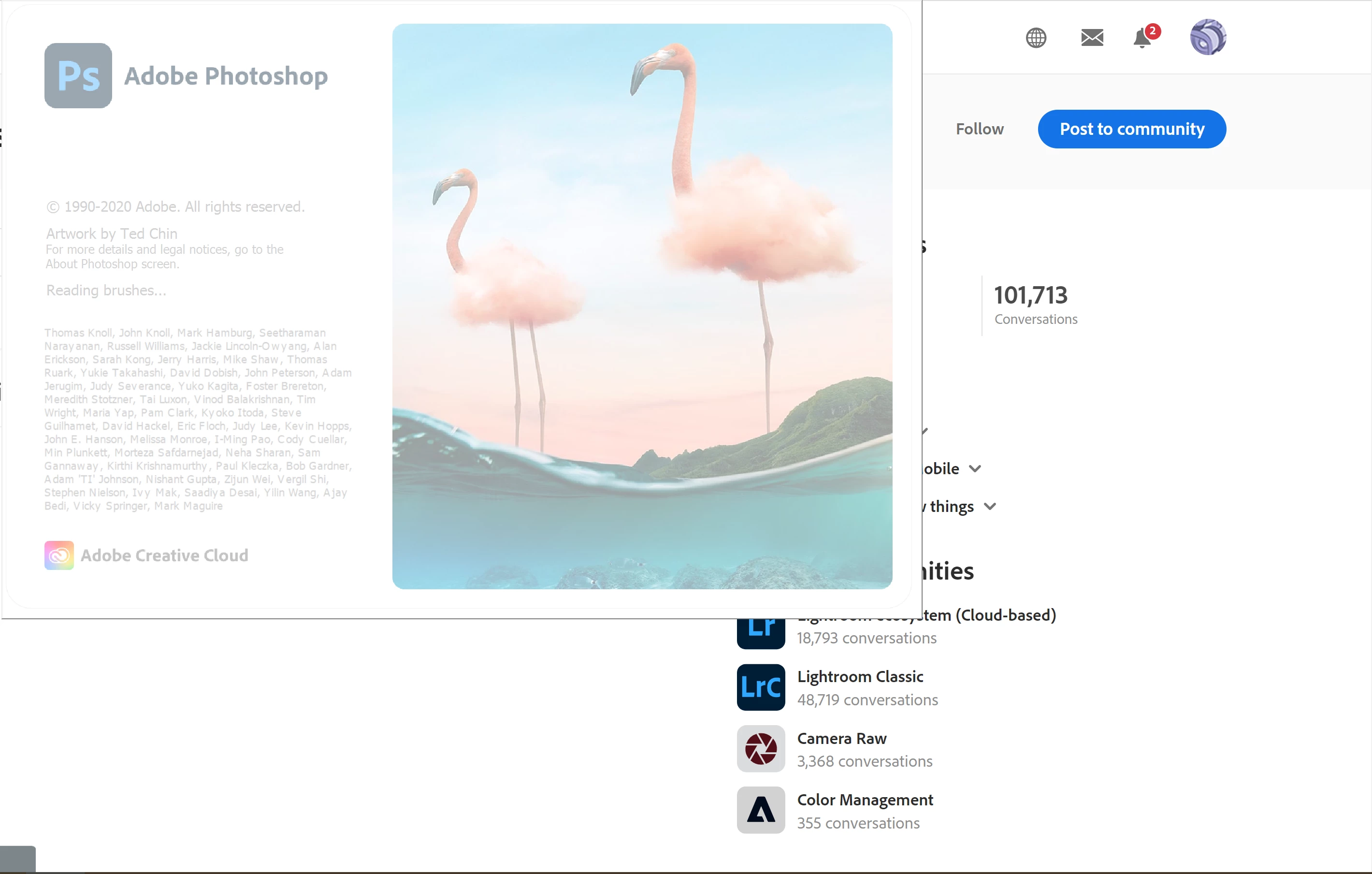
Photoshop stucks while launching

  • February 2, 2023
  • 17 replies
  • 1623 views

Hello,
I am using photoshop 22.2.0 and everytime when I start photoshop stucks on reading brushes part of launching. After several crushes it opens but that is really annoying. How can I solve this problem? 

Thanks.


This topic has been closed for replies.
Correct answer CShubert

One last thing to try @cemc18303069  would be the manual prefs trash and see if the loading of Ps is getting hung up on a pref..


Let's make sure we're in a default state and there are no stale settings somewhere: 

Restore your preferences using this manual method:  

https://helpx.adobe.com/photoshop/using/preferences.html#Manually 

Does it work correctly? 

If that doesn't solve it, you can quit Photoshop and put the Settings folder back. 


Thank you,

Cory

17 replies

Inspiring
February 2, 2023

Thank you so much. I will try to find which brush presets are so heavy. 

CShubert
Community Manager
Community Manager
February 2, 2023

Great. Try bringing everything back EXCEPT the brushes, make sure you still can launch, then try to find the brush preset that is corrupt or causing your issues.


Thank you,

Cory

Inspiring
February 2, 2023

OMG. It works like a charm! But I lost all of my workspace settings and brushes... I copied Settings another location. Should I need to reload to AppData location to get my workspace and brushes?

CShubert
Community Manager
CShubertCommunity ManagerCorrect answer
Community Manager
February 2, 2023

One last thing to try @cemc18303069  would be the manual prefs trash and see if the loading of Ps is getting hung up on a pref..


Let's make sure we're in a default state and there are no stale settings somewhere: 

Restore your preferences using this manual method:  

https://helpx.adobe.com/photoshop/using/preferences.html#Manually 

Does it work correctly? 

If that doesn't solve it, you can quit Photoshop and put the Settings folder back. 


Thank you,

Cory

Inspiring
February 2, 2023

Thank you so much. 

Kevin Stohlmeyer
Community Expert
Community Expert
February 2, 2023

That may not be enough disk space for both your document storage and scratch disk.

As you work in Photoshop, the software creates temp files for history/undos thereby temporarily taking away HD space.

When you quit - it releases it back, however while you are working or running Photoshop, this will decline.

Best practices is to split your storage from scrach disk - either a dedicated external or some other HD to allow for PS to use the entire free disk space.

CShubert
Community Manager
Community Manager
February 2, 2023

@cemc18303069 have you tried to install the lastest Ps, 24.1.1? How does your system stack up to the specs needed for Ps?  What is your windows OS?


Thank you,

Cory

Inspiring
February 2, 2023

Same drive.

Kevin Stohlmeyer
Community Expert
Community Expert
February 2, 2023

Where is your scratch disk located? Same drive as the main HD or external?

Inspiring
February 2, 2023

Hello, 

Thank you for your interest. I have 67,7GB free space on SSD.