
Participant
May 24, 2021
Answered

Photoshop unusable - shows only a bright green work area.

  • May 24, 2021
  • 8 replies
  • 29556 views

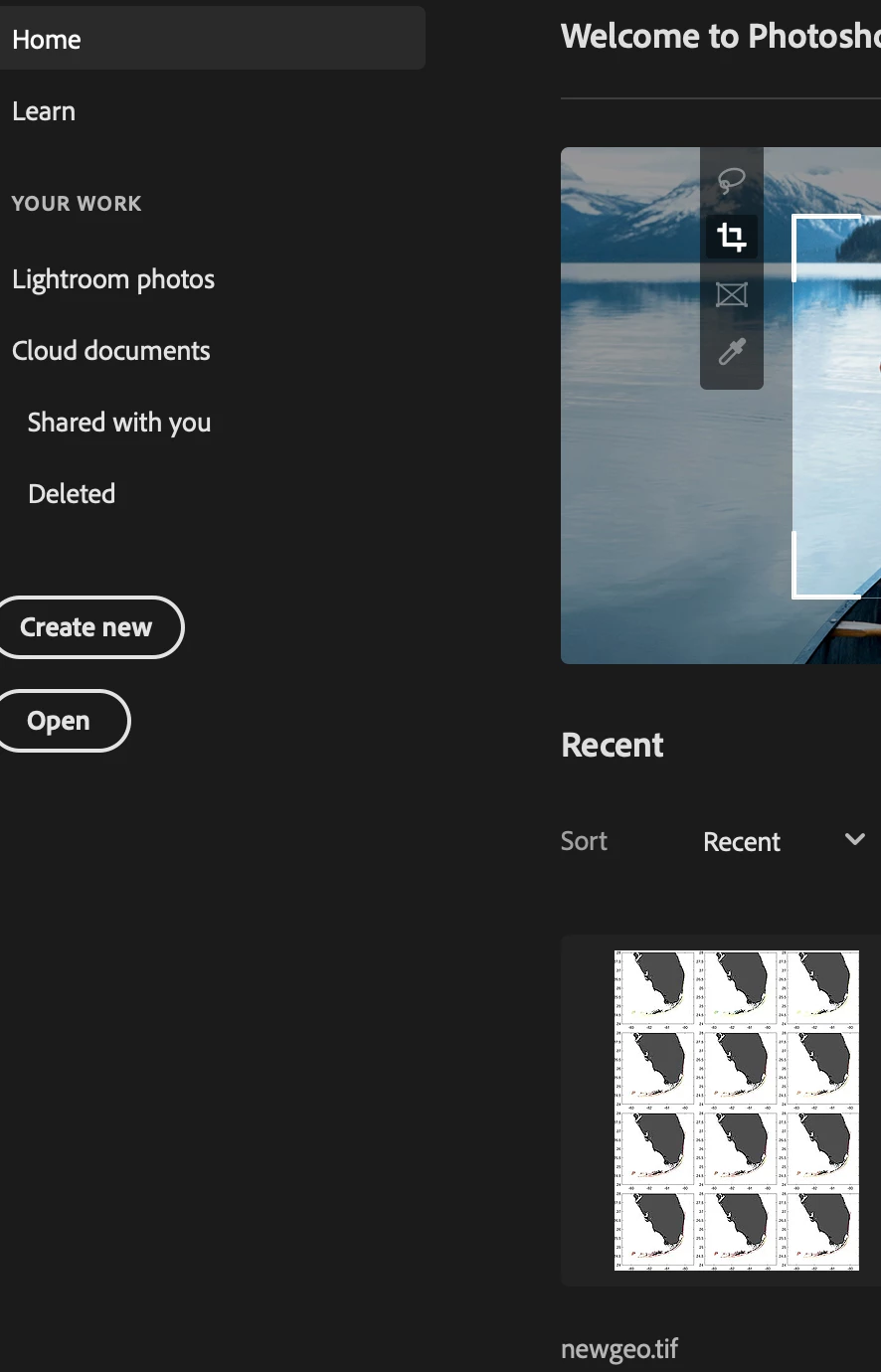
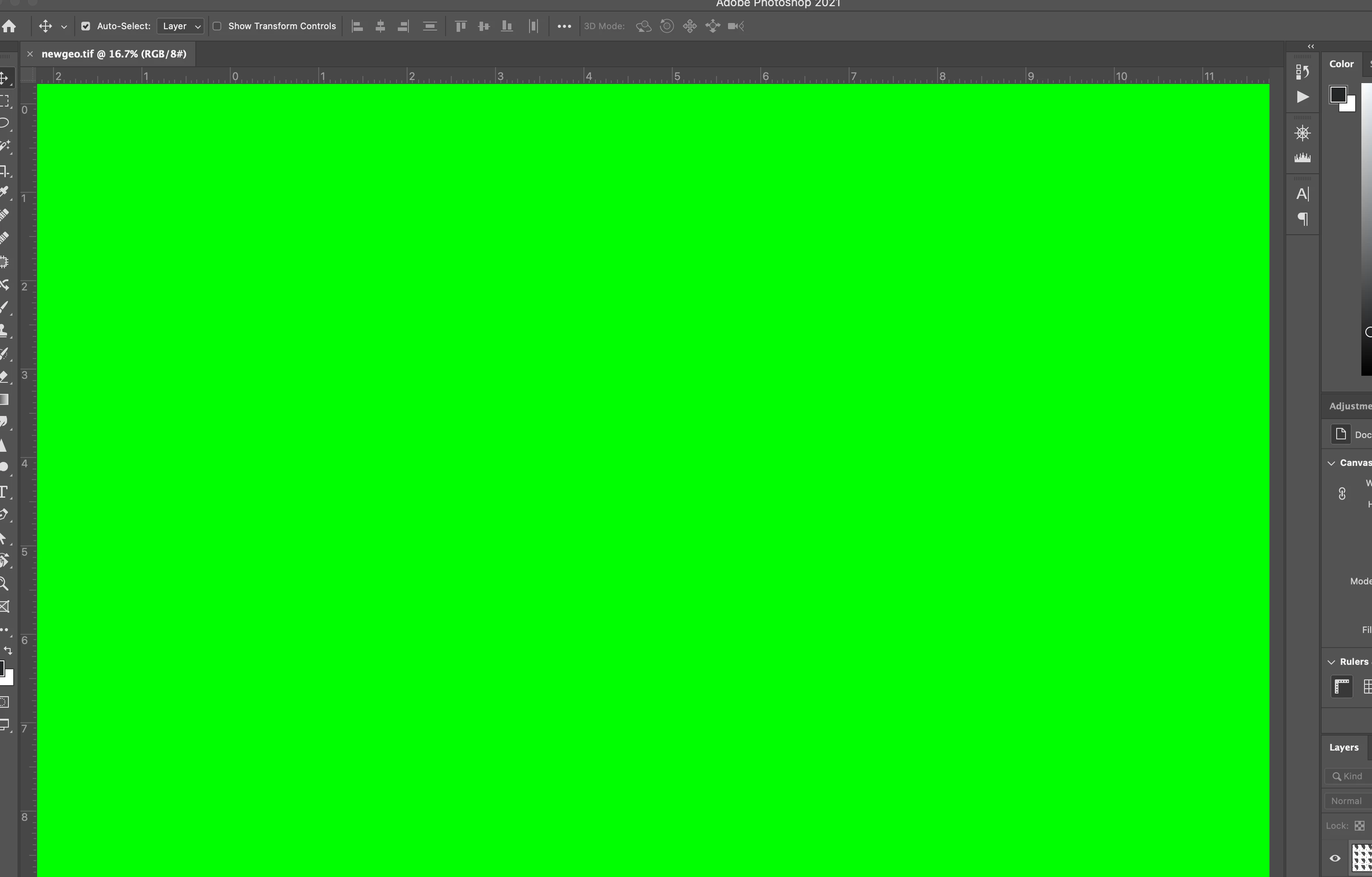
Just started happening last week - when I open Photoshop and attempt to open a file, I get an unusable bright green workspace. If I zoom in and out I can see my image "flicker", so I know the data is there... but the green screen doesn't go away. Below, I've opened newgeo.tif. You can see that the preview loads fine. I'm on a MacBook Pro running Big Sur.
This topic has been closed for replies.
Correct answer suzannapereira

Same thing happened to me.

I changed the size on my window from the top right had corner and it seem to help but I also did that what was recommended to be on the safe side

Help I have a green Screen in front of everything.


Hope this helps!


8 replies

Oxidozer
Known Participant
August 19, 2021

Same problem. Deselecting "Deactivate Native Canvas" + restart eliminated the green, but introduced new problem: zoom and pan stutter and are unusably slow.

What is a fix for green screen that won't introduce this new problem?

Big Sur 11.5.2

Photoshop 22.4.3
Radeon 5500M

Participant
August 19, 2021

try closing some of the windows in photoshop or open photoshop full screen

Participant
July 20, 2021

Both fixes suggested here successfully removed the green (thank you!), however a new problem: afterwards the experience of working within my PSD was too slow.  The results of any action taken was 2-3 seconds behind the mouse movement.  Frustrating.  Looking into more options.

Derek Cross
Community Expert
Community Expert
July 27, 2021

Which version of Photoshop and OS

How much RAM and spare hard disk capacity do you have?

Have you tried resetting the Photoshop preferences?

suzannapereiraCorrect answer
Participating Frequently
May 30, 2021

Same thing happened to me.

I changed the size on my window from the top right had corner and it seem to help but I also did that what was recommended to be on the safe side

Help I have a green Screen in front of everything.


Hope this helps!


Participant
July 27, 2021

solved the problem after an hour with your suggestion, before doin' anything else, try this!

Participating Frequently
May 29, 2021

After updating to the latest version today, my photoshop showing as a green screen.

I can't do anything!

I can see my file ghost flashing if I try to change tools but can't Access anything!!!

And no one to reach today. The site does not allow for a chat

Kat2print
Participant
May 29, 2021

This has happened to me as well. I have been able to work around it by switiching from standard to full screen mode. (View, Screen mode) I know this is particularly  annoying and makes no sense but I haven't found an answer either.

Participant
May 28, 2021

When starting any new photoshop document, either opening an existing image or starting from scratch,  my background is a bright green color.  regardless of image size, canvas size or resolution, My general preferences show that it should be set to transparent. The program is completely unusable, even if I paste in images from Preview or Sketch, if I use a paint brush or anything. 

I am running photoshop 22.4.1 on a Macbook pro 16 inch (2019)....


I am going to delete and reinstall photoshop. Has anyone run into this error? 

Peru Bob
Community Expert
Community Expert
May 28, 2021
Derek Cross
Community Expert
Community Expert
May 24, 2021

Try unticking in Photoshop preferences under the Performance tab Use GPU processor.

Troubleshoot Photoshop graphics processor (GPU) and graphics driver issues


Participant
May 25, 2021

That definitely fixed it. Must have happened after an update of either Adobe or MacOS. Now to figure out what the problem is with the GPU...

davescm
Community Expert
Community Expert
May 29, 2021

Try turning the GPU back on but then go to Preferences - Technology Previews and check Deactivate Native Canvas. You will need to close and restart Photoshop.

Dave

Participant
May 24, 2021

I should add that I have uninstalled and reinstalled Photoshop. No dice.