Question
Photoshop Updated today and now my GUI is messed up
My Photoshop updated while I slept, and now my GUI looks like this and I can't seem to fix it. Any ideas out there on how I might fix it?
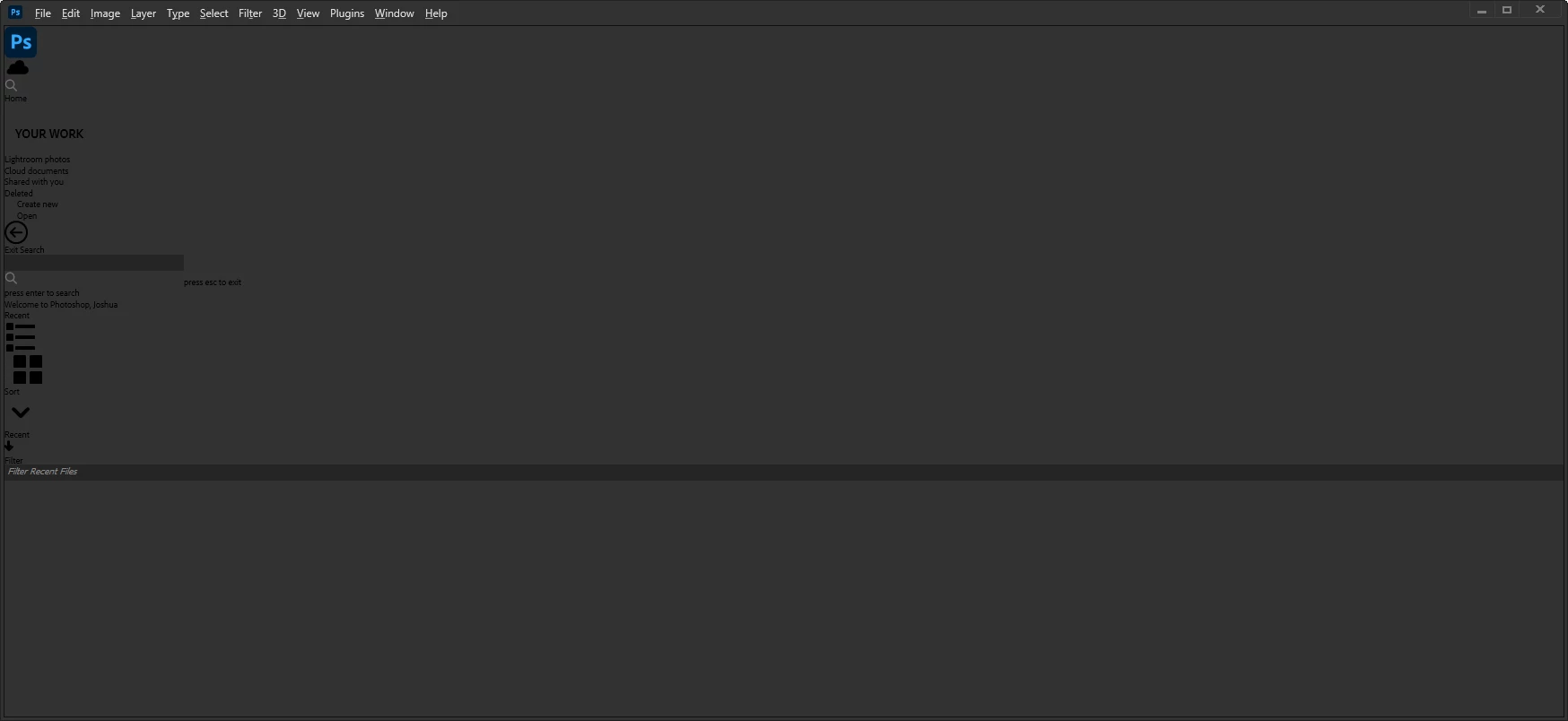

My Photoshop updated while I slept, and now my GUI looks like this and I can't seem to fix it. Any ideas out there on how I might fix it?
Already have an account? Login
Enter your E-mail address. We'll send you an e-mail with instructions to reset your password.
 AdChoices