
Question
Photoshop v 22.1.1 | Quick Selection Tool | Marching Ants Not Working
Whenver I try to use the quick selection tool, the marching ants does not appear. I cannot see the outline that has been made until I switch to the move tool and select within the border I have attempted to highlight with the selection tool. It does not matter if it is a layer or a background. The behavior of the tool is consistent. Is there any way to fix this? 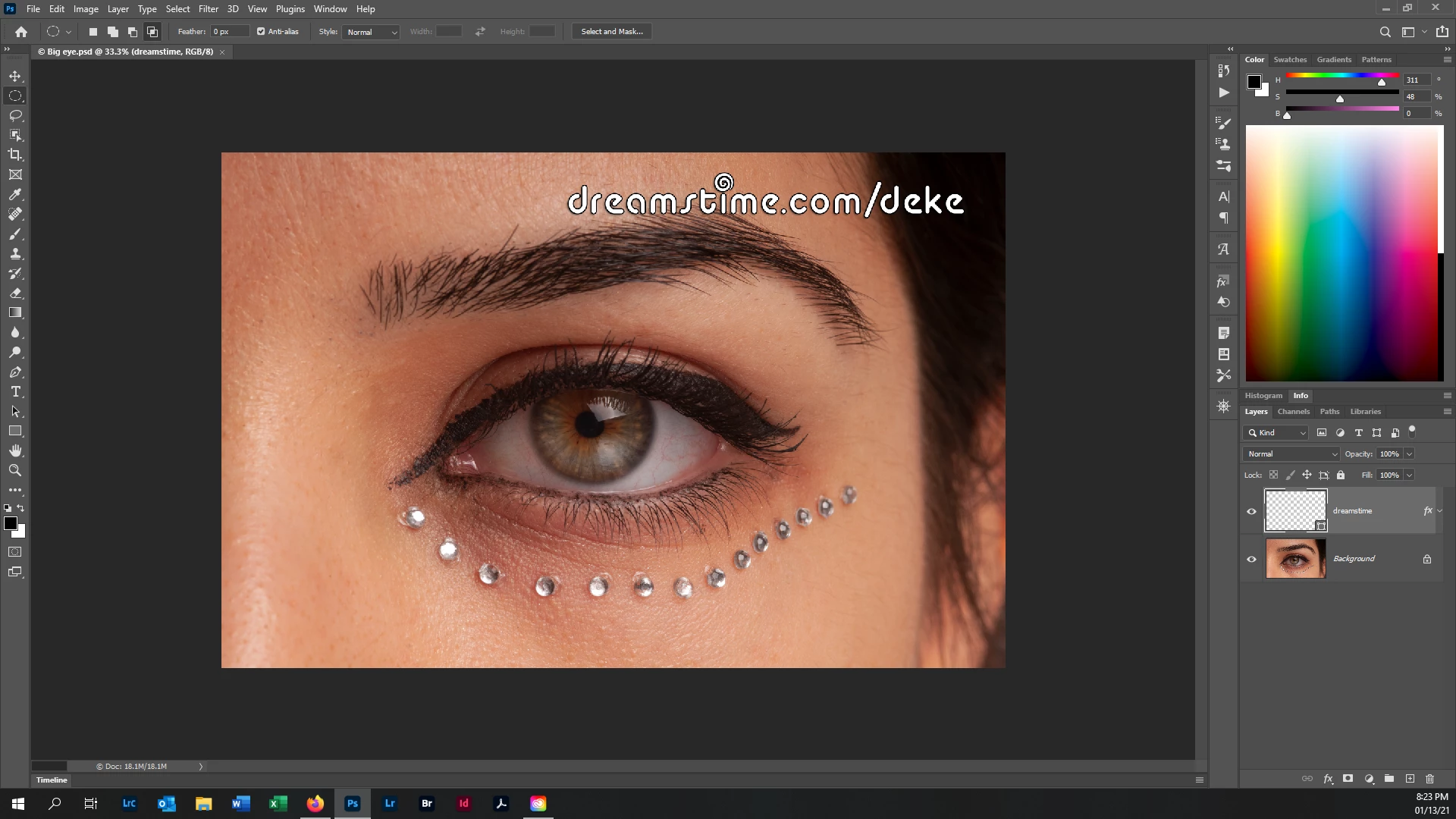
 AdChoices