Copy link to clipboard
Copied
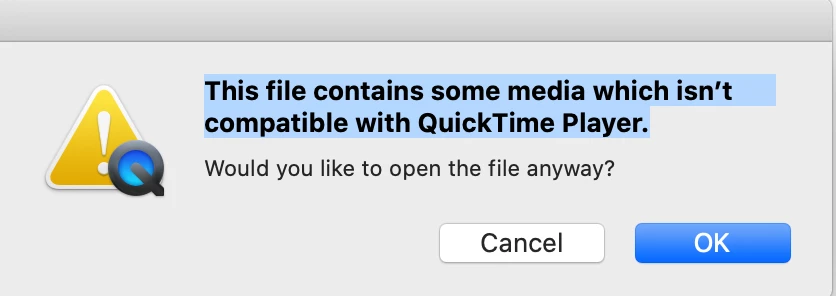
Hi. I am :hundred_points: % new to making videos in Photoshop. After following my teacher's instructions, I rendered a .mov file from a .psd file for Quicktime; however when I click on the file to play it, there is an error and no visual. I don't care about quality - just need a quick fix in order to submit my assignment and have been unsuccessful for 2 days now on my own. Can someone please help? I am using MacOS Catalina 10.15.5 on a MacBook Pro with Adobe CC. Thanks.
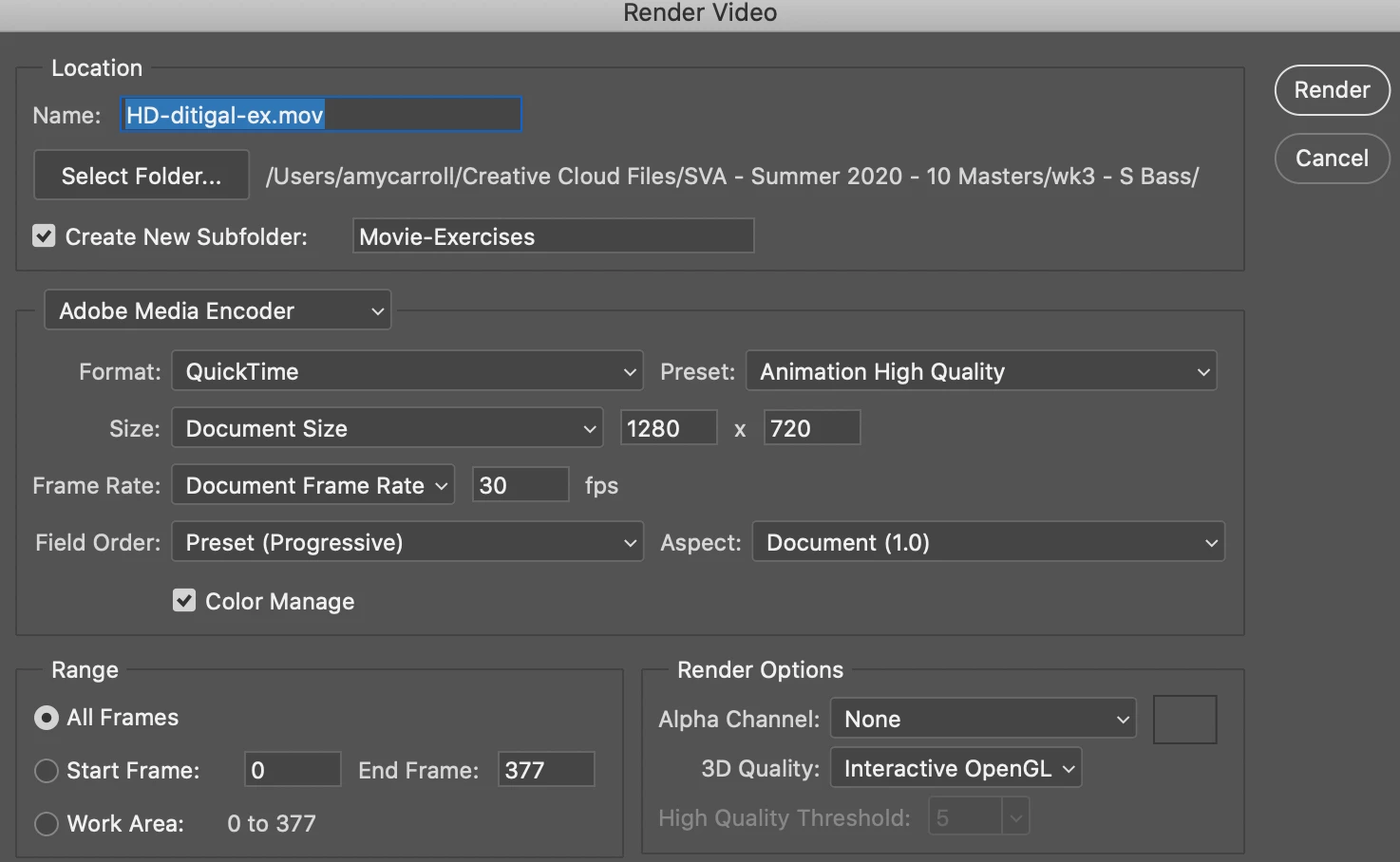
Thanks! Who knows. I will check that out if I get another issue. After watching a Lynda excerpt for Photoshop->QT I did find a fix for two of my movies: under the "Preset" dropdown instead of Animation High Quality (or Medium), I selected Uncompressed.
Copy link to clipboard
Copied
You may need to enable Quicktime legacy support in the respective system setting or even install an older QT version manually. The "new" QT has nothing to do with the original one that had all these CoDecs. Not a Mac guy, though, so take this for what it is - just vague info I keep reading about.
Mylenium
Copy link to clipboard
Copied
Thanks! Who knows. I will check that out if I get another issue. After watching a Lynda excerpt for Photoshop->QT I did find a fix for two of my movies: under the "Preset" dropdown instead of Animation High Quality (or Medium), I selected Uncompressed.
Copy link to clipboard
Copied
I am having this same issue and I am a windows user. I am able to view classmates files but my own have this error. I have even tried installing QuickTime on my PC. I am beyond frustrated. Did you ever find a fix?
Get ready! An upgraded Adobe Community experience is coming in January.
Learn more