
Answered
Photoshop warped text?
Hello everyone! I was wondering if anyone could guide me on how to create an effect like this: 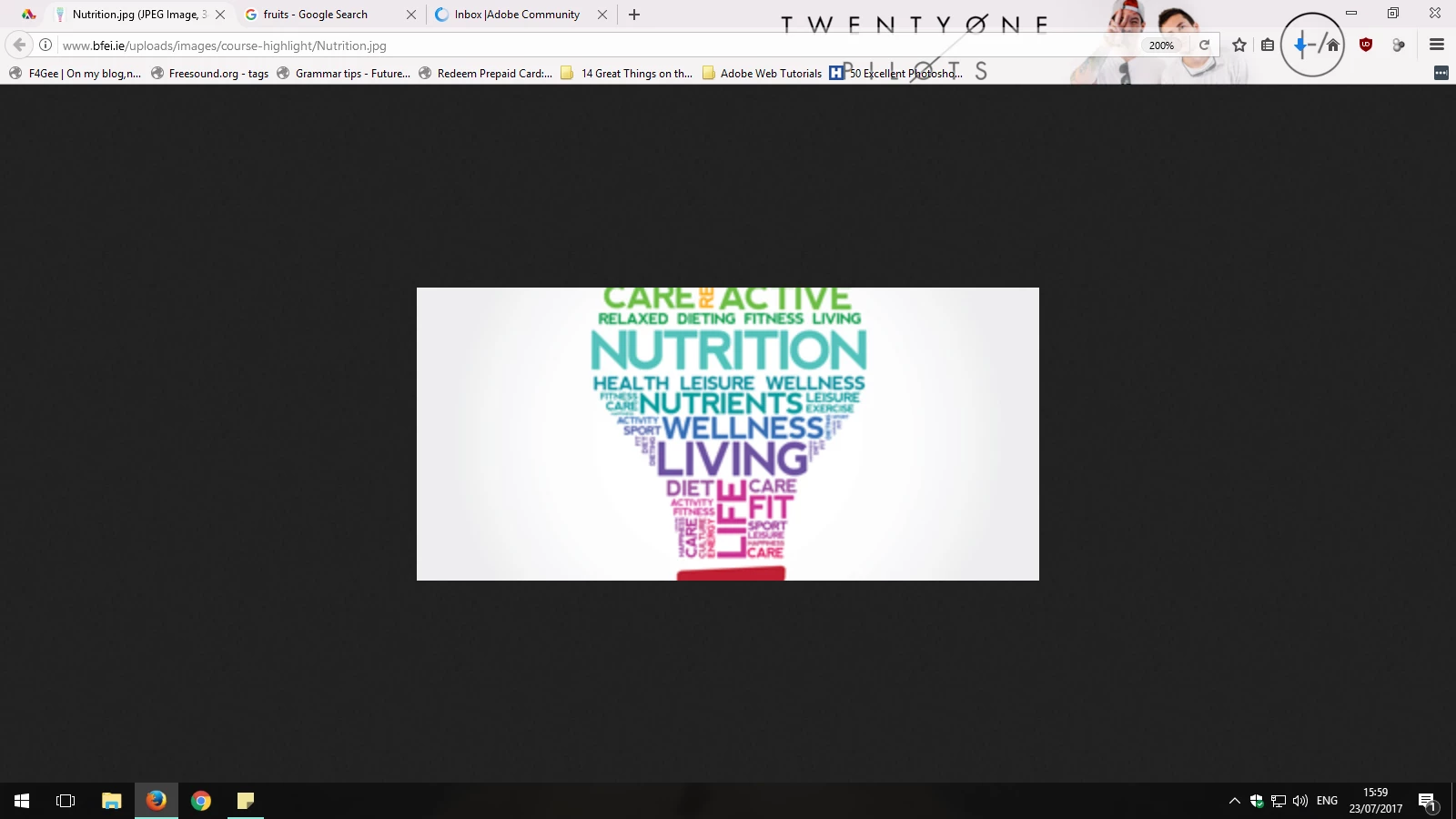

Hello everyone! I was wondering if anyone could guide me on how to create an effect like this:
Hi
Draw some guides on your canvas and use the pen tool to draw a shape - I stroked the shape with light blue - same colour as the guides
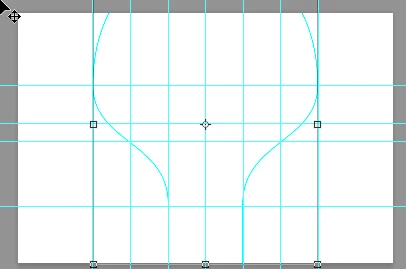
Now it is just a case of building up the text in layers and transforming each to fit them into the available space
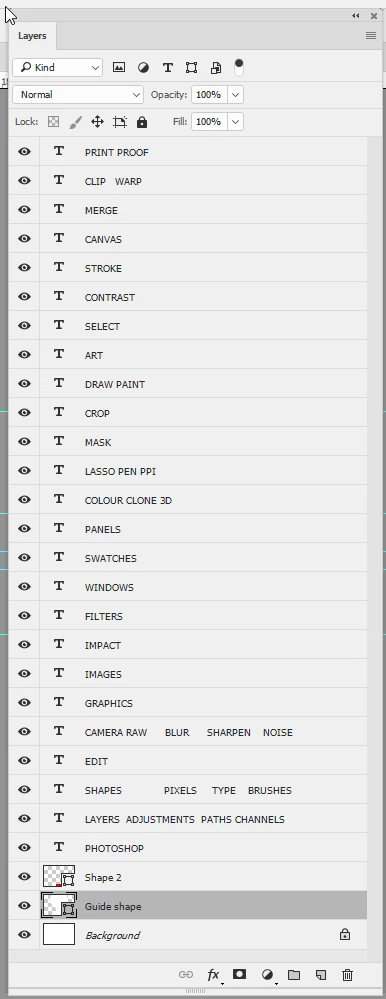
Finally turn off the guides and the guide shape
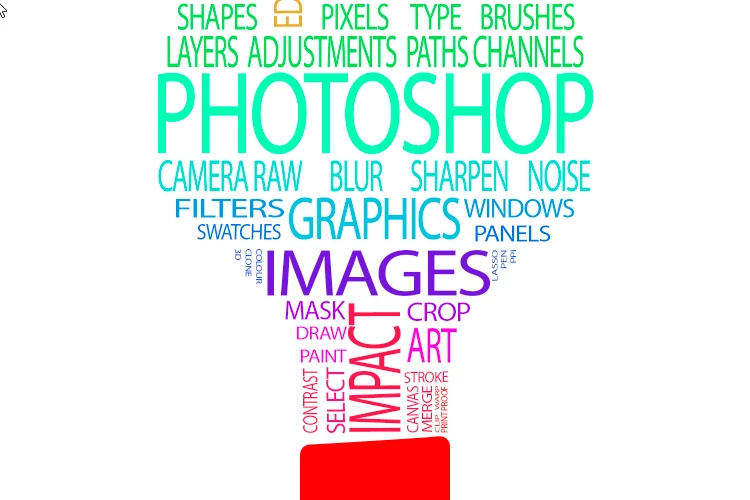
I hope that helps to get you started
Dave
Already have an account? Login
Enter your E-mail address. We'll send you an e-mail with instructions to reset your password.
 AdChoices