Participant
July 31, 2021
Question

Photoshop WIA Support

  • July 31, 2021
  • 3 replies
  • 464 views

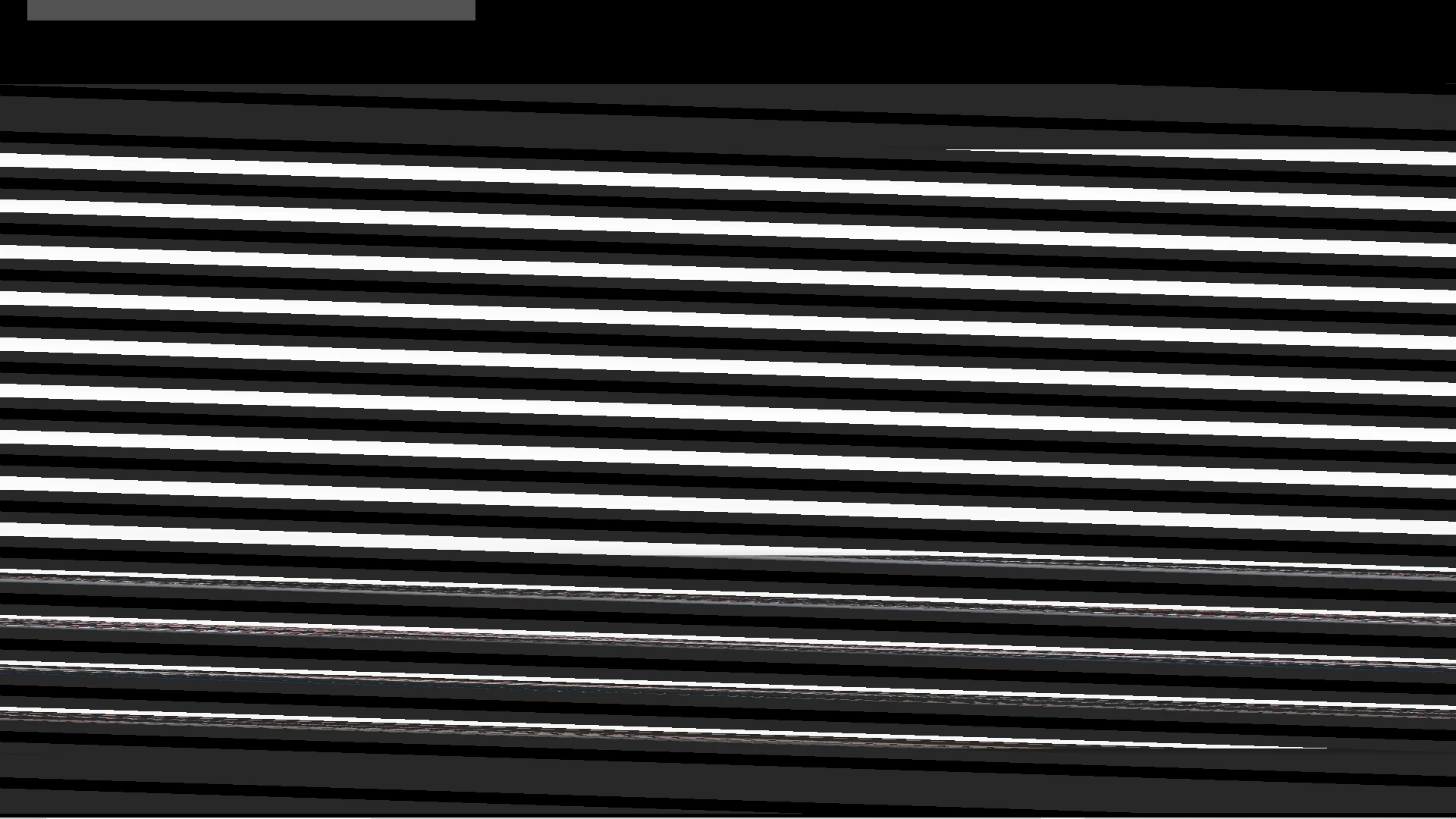
I bought a new printer combo (Epson Eco Tank) and when I scan an image in it looks like an old fashion TV with the vertical hold screwed up. Any thoughts on corrections?



This topic has been closed for replies.

3 replies

gener7
Community Expert
Community Expert
August 8, 2021

If I want to scan into Photoshop, I use Hamrick software's VueScan. It will connect your scanner and will install a Vuescan option into your Import menu. I've used it for years and the Professional edition gives me a lot of control over my scans. You can try before you buy.


www.hamrick.com

bynumjwAuthor
Participant
August 8, 2021

I had to go in and deselect use graphics card in settings.

Trevor.Dennis
Community Expert
Community Expert
August 1, 2021

I thought support to scan directly into Photoshop was stopped pre Creative Cloud because it was so problematic.  Can you scan to file as JPG, and load into Photoshop without the issue?

bynumjwAuthor
Participant
August 1, 2021

Not sure how I would scan to file as jpeg.--
Jim Bynum
Chemistry Teacher
( Personal info removed by moderator) 

It's hard to move forward; as a person, culture, or society, when we keep
looking back.